

Labeling · 6 min read
Image annotation for robotics, when the robot will act on the label
In a bin-picking cell a box ten pixels loose is a missed grasp. Occlusion, blur, pose and the QA pass, written for the labels a gripper depends on.
Summary
This post follows the labeling of a bin-picking cell, where the robot acts on the label rather than a person reading a report. It covers why a loose box becomes a missed grasp, how occlusion and motion blur rules go into the labeling schema, when keypoints and cuboids replace boxes, and what the QA pass has to catch. It is for robotics engineers building or buying their first labeled set.
Sheikh Srijon · GTM Lead · Sep 28, 2026
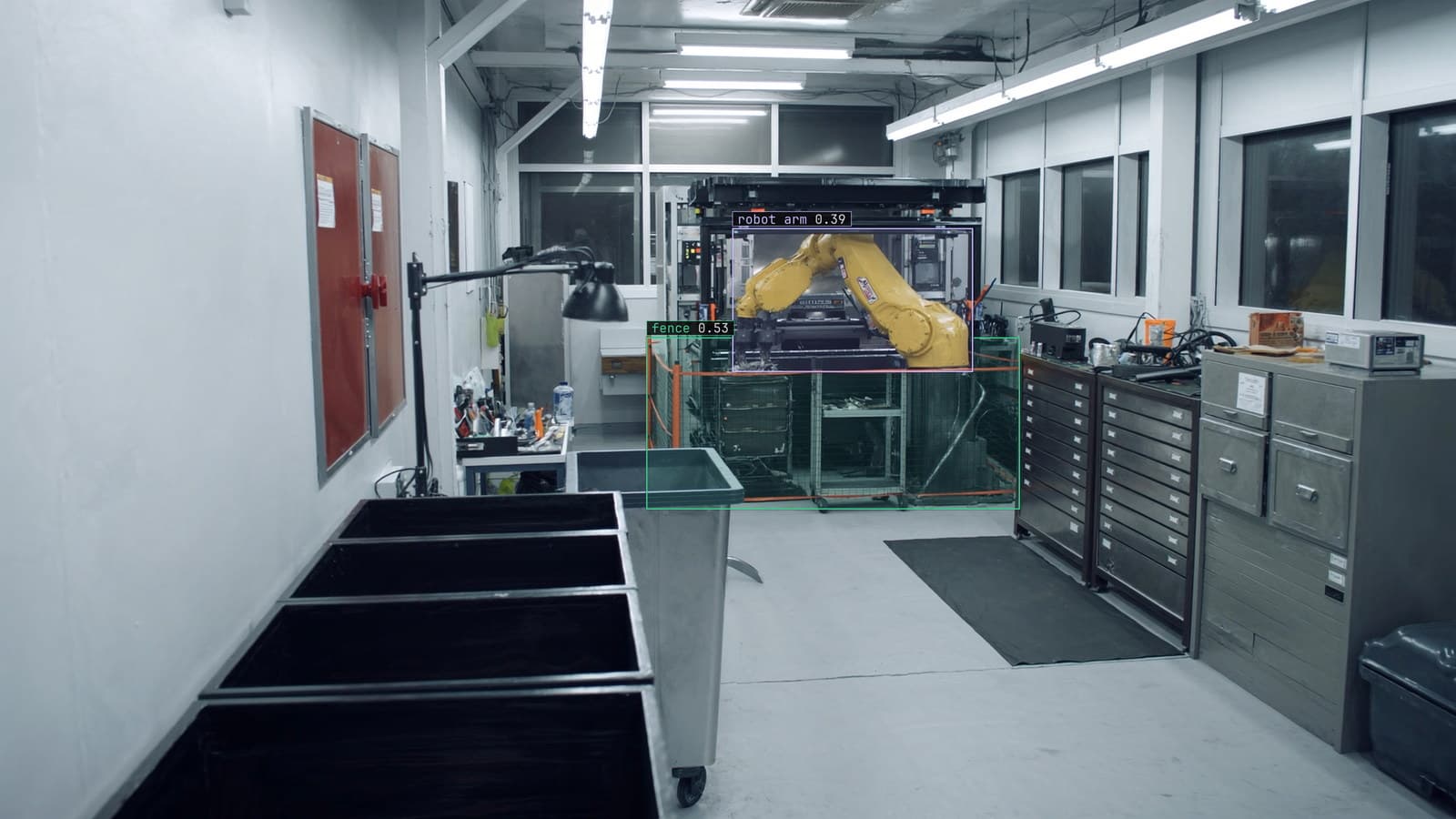
Robot arm loading parts into a CNC behind a safety fence, generated scene with detections from our model
The tote arrives at cell 4 with forty brackets in it, tipped in from a supplier crate and lying at every angle. A camera above the bin takes a frame, the model finds a bracket, the planner picks a grasp, and the gripper goes down. Nobody reads the detection. The arm does.
That is what makes labeling for a robot different from labeling for a dashboard. A slightly wrong box on a shelf camera produces a slightly wrong count. A slightly wrong box above the bin at cell 4 produces a gripper closing on air, a bracket knocked into the next cell, or a cycle stopped while an operator resets the arm.
A bounding box loose by ten pixels becomes a missed grasp
On the bin camera at cell 4 a bracket is about ninety pixels long. A bounding box drawn ten pixels wide of the part, the kind of looseness a labeler produces at the end of a long shift, moves the centre the planner reaches for by a fraction of the bracket's width. On a flat part that fraction is the difference between the fingers closing on the flange and closing on the edge of it.
The model learns whatever the boxes teach. Train on loose boxes and the model returns loose boxes, evenly, on every frame, and the planner inherits the error forever. So the rule for this cell is that the box touches the part on all four sides, and a reviewer rejects any box with visible bin floor along an edge.
The labeling doc has the general form of that rule. Here it is a safety rule.
The schema writes down what to do with occlusion and blur
The forty brackets overlap. Most are partly under another bracket, and a few are visible only as a corner. The schema has to say, before the first frame is labeled, what a labeler does with each of those, because two labelers left to decide for themselves will decide differently and the model will learn the disagreement.
For cell 4 the rule is that a bracket with less than a quarter visible gets no box, because the planner should never try to grasp it. A bracket with more than a quarter visible gets a box on the visible part only, tagged as occluded. The tag lets the planner rank fully visible parts first and lets the reviewer check the boundary cases as a group.
Motion blur is the other line the schema draws. Frames taken while the tote is still settling, or while the arm is passing through the field of view, carry smeared brackets. The rule here is that a blurred frame is labeled at the sharp edge if one exists and skipped if none does. The skipped frames are kept in a folder rather than deleted, since they are exactly the frames the live cell will produce when the conveyor speeds up.
Keypoints and cuboids carry the pose a box cannot
A box tells the planner at cell 4 where the bracket is. It does not say which way the bracket is facing, and a bracket has one face the gripper can hold. For the picking cell, every bracket also gets two keypoints, one on the mounting hole and one on the tab, so the model learns orientation from the line between them.
Where the parts are not flat, a box in the image is not enough at all. A cylinder standing in the bin and a cylinder lying in it produce similar boxes and need different grasps, and the label that carries the difference is a three-dimensional cuboid in the robot's own frame. The sensor fusion labeling use case is the deep end of this: a cuboid that is valid for the camera, the depth sensor and the arm at once, drawn after the sensors have been calibrated against each other.
An aside that anyone who has run a picking cell will recognise: the supplier changed the bracket coating from matte to zinc in the spring, and the shiny parts reflected the cell lighting in a way no label had ever covered. The labels were fine. The parts were new.
Every visible instance gets a label, including the buried one
The six brackets on top each get a box from Lexi, and a labeler working quickly accepts them and moves on. The model then sees the bracket underneath, with its corner clearly visible, and learns that this is background. Later, on the live cell, it declines to find a bracket in exactly the state a half-empty tote leaves them in.
Negative examples matter in the same way. Frames of the empty tote, frames with the operator's glove in the bin, frames with a foreign part from the wrong crate: each of those is a frame whose correct label is no bracket, or a class the planner is told to refuse.
Skipping them teaches nothing.
The QA pass is where the safety number comes from
Every label in this set is checked by a second person before anything trains on it. That is slower than a single pass, and on a bin camera with forty overlapping parts per frame it is the only way to get the boundary cases consistent. Our robotics work reports 99%+ safety-critical accuracy, and the figure is a product of the check on every label rather than of the model architecture.
The reviewer's list is short. A box with bin floor along an edge. A bracket under a quarter visible that was boxed anyway. Two keypoints on the wrong features. A frame with a glove in it and no glove label.
The list is short because the schema already decided the hard cases, and the reviewer is checking that the decision was followed, frame after frame, through the afternoon when the light across the bin changes.
My own view is that the schema should be written by the person who will reset the arm when a grasp fails. That person knows which mistakes cost a cycle, and a labeling guide written by someone who has never stood at the cell tends to optimise for the wrong ones.
The doubted frames from the live cell are the next training set
Once the model is on cell 4, the frames it is unsure of come back to a person. On this cell those are the shiny brackets from the new supplier crate, the frames where the tote was overfilled, and the arm's shadow across the bin at the end of the afternoon. A reviewer corrects the boxes, and when the corrections cross the project's threshold a new version trains and replaces the old one with no downtime.
That is the same loop the first set was built with, running continuously. The picking cell that was labeled once and left alone is the one that starts missing grasps when the crate changes, and the missed grasps are the signal, before any accuracy figure moves.
See it on your own footage.
Start with your footageMore in Labeling
Labeling · 6 min read
AI labeled vs human labeled data, how much a model can do before a person has to look
On a shelf dataset the model's proposals are mostly right. On safety cones in a yard they are mostly wrong. Measure the gap, then keep a person on every label.
Finn Ellingwood · Sep 28, 2026
Labeling · 6 min read
Bounding boxes in computer vision, what a box teaches and what it reports
The same rectangle on a forklift is the lesson at training time and the answer at run time. Corner and centre formats, the shifted-box bug, floor in the box.
Esdras Ntuyenabo · Sep 28, 2026
Labeling · 6 min read
Which words find the forklift, measured instead of guessed
Five ways to say forklift, five sets of boxes on aisle 6. Score each phrase on a small labeled set before Lexi labels the whole archive with the winner.
Sheikh Srijon · Sep 28, 2026