

Operations · 7 min read
Drawing polygon regions of interest for the zone a rule applies to
The press zone, the dock lane and the checkout queue are polygons on a frame. Perspective makes them trapezoids, and a nudged camera moves them all at once.
Summary
This post is about drawing the zone a rule applies to as a polygon on one frame from the camera, using a press guard zone, a dock lane and a checkout queue as the examples. It explains why the polygon comes out as a trapezoid, which point of a detection box to test against it, and why a camera nudged during maintenance moves every zone on that camera at once. It is for the person writing alert rules on fixed cameras.
Esdras Ntuyenabo · Engineer · Oct 2, 2026
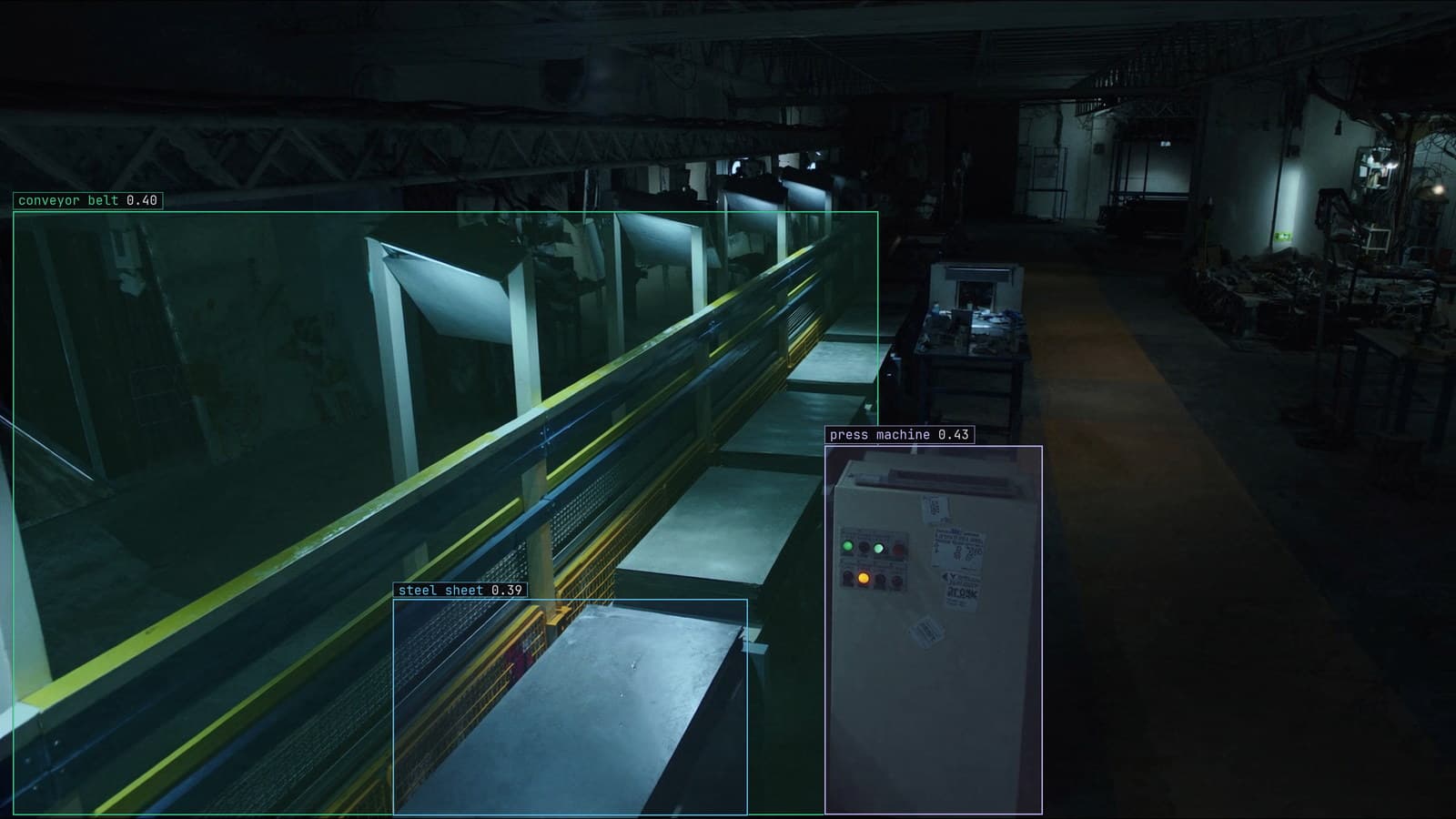
Stamping line, steel sheet passing the press, generated scene with detections from our model
The camera over a stamping press sees the whole bay: the press itself, the conveyor feeding it, the walkway behind, and the door to the tool crib. The rule the plant wants is "a person inside the press guard zone while the press is cycling". The model finds people anywhere in the frame, and it finds them on the walkway all day, because the walkway is where people walk. The rule is about a few square metres in the middle of the frame, and the frame has no idea where those metres are.
Somebody has to draw them.
That drawing is a polygon on a single frame from that camera, and it is the smallest, most consequential piece of configuration in the whole alert. The same is true of the lane at the loading dock, the queue in front of checkout 4, and the strip of floor beside the robot cell. Each is a shape on a frame.
A rule about the press zone needs the press zone drawn on the frame
The model's output is a box around each person, with coordinates in pixels. The rule needs to know whether that box is inside the guard zone at bay 1. The guard zone on the floor is a rectangle painted in yellow, but on the frame from a camera mounted high on the bay wall it is nothing like a rectangle. The near edge is wide, the far edge is narrow, and the sides lean in.
So the person configuring the rule takes one frame from the press camera, at its mounted position, and clicks the four corners of the painted zone as they appear in that frame. The result is a polygon with four vertices in pixel coordinates, and it belongs to that camera and no other.
The rule written as a sentence, "a person inside the press zone while the press is cycling", severity critical, is approved before it goes live and delivered with the frame and the box attached. The polygon is what turns "inside the press zone" from a phrase into a test.
The polygon follows the floor and comes out as a trapezoid
People drawing their first zone tend to draw a neat rectangle on the frame, because the zone is a rectangle on the floor. It is wrong in a specific way: the rectangle on the frame covers floor near the camera that is outside the painted zone, and misses floor far from the camera that is inside it.
The fix is to draw what the frame shows. The painted lines on the floor are visible in the frame, and the polygon follows them. On the press camera at bay 1 that gives a trapezoid with the wide end at the bottom of the frame. On the dock camera, looking along the lane, it gives a long thin shape that narrows toward the far door. On the checkout camera, looking down, it is close to a rectangle after all, because the queue is nearly beneath the lens.
A polygon can have as many vertices as the zone needs. The strip beside the robot cell curves around the fence and takes eight points. Nobody should be forced to approximate a curve with a rectangle when the tool takes a click per corner.
Object detection finds the box and the zone gives it meaning
Object detection does one job here: it finds the person and draws the box. It has no opinion about the press. The zone is what gives the box a meaning, and the meaning changes with the zone. The same box on the same frame is a routine event on the walkway, a note in the queue count at checkout 4, and a critical alert inside the press guard.
That separation is worth keeping in mind when a rule misfires. A box in the wrong place is a model problem, and a box in the right place that triggered the wrong rule is a zone problem. They look identical on the alert and have nothing in common in the fix.
Our retail work on checkout queues uses the same shape. A queue polygon in front of each till, a count of boxes inside it, and a rule about the count. The polygon is redrawn per store because no two stores put the till in the same place.
The feet decide, so test the bottom of the box
Inside the zone means what, exactly. A box has four corners and a centre, and for a person standing at the edge of the press guard the top of the box is over the zone while the feet are outside it, or the other way round. The rule has to pick one point to test.
For anything on a floor, the honest point is the bottom centre of the box, where the feet are. A person's head leaning over the yellow line is not inside the zone; their boots crossing it are. For a forklift in the dock lane the same rule holds, because the lane is a strip of floor and the forklift's wheels are what occupy it. For the queue at checkout 4, where the camera looks straight down, the centre of the box does about as well.
The point-in-polygon test itself is old and boring arithmetic: cast a ray from the point and count how many edges it crosses. Odd is inside. The interesting decisions are all in which point and which polygon.
A nudged camera moves every zone at once
The press camera at bay 1 got a new housing after a coolant splash, and the maintenance crew mounted it a few degrees to the left. The feed looked fine to the person on the monitor, because a person recognises the press from any angle. The model kept finding people, because a person looks like a person from any angle. The polygon did not move, because the polygon is pixel coordinates, and the press guard zone was now a few degrees to the right of where the polygon said it was.
Every zone on that camera moved at once. The walkway zone, the press guard, the door zone: all of them, by the same amount, in the same direction, on the day of the housing swap. The drift catalog covers a camera moved as a model problem, and it is that too, but the zones fail first and they fail silently, with a rule that now fires on the walkway and stays quiet on the press.
My own view is that every zone should be checked against a fresh frame on a schedule, and always after maintenance touches the camera. Overlay the polygon on today's frame and look at whether the painted lines still sit inside it. It takes a minute per camera and nobody does it until the first missed alert.
Zones are drawn once per camera and written into the rule
The polygon lives with the camera and the rule, and it is redrawn when either changes. A new camera at the dock gets its own lane polygon on its own frame. A rule that moves from the press at bay 1 to the press at bay 2 gets a new zone, because the second camera is mounted on the other wall.
LexData takes the press model through its whole life. You type what to look for, Lexi puts a box on every frame, and a person checks each label before anything trains on it. The model then watches the cameras you already have, in the cloud, on your servers, or on a runner beside the recorder. Frames it is unsure of come back to a person, the corrections retrain it, and the new version replaces the old one with no downtime. The zones stay with the camera through every version, which is the point of drawing them once and drawing them well.
The maintenance crew at the press now leaves a printed frame with the polygon drawn on it taped inside the camera housing. If the view after a service does not match the print, they say so before they leave.
See it on your own footage.
Start with your footageMore in Operations
Operations · 6 min read
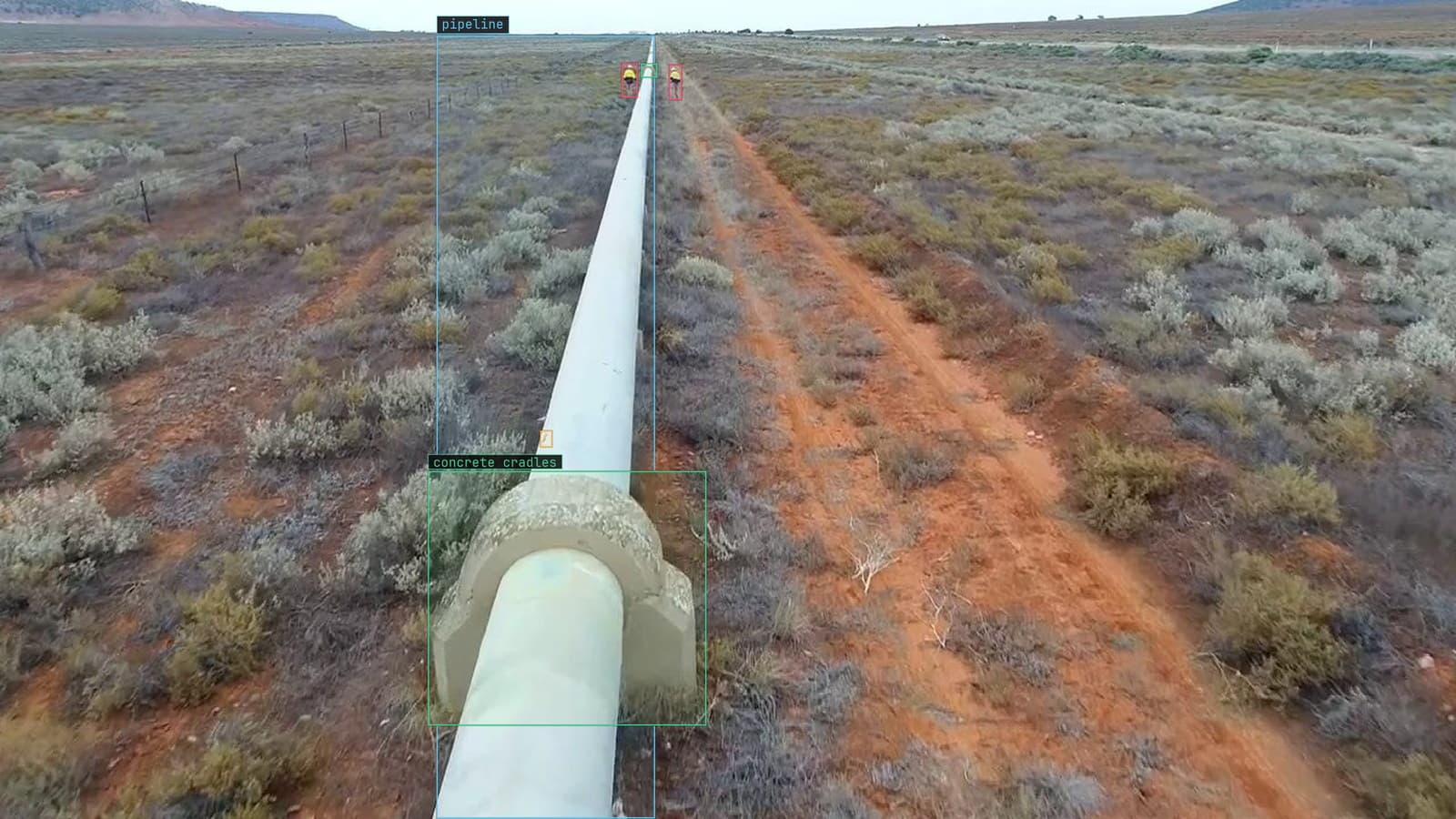
Batch video analysis of archived drone survey footage without a notebook open
Three seasons of right-of-way flights in a cloud bucket. Import the originals, sample the frames, run the model, and review only what it doubted.
Stephen Biswas · Oct 2, 2026
Operations · 6 min read
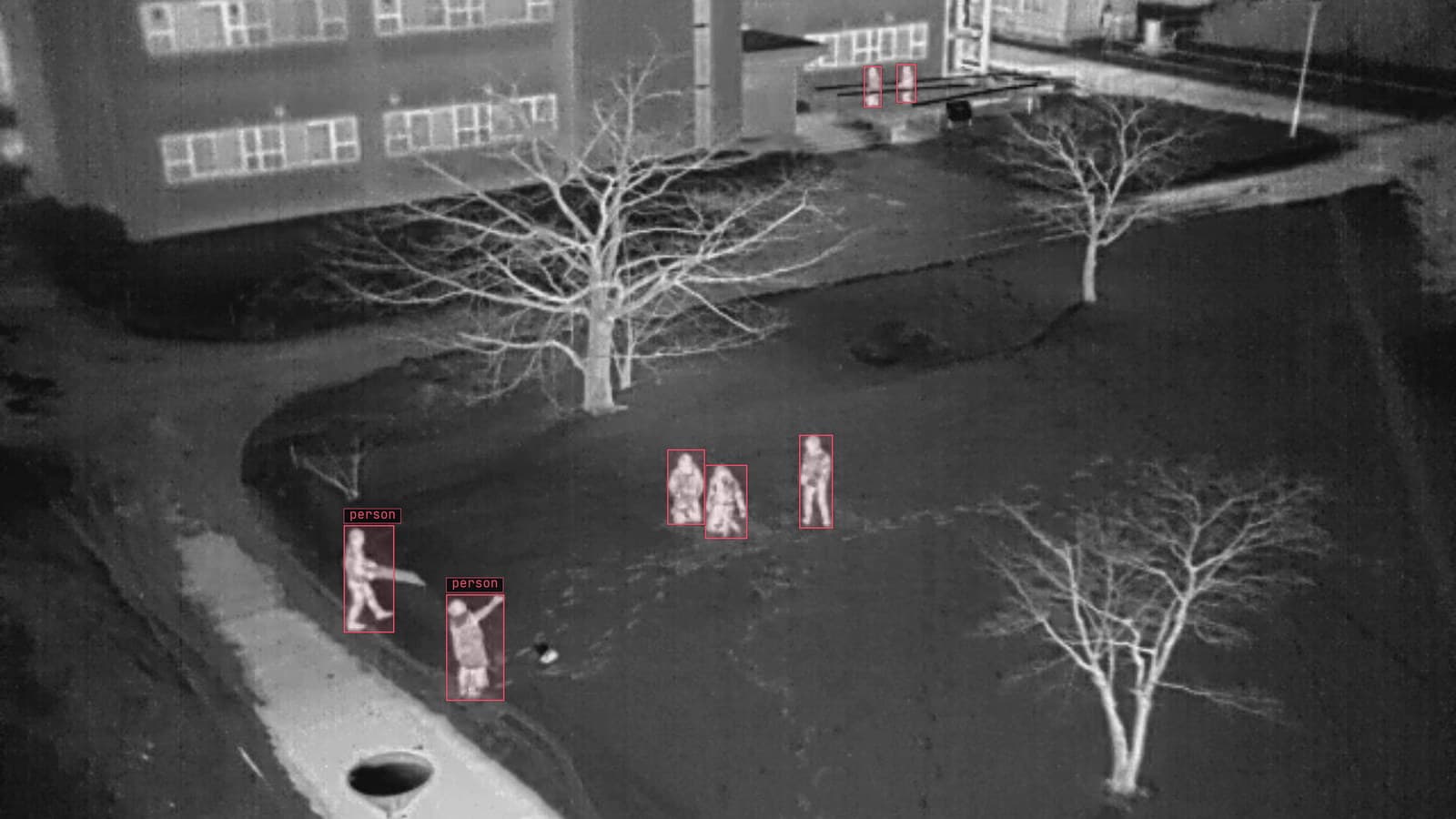
Semantic search across a hundred live camera feeds with one sentence
An operator types what the rare scene looks like and the yard cameras return the frames that match. Search finds candidates; a person confirms them.
Sheikh Srijon · Oct 2, 2026
Operations · 7 min read
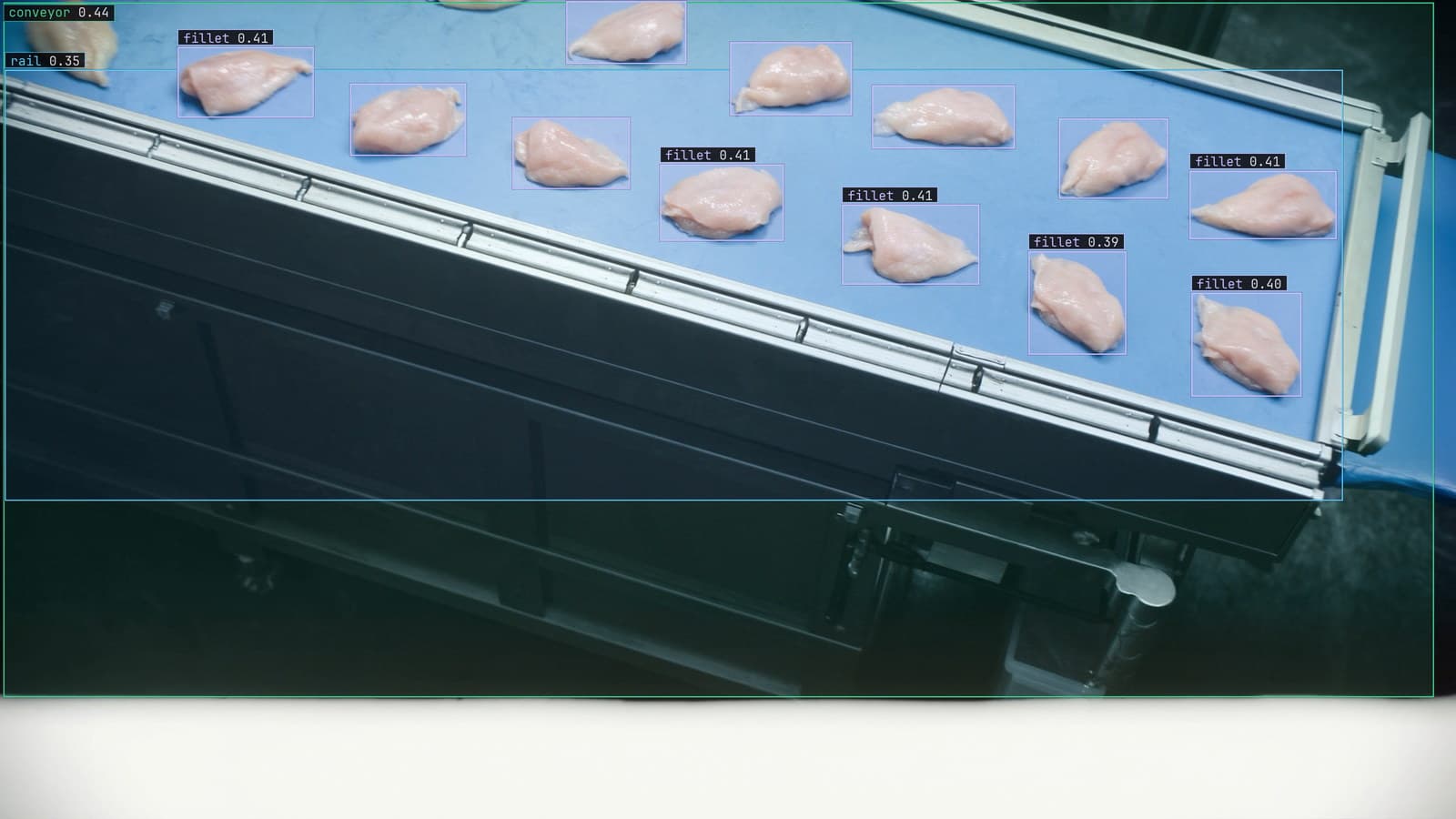
Computer vision event logging that keeps the frame with the prediction
A missed bone fragment on the night shift can only be explained if the frame, the prediction, the model version and the lot were logged together.
Rob Hickey · Oct 2, 2026