

Computer vision · 6 min read
What pose estimation gives a site camera that a box cannot
A box says a worker is there. Keypoints say the worker is bending, reaching, or has a wrist a metre from a live terminal, and that is the safety question.
Summary
This post explains what keypoints on a worker add to a bounding box on a fixed yard camera, from putting the hard hat on the right head to measuring a wrist against a live zone. It argues that box plus keypoints is the right labeling for site safety and that the choice of pose model is the least important decision in the project. It is for safety and operations teams thinking about the cameras on their yards.
Stephen Biswas · Engineer · Oct 4, 2026
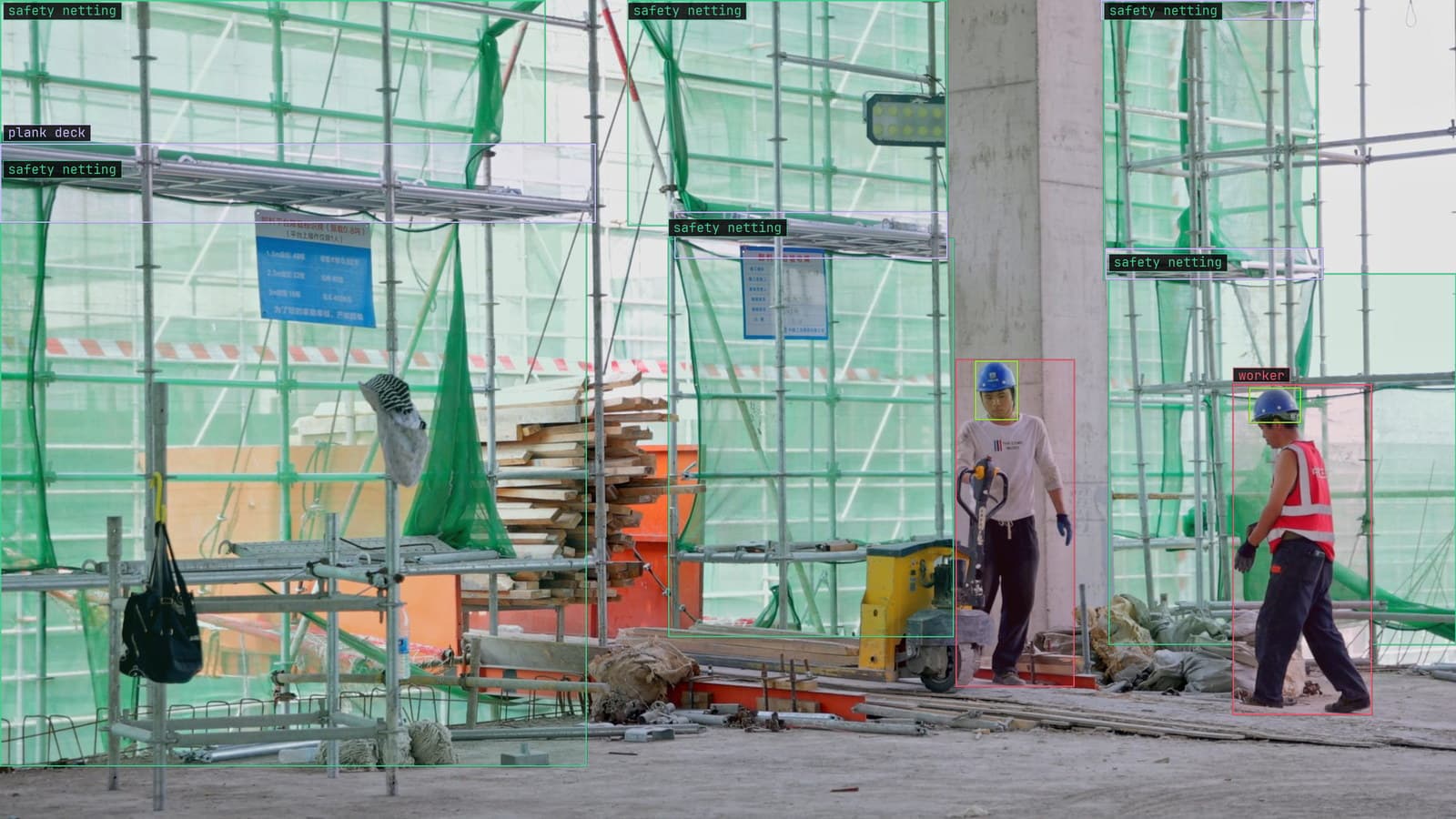
Two workers under safety netting on a construction site camera, hard hats boxed and the plank decks marked, from a customer site camera
The camera on the corner of the control building looks across the substation yard at the transformer bay, and on a Tuesday morning it sees a crew of three working on the radiator bank. A detector puts a box around each of them. The box says a person is there, roughly how big, and where in the yard. It says nothing about what the person is doing, and on a yard with live equipment what the person is doing is the entire safety question.
A box gives a position and a skeleton gives a posture
Pose estimation adds points to the box, seventeen of them in the COCO layout, running from the top of the head down through the shoulders and arms to the hips and ankles, joined into a stick figure. Where the box reports a worker at this position, the skeleton reports a worker at this position bent at the waist with the right arm extended above the shoulder line.
That difference is what the yard needs. Bending under a bus bar, reaching across a barrier, kneeling beside a cable trench, climbing a ladder with one hand: each is a shape the skeleton makes and the box does not. A worker standing still and a worker leaning into the transformer bay have boxes the same size and skeletons that could not be more different.
Pose estimation puts the hard hat on the right head
The first use is PPE. A helmet box and a person box in the same frame do not say the helmet is on that person's head. On the yard on Tuesday one helmet sits on the radiator housing while its owner works bare-headed beside it, and a detector counting helmets and people finds three of each and reports compliance.
With a head keypoint on each worker the helmet is attributed to a body. The rule is whether a helmet box overlaps the head point of each skeleton, worker by worker, and the bare-headed one is found. The site safety and PPE compliance use case labels box plus keypoints for exactly this reason, and it notes the harder truth: compliance is judged on the worst moment, so the frames that matter are the rare ones.
A wrist near a live part is a distance between two points
The second use is proximity. The yard has zones nobody's hands should enter while the bay is energised, and the zone is drawn once on the frame, the way a lane is drawn on a dock camera. With a wrist keypoint on each worker the rule becomes a distance: a wrist inside the zone, or within a chosen margin of it, while the bay is live.
The alert is a rule written as a sentence, with a severity and a cooldown, approved before it goes live, and on the yards we run it goes to the supervisor's phone through Slack with the frame attached and the skeleton drawn on it. What the supervisor sees is a stick figure with one arm across a red line, which is a picture nobody has to interpret.
The labeling is a box plus keypoints on the same worker
Labeling for this is two layers on one worker, and on the Tuesday frames from the yard it goes in a fixed order. The box comes first. Then the points, each placed on the joint, and each marked visible or hidden. Lexi proposes all of it on every frame, and a person checks each label before anything trains on it. The checking that matters most is the hidden flag: a worker turned away from the camera has no visible face, and a worker behind the radiator has no visible legs, and a point placed by guesswork on a hidden joint teaches the model to guess.
A few hundred frames from that camera, at the hours the crews work, is the usual starting set, with the rare postures collected on purpose. Kneeling and climbing are rarer than standing by a large margin, and a set that is mostly standing produces a model that is mostly right about standing.
The yard's safety poster has had a stick figure on it for years, and the skeleton the model draws is the same drawing. Crews seem to accept it faster than they accept boxes, which is worth something on a site where the camera is new.
Partial views are the normal case on a yard
Crews work behind equipment, inside trenches and turned away from the lens. On the yard camera a clear, full-length view of a worker is the exception, and a model trained only on clear views reports postures it never actually saw. The occluded frames are where the doubt is, and they are the frames that should come back to a person.
LexData takes the yard model through its whole life. You type what to look for, Lexi puts a box and the points on every frame, and a person checks each label before anything trains on it. The model then watches the camera on the control building, in the cloud, on your servers, or on a runner beside the recorder. Frames it is unsure of come back to a person, the corrections retrain it, and the new version replaces the old one with no downtime.
There is a limit the model cannot label its way past. A worker at the far fence is a few dozen pixels tall, and a wrist at that distance is two or three, which is below what any keypoint model can place. The lesson on what a vision model can and cannot see puts it as a question of optics before any question of models. If the camera cannot resolve the joint, the fix is a closer camera or a tighter lens, and no amount of training buys the pixels back.
Pick the pose model by the camera, then stop
There are two families. A top-down model finds each person first and then estimates the skeleton inside each box, so its cost grows with the number of people in the frame. A bottom-up model finds every joint in the frame first and then groups them into people, so its cost is roughly fixed however many people there are. On a fixed yard camera with a crew of three to six, the top-down family fits easily, runs on a Jetson beside the recorder, and gives the cleanest skeletons because each worker gets the model's full attention.
My own view is that the choice of pose model is the least important decision in this project, and the one teams spend the longest on. Any recent model in either family, trained on a few hundred checked frames from the yard camera, will beat the best model on a public benchmark that has never seen a transformer bay. The decisions that matter are the ones above it: the zones drawn on the frame, the hidden flags at labeling time, the rare postures collected on purpose, and the person who reads the alerts.
See it on your own footage.
Start with your footageMore in Computer vision
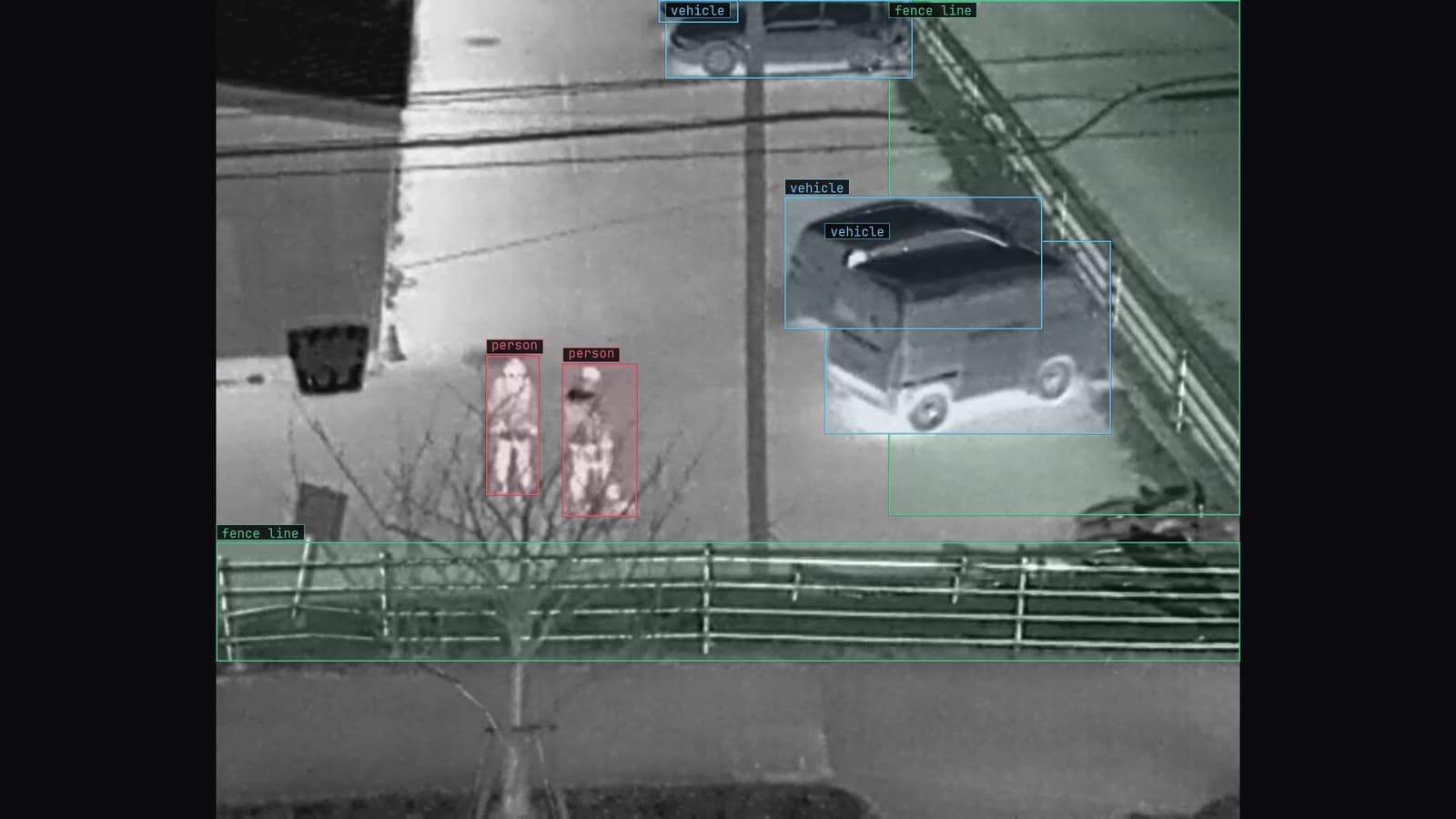
Computer vision · 7 min read
Five computer vision applications in production, on the cameras a site already owns
Detect, count, inspect, track and read are the five jobs a fixed camera can be given, and each is a different question with a different label behind it.
Ayman Quadir · Oct 4, 2026
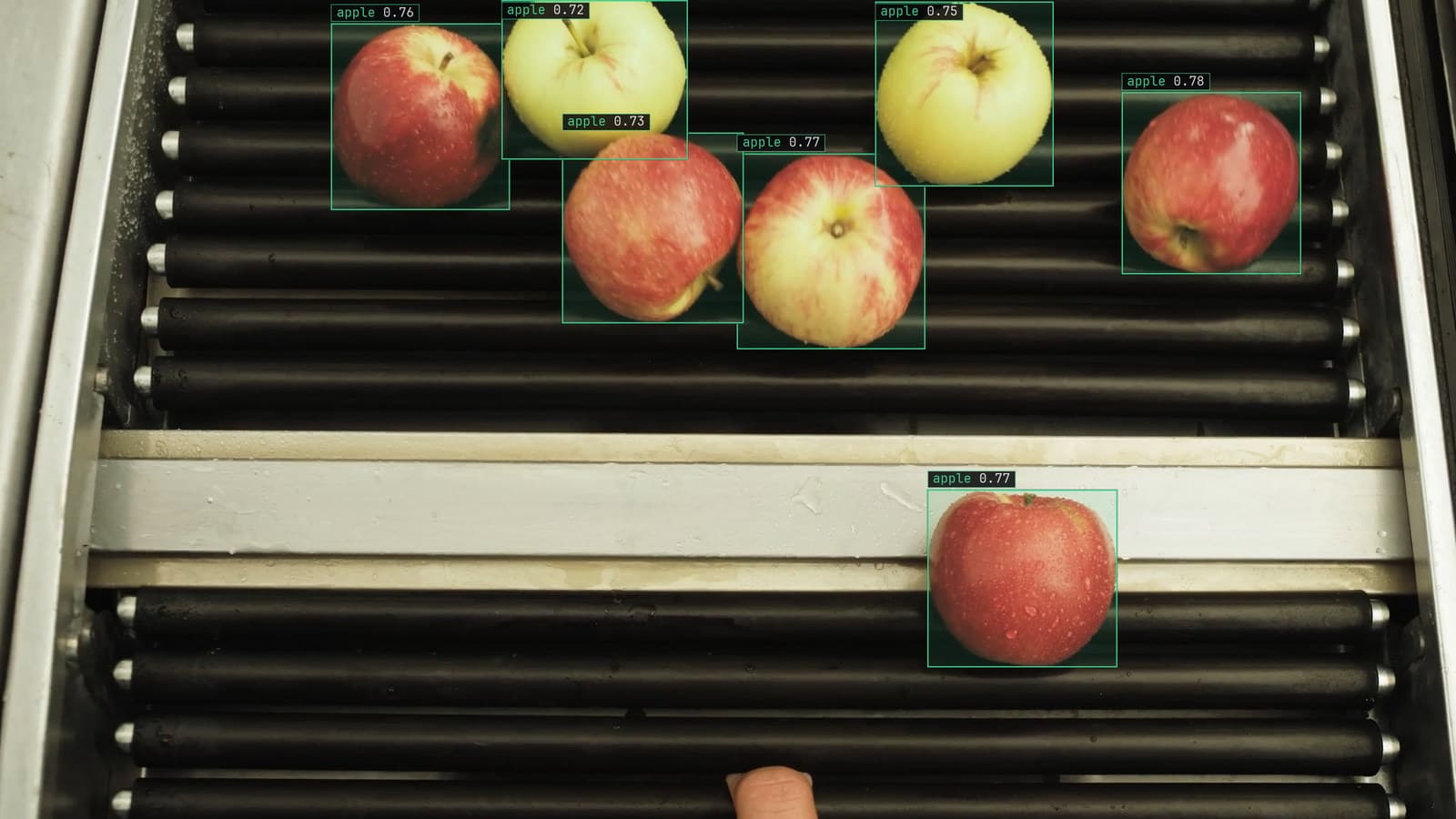
Computer vision · 6 min read
Computer vision projects worth building on the cameras you already have
A plant, a utility, a grower, a store and a warehouse each have a project that starts on an existing camera, produces a decision, and has someone to act on it.
Ayman Quadir · Oct 4, 2026
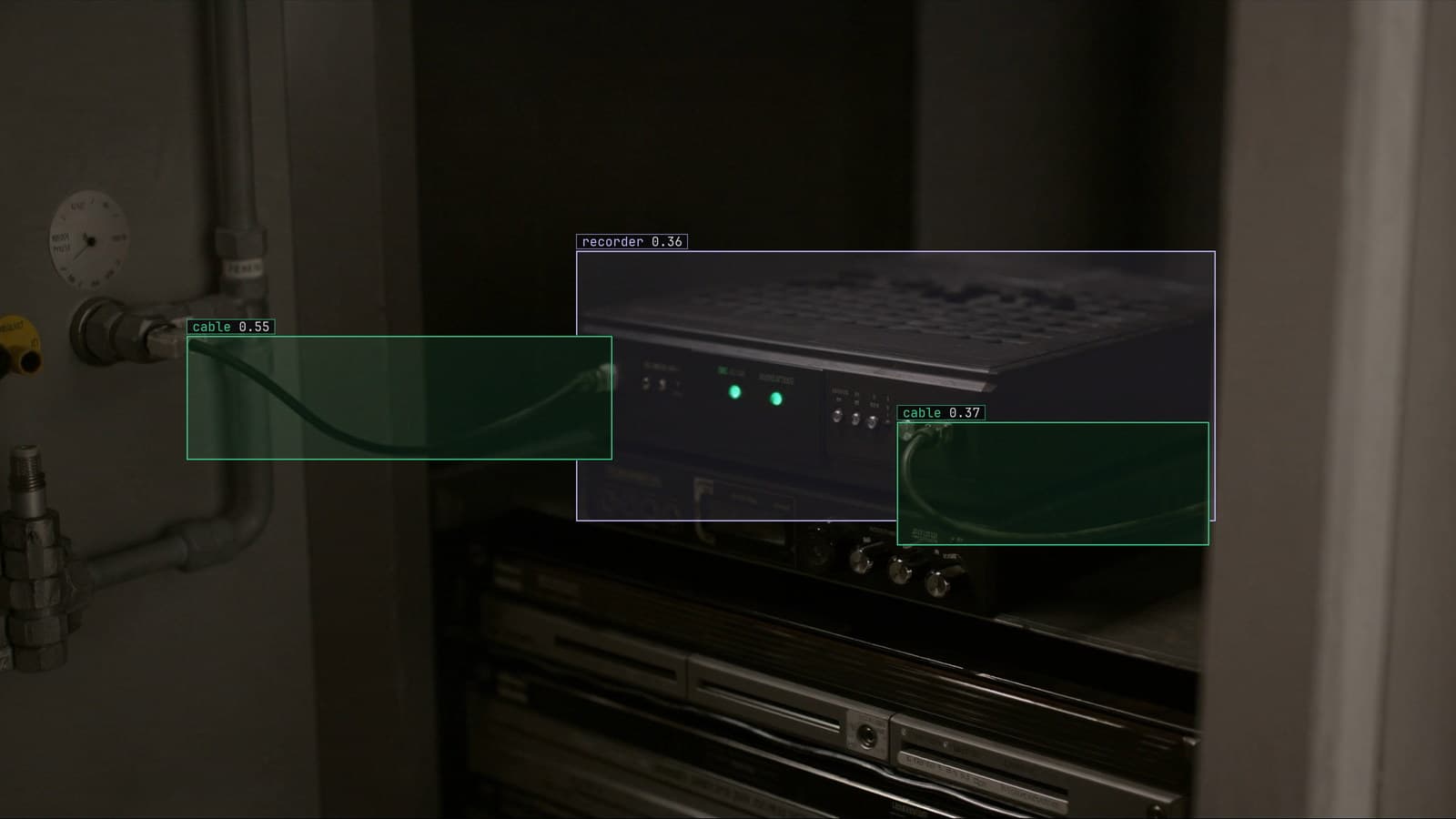
Computer vision · 6 min read
How to choose an object detection model architecture for a camera on your own site
Start from the decision the plant has to make, then the box beside the recorder the model has to fit, and only then the family. The benchmark comes last.
Andreas Ohrvall · Oct 4, 2026