

Operations · 6 min read
Role-based access control for computer vision labels and cameras
A contractor who labels one project, a reviewer who approves but cannot edit the class list, an admin who deploys, and why deny is the default for footage.
Summary
This post walks through who should be able to touch what in a computer vision project, using a plant where a contractor labels one camera's footage, a reviewer approves the labels, and an admin decides what runs on the line. It argues that the default is deny because the footage is the sensitive thing, and that SSO and role based access are what a plant's IT team asks for before a single frame is shared. It is written for the person who has to get that approval.
Ayman Quadir · Head of Product · Oct 2, 2026
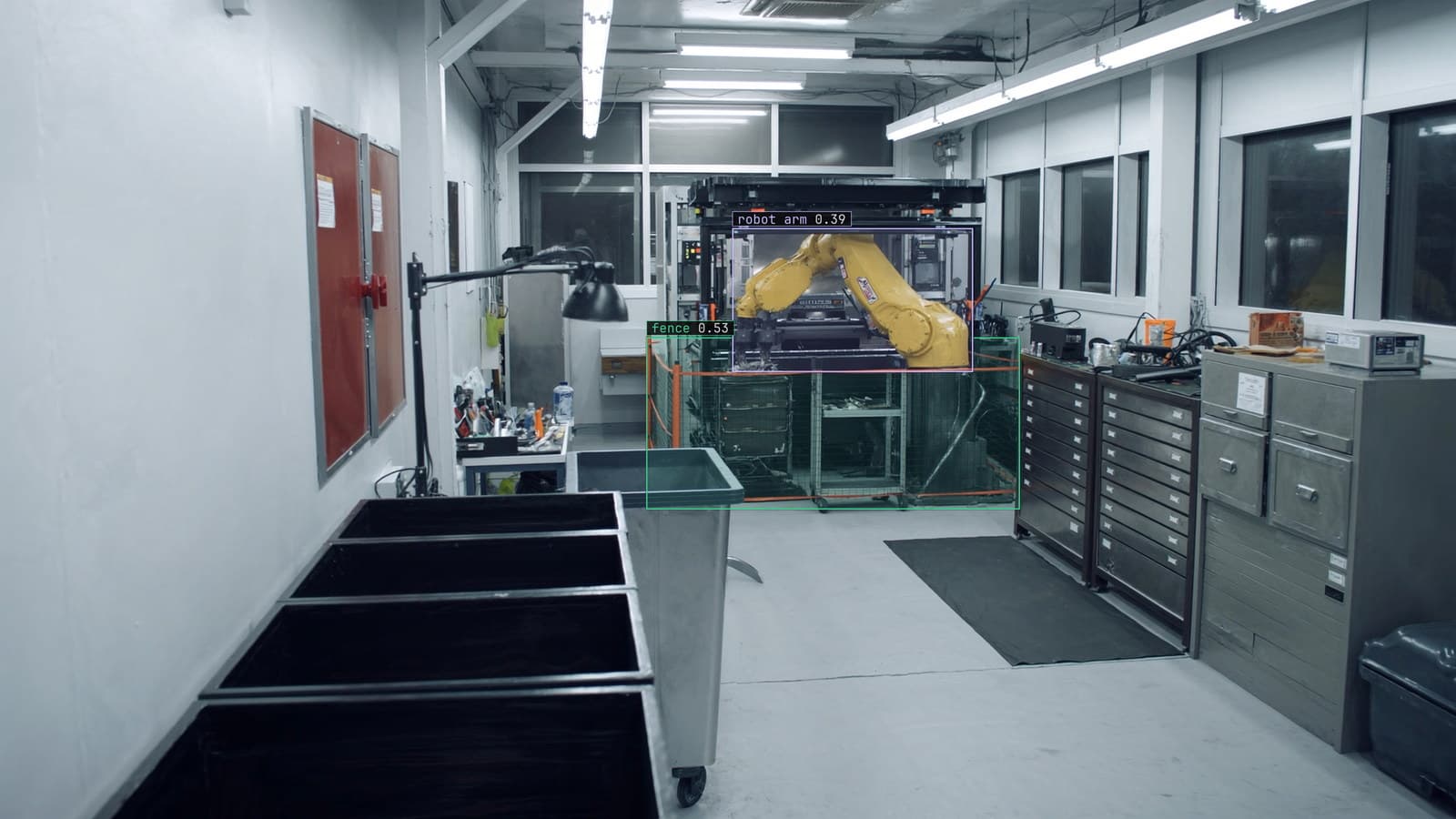
Robot cell behind a safety fence, generated scene with detections from our model
A machine shop with a robot cell behind a safety fence wants a model that flags a person inside the fence while the arm is live. The footage comes from the cell camera. The labeling is being done by a contractor, 3 people who have never been to the plant, and the plant's IT manager has a question before any of it starts: can those three people see the other cameras.
The answer has to be no, and it has to be no by construction rather than by asking them nicely.
That question is the whole of access control in a vision project. Who can see which footage, who can change which labels, who can change what the model is looking for, and who can put a new version on the line. Each of those is a different power, and the mistake most teams make on day one is handing all four to everyone who logs in.
The contractor labels one project and sees nothing else
The three labelers get one project: the robot cell camera, the frames that were sampled from it, and the class list for that camera. They can draw a box, adjust a box Lexi proposed, mark a frame as unclear. They cannot open the loading dock project next door, cannot download the footage, and cannot see that the loading dock project exists.
That scoping is per project, and a project holds one camera domain. The quickstart suggests one project per domain for a labeling reason, since a model learns better from footage that belongs together, and it turns out to be the right unit for access as well. A labeler on the cell camera has no reason to see the dock, so the dock is not there.
The contractor's lead asked for admin on the project "to make things easier". Easier for whom is the question that should follow every request like that.
The reviewer approves labels but cannot change the class list
The plant's own quality engineer reviews what the contractor labeled. Her job is the verification pass: confirm the boxes that are right, fix the ones that are close, reject the ones that are wrong. Every label passes through her before anything trains on it, which is how labels come back at up to 99.9% accuracy.
What she cannot do is add a class. The class list is the specification of the problem, and the day a reviewer decides on their own that "person" should become "person" and "person in hi-vis" is the day the dataset splits in two without anyone deciding it should. Changing the classes is an admin decision, made once, written down, and applied to the whole project.
My own view is that the reviewer role is the one most teams get wrong, because they make the reviewer an admin so she can fix anything she finds. Then she fixes the class list at 4 pm on a Friday and the labelers spend Monday relabeling.
Only the admin deploys, because deployment is what the line feels
The labelers never touch the model. The reviewer never touches the model. The admin, who in this plant is the controls engineer, is the one who approves a rule before it goes live and decides when a new version replaces the old one on the runner beside the recorder.
That is deliberate, because a deployment is the only action in the project that the robot cell can feel. A wrong label costs a relabel. A wrong rule pages the wrong person at 2 am, or fails to page anyone when someone steps inside the fence. The person who can do that should be the person who is answerable to the line.
The rule itself is a sentence: a person inside the fence while the cell is running, severity critical, sent to the cell operator's channel first. Written by the controls engineer, approved by him, and nobody else can turn it off.
Deny is the default because the footage is the sensitive thing
The labels are not the sensitive part of a vision project. The footage is. A frame from the cell camera shows the machine, the tooling, the part on the fixture and, on a bad day, a person somewhere they should not be. A frame from the dock shows every truck and every driver at bay 2. IT is right to treat all of it as something that leaves the building only on purpose.
So the default is deny, and every role is a set of specific permissions added to nothing. A new user in the workspace sees no project until an admin adds them to one. A labeler on one project is not a labeler on the next. The person who forgets to scope a role is the one who leaks the dock camera to the contractor, and a default of deny means forgetting leaks nothing.
The security page makes the same argument from the other side: with a runner on site, the footage stays where it was recorded and what leaves is the detection, the alert or the count. Access control is the version of that argument that applies to the people who log in.
SSO and roles are what the plant's IT team asks for first
The IT manager's checklist for the vision project has SSO on the first line, role based access on the second, and a note underlined twice asking whether the contractor can download video. The rest of the checklist is about network ports.
Both are shipped. Users sign in through the plant's identity provider, so a contractor whose engagement ends loses access the day the account is disabled. The download question has a one-word answer.
On the plants we run, that checklist is the gate the project waits behind, and usually the longest wait in the timeline. Bringing the answers to the opening meeting rather than the third one is the cheapest week anyone on the project will save.
Roles hold across the loop because the loop keeps asking
LexData takes the cell model through its whole life. You type what to look for, Lexi puts a box on every frame, and a person checks each label before anything trains on it. The model then watches the cell camera, in the cloud, on your servers, or on a runner beside the recorder. Frames it is unsure of come back to a person, the corrections retrain it, and the new version replaces the old one with no downtime.
Every stage of that has a person in it, and every person has a role. The frames the model doubts come back to the reviewer, because her verdict is a label. The retrained version goes to the admin, because a rollout is a deployment. The contractor, whose engagement ended after the first dataset, is not in the loop at all, and the roles are why nobody had to remember that.
A year in, the plant added a second cell and a second contractor. The second contractor got the second project, and nothing else, on the first day.
See it on your own footage.
Start with your footageMore in Operations
Operations · 6 min read
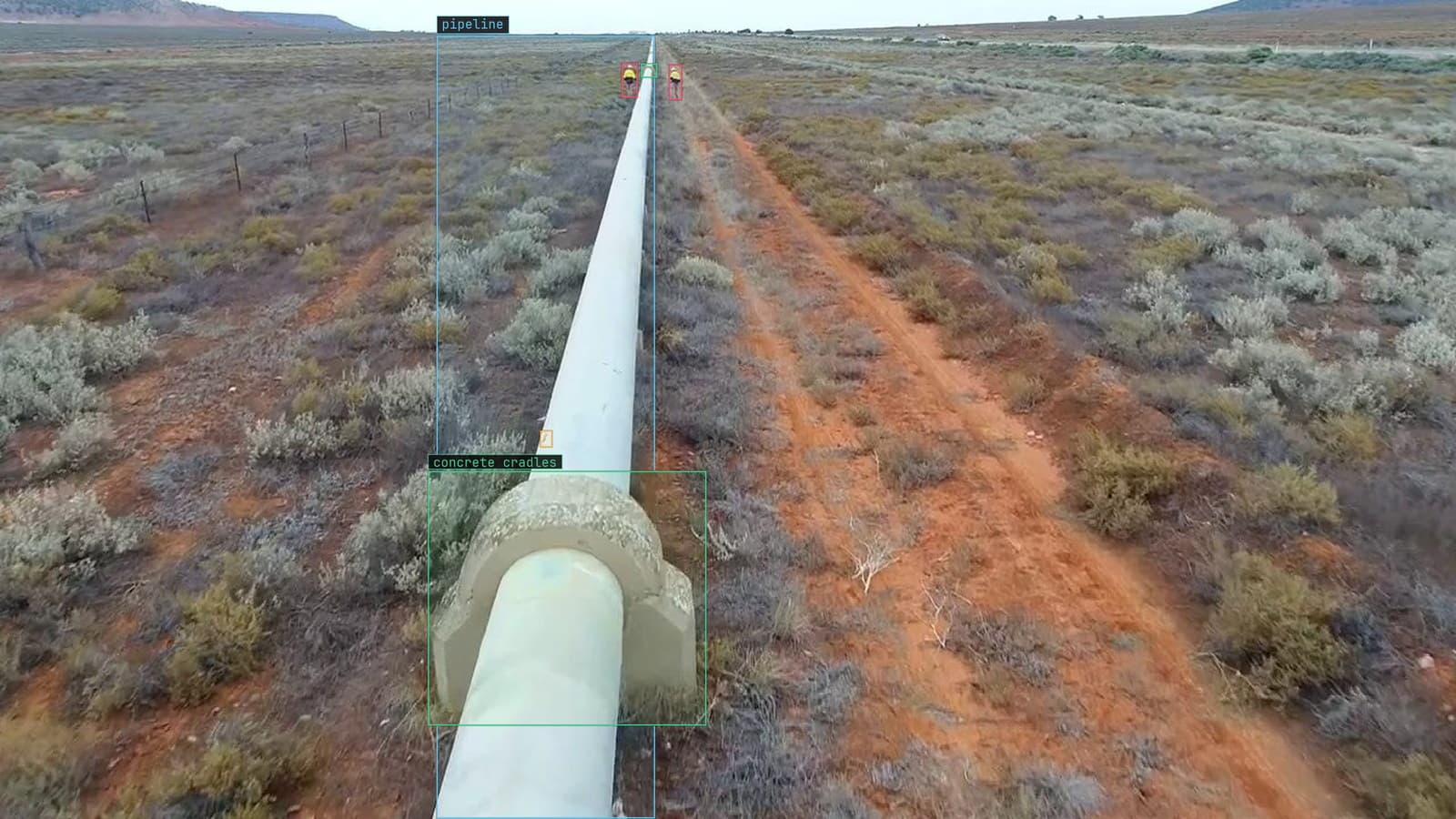
Batch video analysis of archived drone survey footage without a notebook open
Three seasons of right-of-way flights in a cloud bucket. Import the originals, sample the frames, run the model, and review only what it doubted.
Stephen Biswas · Oct 2, 2026
Operations · 6 min read
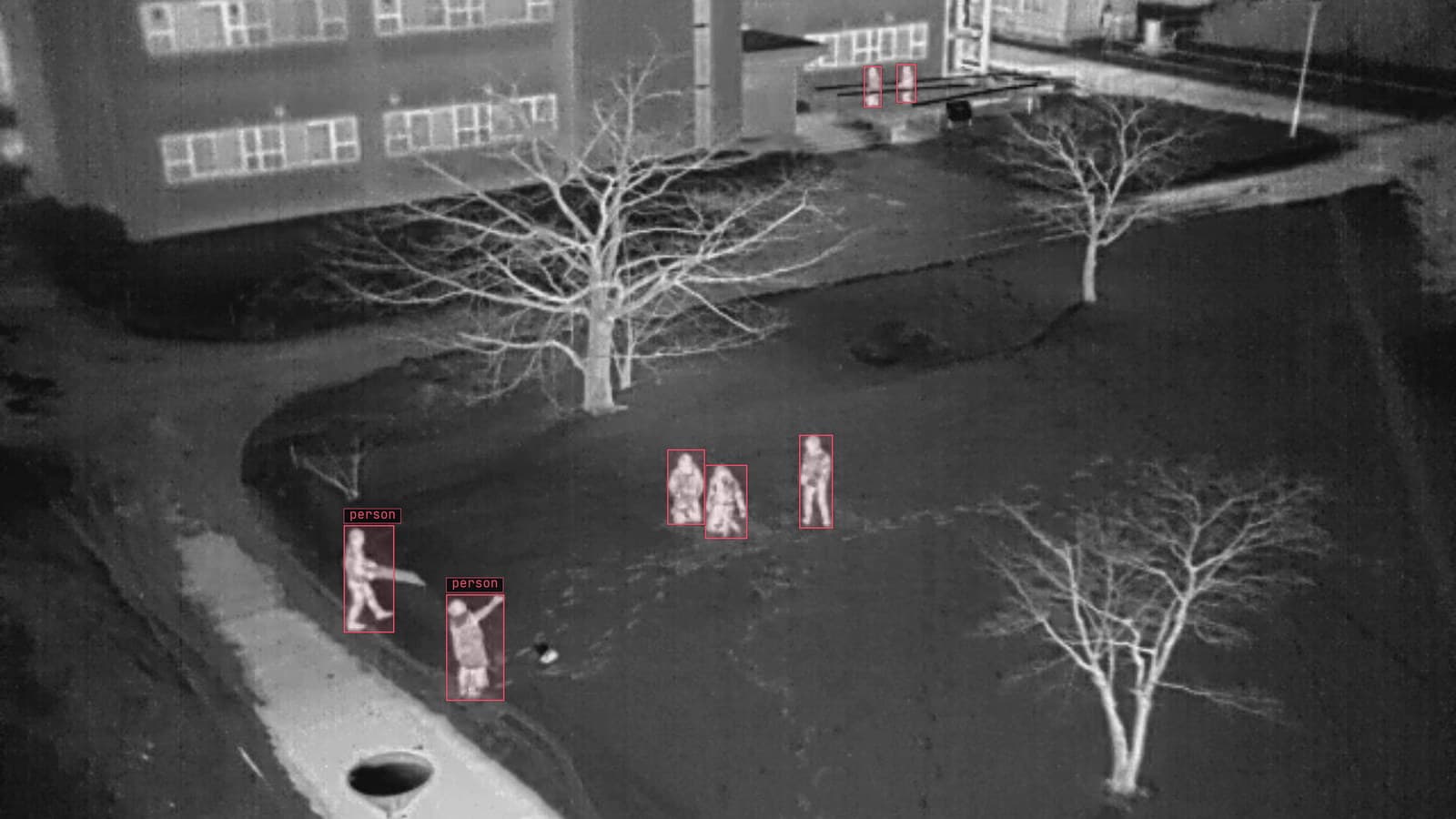
Semantic search across a hundred live camera feeds with one sentence
An operator types what the rare scene looks like and the yard cameras return the frames that match. Search finds candidates; a person confirms them.
Sheikh Srijon · Oct 2, 2026
Operations · 7 min read
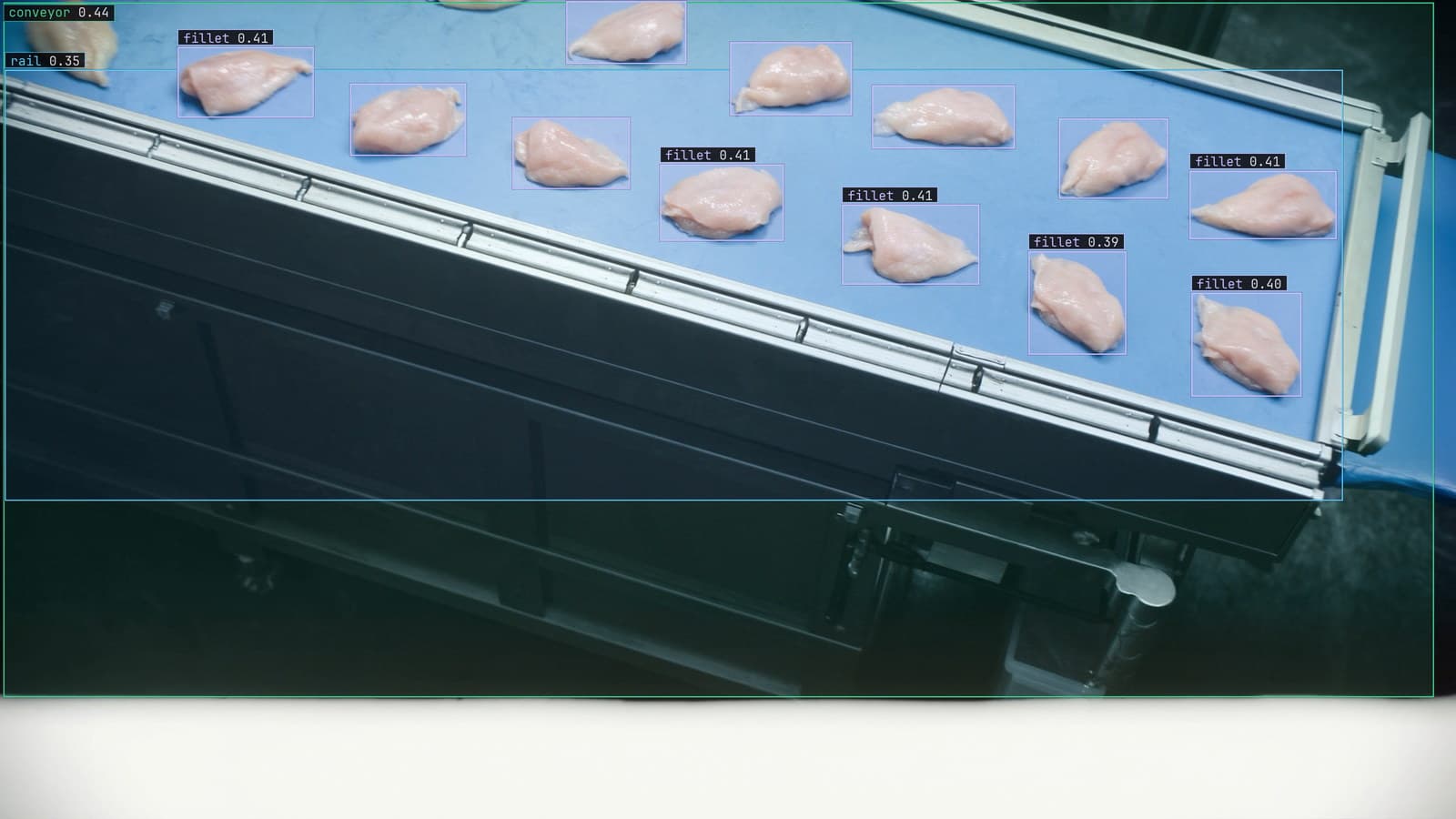
Computer vision event logging that keeps the frame with the prediction
A missed bone fragment on the night shift can only be explained if the frame, the prediction, the model version and the lot were logged together.
Rob Hickey · Oct 2, 2026