

Labeling · 6 min read
Bounding boxes in computer vision, what a box teaches and what it reports
The same rectangle on a forklift is the lesson at training time and the answer at run time. Corner and centre formats, the shifted-box bug, floor in the box.
Summary
This post follows one bounding box on a forklift at a loading dock through its two lives, as the label that teaches the model and as the answer the model returns. It covers the corner and centre coordinate formats and the bug that shifts every box when they are confused, why background inside the box is noise, how overlapping boxes are handled, and tight boxes as the review rule. It is for anyone drawing or consuming boxes for the first time.
Esdras Ntuyenabo · Engineer · Sep 28, 2026
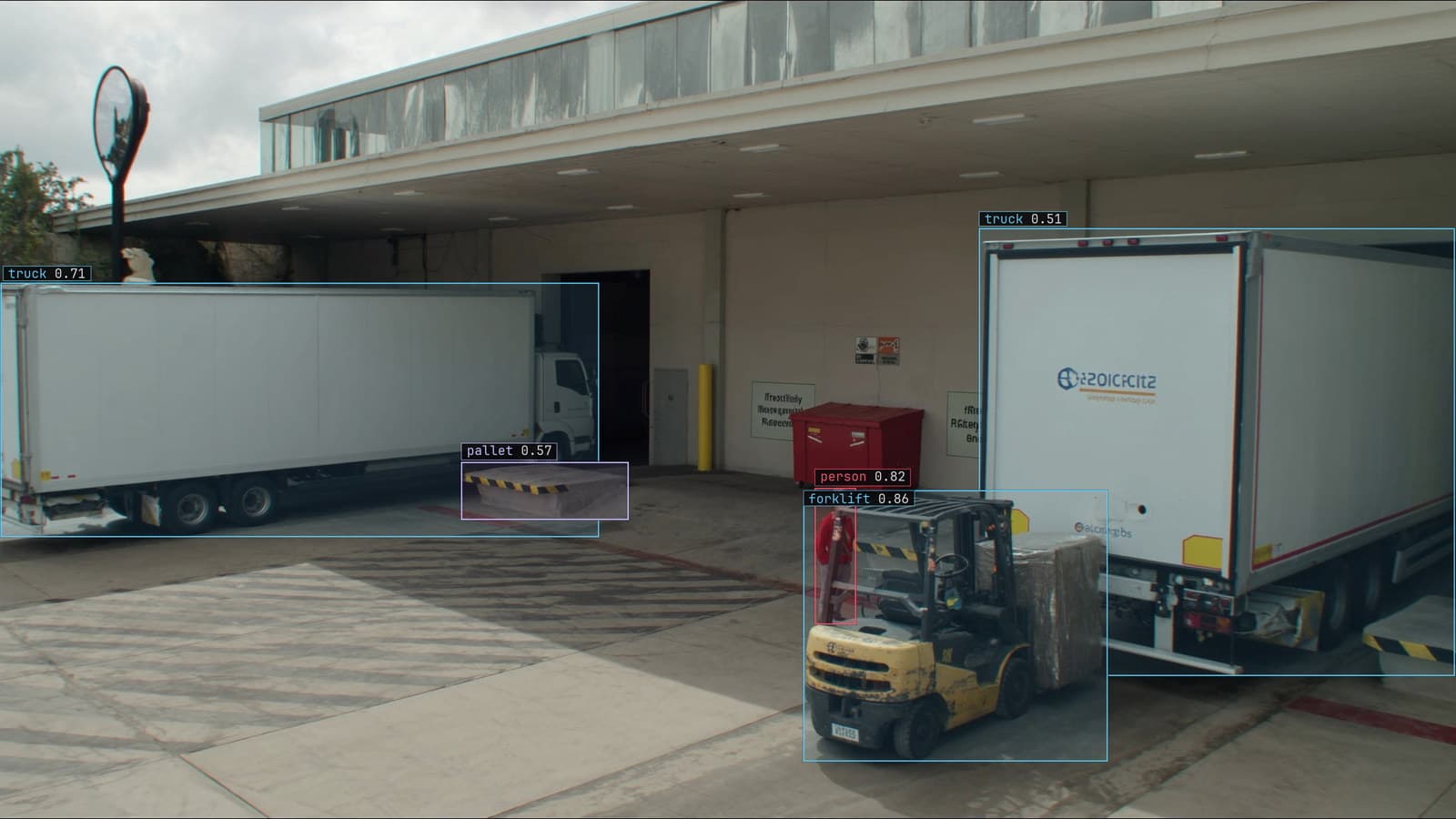
Loading dock from a mounted camera, a forklift with a pallet and trucks at the bays, generated scene with detections from our model
A forklift crosses bay 3 at the loading dock and the camera on the pole catches it mid-frame. On the frame in the labeling tool, a person draws a rectangle around it: four numbers, the left edge, the top edge, the right edge and the bottom. Three months later, the same camera catches a forklift in nearly the same place and the model returns a rectangle of its own: four numbers, a class and a score.
The two rectangles look identical and they are doing opposite jobs. The first is a lesson. The second is an answer. Most of what goes wrong with boxes comes from forgetting which one is in hand.
A bounding box at training time is the lesson
At training time the box on the forklift at bay 3 is the ground truth. The model sees the frame, proposes its own rectangles, and is corrected towards the one the person drew. Every pixel inside the box is presented as forklift; every pixel outside it is presented as not forklift. The model adjusts, frame after frame, until its rectangles land where the people's did.
That makes the box the only channel through which a person tells the model what a forklift is. The model has no dictionary. It has the rectangles, and if the rectangles are loose, late, or drawn on the wrong thing, that is the forklift it learns.
The same box at run time is the answer
At run time the model returns a rectangle on the forklift at bay 3, with a class and a score. The rectangle is now the product. It feeds the count of forklifts through the bay, the rule that says a forklift is in the pedestrian lane, and the frame that lands in Slack with the box drawn on it.
The score beside it is a ranking rather than a probability, and the rectangle's usefulness depends on how tight it is. A box that takes in a metre of floor around the forklift puts the forklift in the pedestrian lane when it is not, and the rule fires on the floor.
Corner and centre formats describe the same box with different numbers
There are two common ways to write the four numbers. One gives the two corners: left, top, right, bottom. The other gives the centre point and then the width and the height. Some formats also divide by the frame's width and height so the numbers sit between zero and one. COCO JSON uses a corner plus width and height. YOLO TXT uses the normalised centre form. Both describe the forklift exactly, and they are not interchangeable without a conversion.
The bug that comes from mixing them is worth knowing by sight. Treat a centre-form box as a corner-form box and every rectangle shifts down and right by half its own size on every frame. The boxes still look like boxes. They sit just off every object, and a model trained on them learns that a forklift is the region beside a forklift. If every box in a set is offset in the same direction, the format was misread, and the fix is a conversion rather than a relabel.
An aside: the width-and-height form makes a box's area obvious and the corner form makes its edges obvious. People who label prefer corners. People who write the counting rule prefer centres, because the centre is the point the rule tests.
Floor inside the box is noise the model learns
The reason for tight boxes is what the box says about its contents. Every pixel inside is presented as forklift, so a strip of concrete along the bottom edge trains the model to expect concrete as part of a forklift. Across a set, loose boxes produce a model that returns loose boxes of its own, and the looseness is not random. It is the average looseness of the people who labeled the set.
Tight boxes touch the object on all four sides. For the forklift at bay 3 that is the overhead guard, the tyres, the fork tips and the counterweight, with nothing outside and as little floor inside as the shape allows. The forks are the usual casualty, thin and grey against the concrete, and the guide says they are included.
The labeling doc puts the same rule in the verification pass: a reviewer rejects a box with visible background along an edge, and a box that is tight on three sides and loose on the fourth goes back.
Overlapping boxes are normal and nested ones need a rule
A forklift carrying a pallet is two objects in one region, and both get a box. The pallet's box sits inside the forklift's box, and that is correct. A model trained on the pair learns that pallets can be inside forklift boxes, and at run time returns both when it sees both.
What needs a rule is the pair of forklifts passing each other at bay 3, one partly hiding the other. Each gets its own box on its own visible extent, tagged as occluded. Two forklifts merged into one box teach the model that a forklift is sometimes twice as wide, and the count for the bay drops by one every time two pass.
A box is enough for many questions and wrong for some
A box answers where and how many. It says nothing about shape, orientation or extent. For the camera over bay 3 that is enough: the questions are how many forklifts crossed the bay and whether one was in the lane. The lesson on what vision can see is the place to check whether a question is a box question before drawing any.
Where the shape is the answer, a mask does what a box cannot: the length of a scratch, the area of a spill. Where the orientation is the answer, keypoints. Boxes first, because they are cheap and every reviewer can check one at a glance, and upgrade the classes that prove they need more.
Tight boxes are the review rule the model inherits
Every box from the camera over bay 3 is checked by a second person before anything trains on it. The check is mostly geometry: is the box tight, is the class right, is anything missing. My own view is that the tightness check is the single highest-return minute in the labeling process, because a loose box is the one error that every frame the model ever returns will carry.
Once the model is on the camera, the boxes it is unsure of come back to a person. A box that took in a pallet, a forklift split in two by a pillar, a box on the yard truck that is not a forklift at all. The corrections retrain the model, and the new version replaces the old one with no downtime. The boxes it returns after that are, again, the average of the boxes people drew, which is the whole argument for drawing them well.
See it on your own footage.
Start with your footageMore in Labeling
Labeling · 6 min read
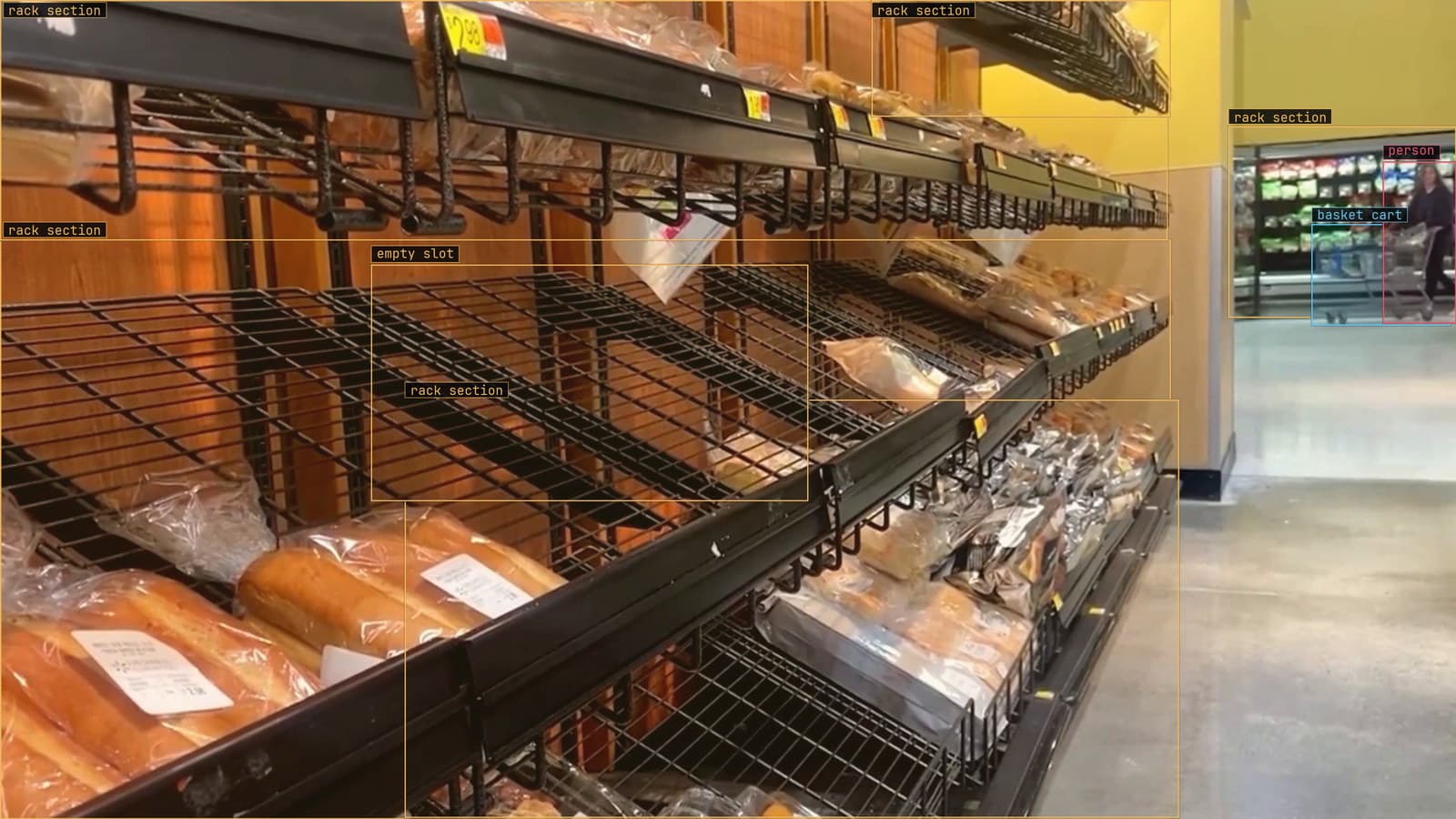
AI labeled vs human labeled data, how much a model can do before a person has to look
On a shelf dataset the model's proposals are mostly right. On safety cones in a yard they are mostly wrong. Measure the gap, then keep a person on every label.
Finn Ellingwood · Sep 28, 2026
Labeling · 6 min read
Which words find the forklift, measured instead of guessed
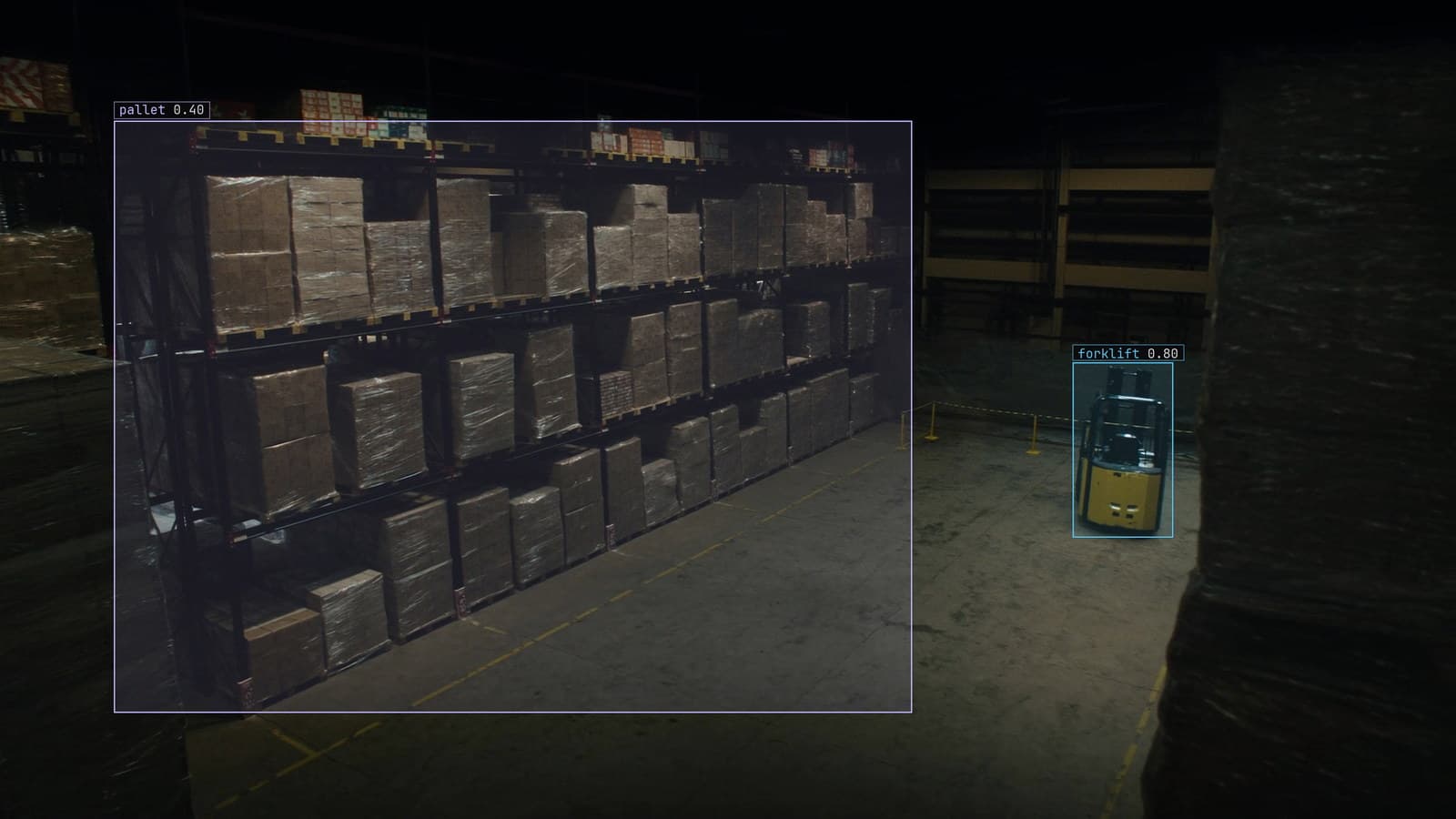
Five ways to say forklift, five sets of boxes on aisle 6. Score each phrase on a small labeled set before Lexi labels the whole archive with the winner.
Sheikh Srijon · Sep 28, 2026
Labeling · 6 min read
How much training data a computer vision model needs from your own cameras
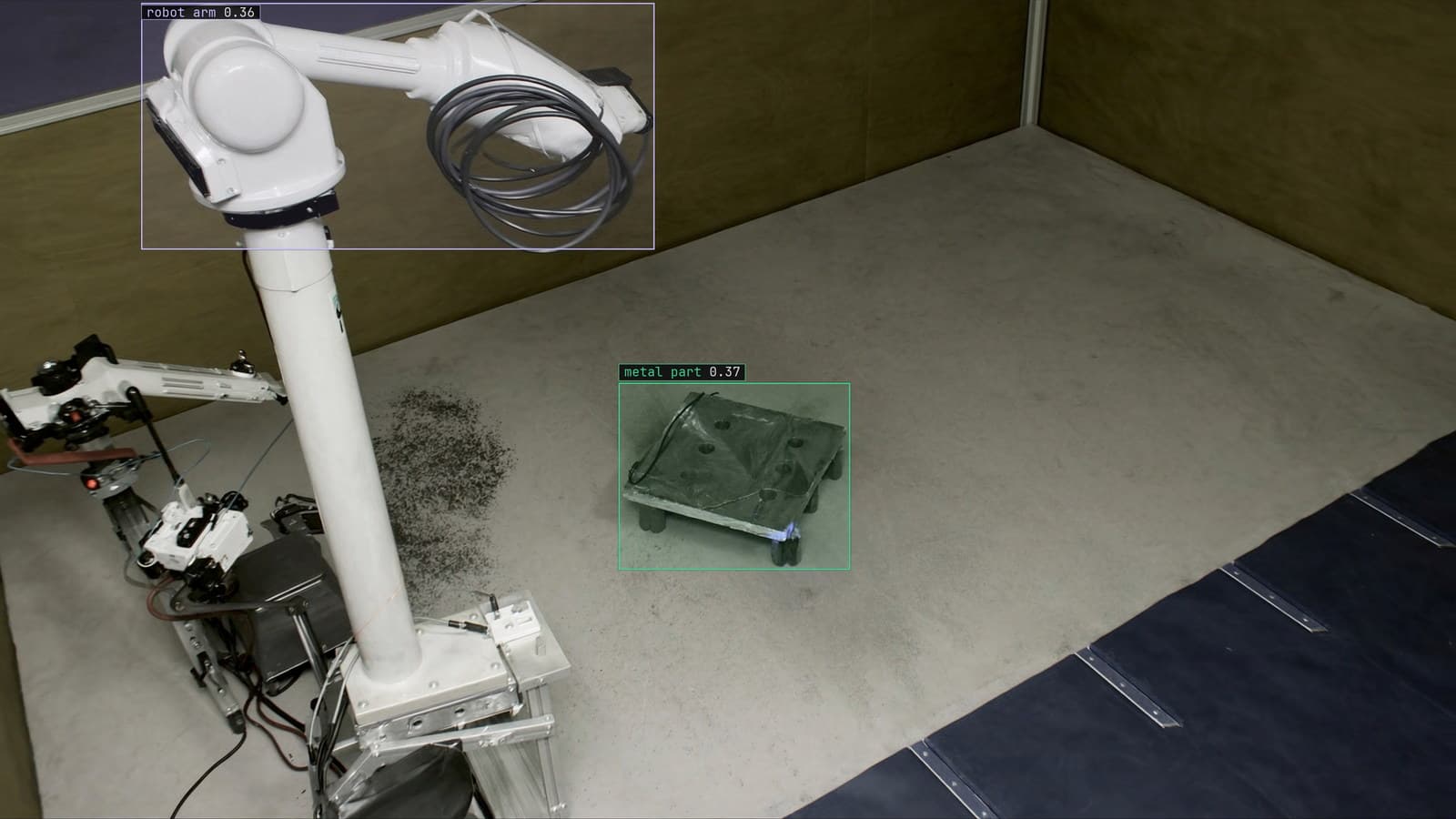
A weld defect detector got useful on a few hundred chosen frames. A sixty-class shelf model needed far more. The difference is the task and the variation.
Sheikh Srijon · Sep 28, 2026