

Operations · 6 min read
How to convert DAV footage to MP4 for a dataset without re-encoding
A warehouse recorder exports DAV that nothing opens. Remux the stream to MP4 untouched, batch the folder, keep the timestamps, and import it once.
Summary
This post takes a folder of DAV files exported from a warehouse recorder and gets them into a labeling project as MP4 without re-encoding the video inside them, in five steps from export to import. It concludes that the stream should be copied rather than converted, that the recorder's timestamps belong in the filenames, and that the first frames a team labels should be the ones it just rescued. It is for anyone whose training footage is stuck on an NVR.
Esdras Ntuyenabo · Engineer · Oct 1, 2026
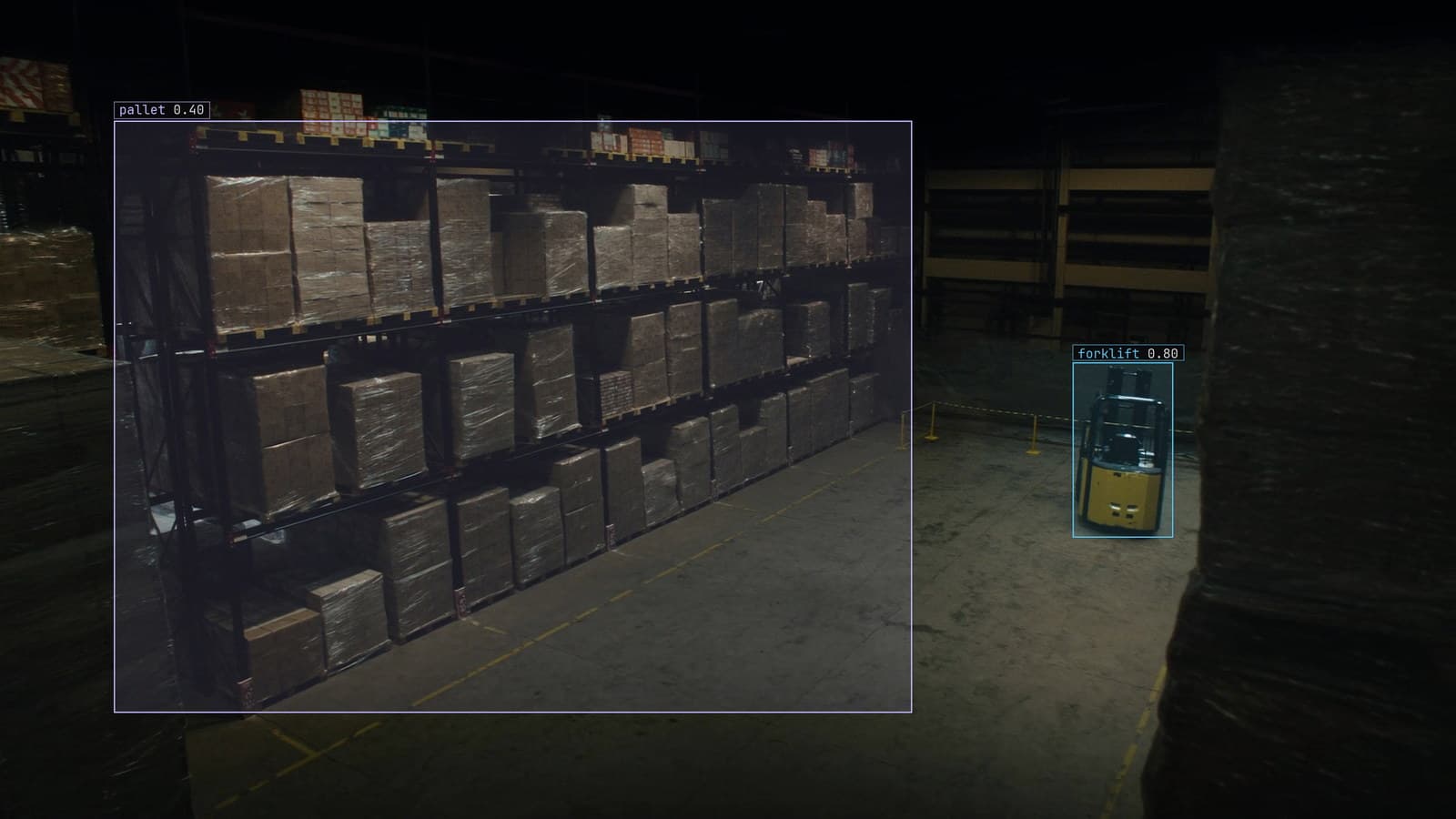
Warehouse aisle with pallets and a forklift boxed, generated scene with detections from our model
The warehouse has three years of footage on the recorder in the comms cupboard and a new project that needs a few weeks of it: the pallet aisle, morning shifts, forklifts coming and going. The operations manager exports the window from the recorder's own screen and hands over a drive with a folder of files ending in .dav and a copy of the recorder's player. The player runs on one old laptop. Nothing else on the site opens the files.
DAV is the container many recorders write to, and it wraps an ordinary video stream, usually H.264, in a format only the recorder's software reads. The stream inside is fine. The wrapper is the problem, and the wrapper is all that needs to change.
Export the window from the recorder and note what it says
The recorder's export screen is where the timestamps live. A DAV file carries the video stream and little else. The start time of each clip, the camera it came from and the recorder's frame rate are on the export screen and in the exported file's name, and nowhere in the file itself once it leaves.
Write them down, or better, let the recorder name the files. Most recorders write the camera and the start time into the filename, and that naming is what the later steps will keep. The operations manager's drive had files named by camera and by date, which is the good case.
Export in short clips rather than one file per day. A clip an hour long is easier to check, easier to batch, and easier to throw away when it turns out to cover the lunch break.
Remux the stream to MP4 and leave the video untouched
The command that matters copies the stream out of one wrapper and into another without decoding it:
ffmpeg -i camA_morning.dav -c copy camA_morning.mp4
The flag -c copy is the whole point. Without it, the tool decodes every frame and encodes it again, which takes a long time, loses a little quality on every pass, and produces a file that looks the same to a person and slightly different to a model. With it, the H.264 stream inside the MP4 is the same bytes the camera produced.
Some DAV files carry a raw stream with no timing information, and the converted file plays too fast or too slow. The fix is to tell the tool the recorder's frame rate, the one from the export screen, as an input option. If a file refuses to remux at all, the recorder's own player can usually export that clip as MP4 or AVI directly, at the cost of doing it by hand.
Batch the folder and keep the recorder's timestamps in the names
Nobody remuxes a thousand files one at a time. A short loop over the folder, calling the same command on each file and writing the MP4 beside it with the same name, is the whole script, and the name is what carries the camera and the start time through. A file called camA_morning.dav becomes camA_morning.mp4 and nothing about when it was recorded is lost.
Two habits save trouble later. Write the converted files into a separate folder rather than mixing them with the originals, so a failed run is obvious. And log each file's result, since a batch that finishes with three failures in the middle looks like a success from the outside.
My own view is that a team should keep the DAV originals until the model has trained at least once. They cost disk space. Re-exporting them from a recorder that has since overwritten the window costs the footage.
Check that a converted file plays and the frames add up
Before anything is imported, open a few of the converted files in any ordinary player and scrub through them. The pallet aisle should be there, the forklifts should move at the speed forklifts move, and the clip should run for as long as the export screen said it would. A clip that plays at double speed had a missing frame rate. A clip that ends early had a truncated export.
The frame count is the second check. The tool can report how many frames a file holds, and a converted file should hold the same number as its original, since nothing was dropped or added. A mismatch means the remux hit a corrupt section and skipped it, which is worth knowing before those frames are labeled.
The operations manager checked the first file, found the aisle lights off, and realised the export had started at 5 am rather than at the start of the morning shift. That was an hour of black frames nobody needed to convert.
Import the folder once, and nothing is re-encoded again
The converted folder goes into the labeling project from a drive, from Google Drive or from S3, and the import keeps the files as they are. Nothing is re-encoded on the way in. The frames a person labels and the frames the model trains on are the frames the camera recorded. That matters more than it sounds: a model that trains on a re-encoded copy learns the copy's compression, and then watches a live stream that does not have it.
The quickstart covers the import and the first labels in the minutes after it, and the deployment guide covers the other direction, where the finished model goes back to run beside the same recorder the footage came from. Once the model is live, the recorder is watched as a stream and the DAV export is never repeated. The conversion is a one-time rescue of the archive, and after that the loop runs on live frames.
Draw the first bounding box on the frames you just rescued
With the morning-shift clips imported, the first labels go on the pallet aisle. You type what to look for, forklift and pallet and person, and Lexi proposes a bounding box on every one in every sampled frame. A person checks each label before anything trains on it. The checking on rescued footage has one extra job, which is noticing the frames that came from the wrong hour, the wrong camera or a corrupt section, and leaving them out.
LexData takes the aisle model through its whole life from there. The model watches the aisle cameras the warehouse already has, in the cloud, on your servers, or on a runner beside the recorder in the comms cupboard. Frames it is unsure of come back to a person, the corrections retrain it, and the new version replaces the old one with no downtime.
The old laptop with the recorder's player on it is still in the comms cupboard, because it is also the only machine that can change the recorder's clock.
See it on your own footage.
Start with your footageMore in Operations
Operations · 7 min read
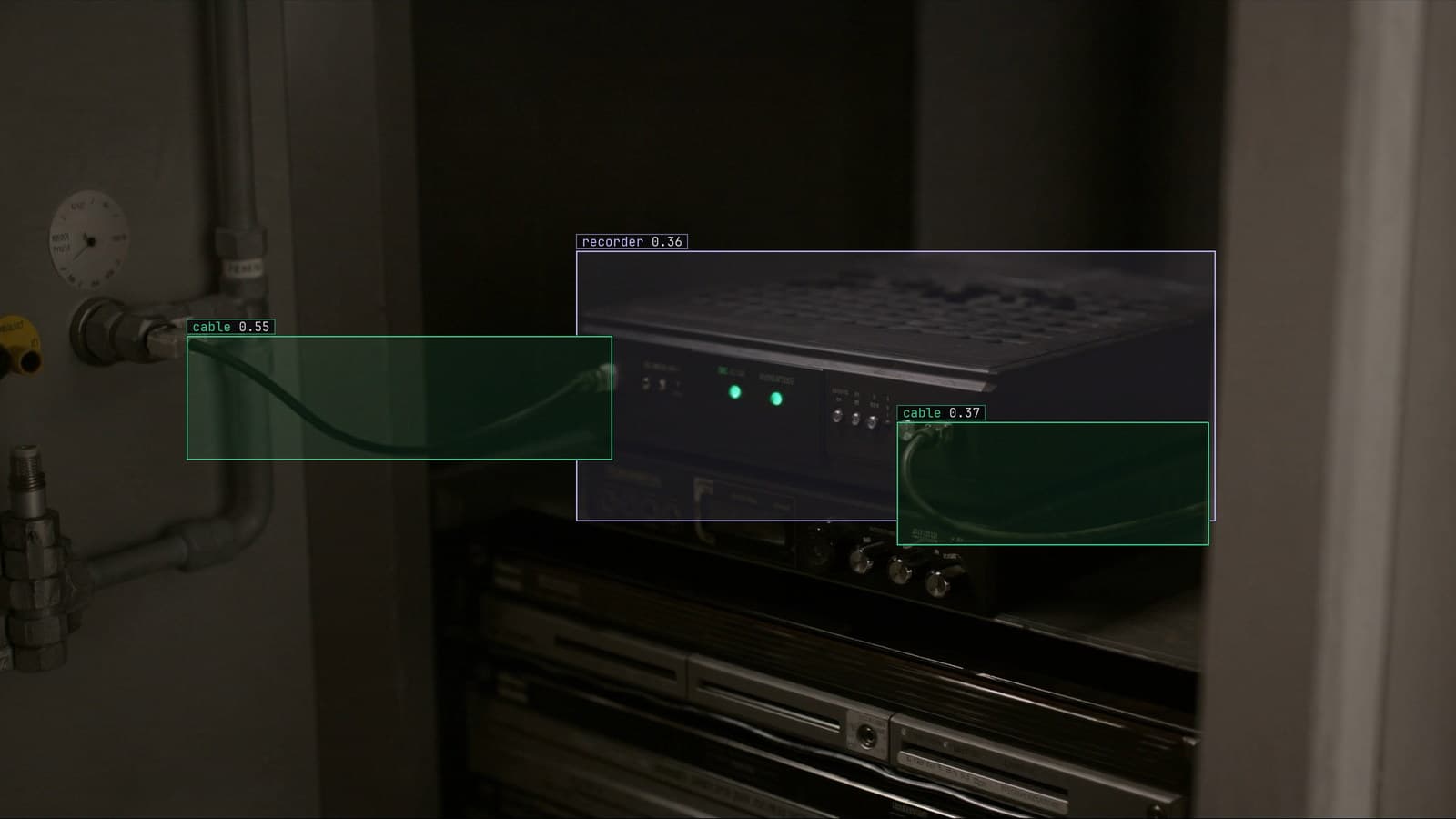
AGPL-3.0 licensing risk for computer vision teams serving a model
A camera streaming to a served detector is the network interaction the licence was written for. What a legal review will ask, and why to pick the weights first.
Ayman Quadir · Oct 1, 2026
Operations · 7 min read
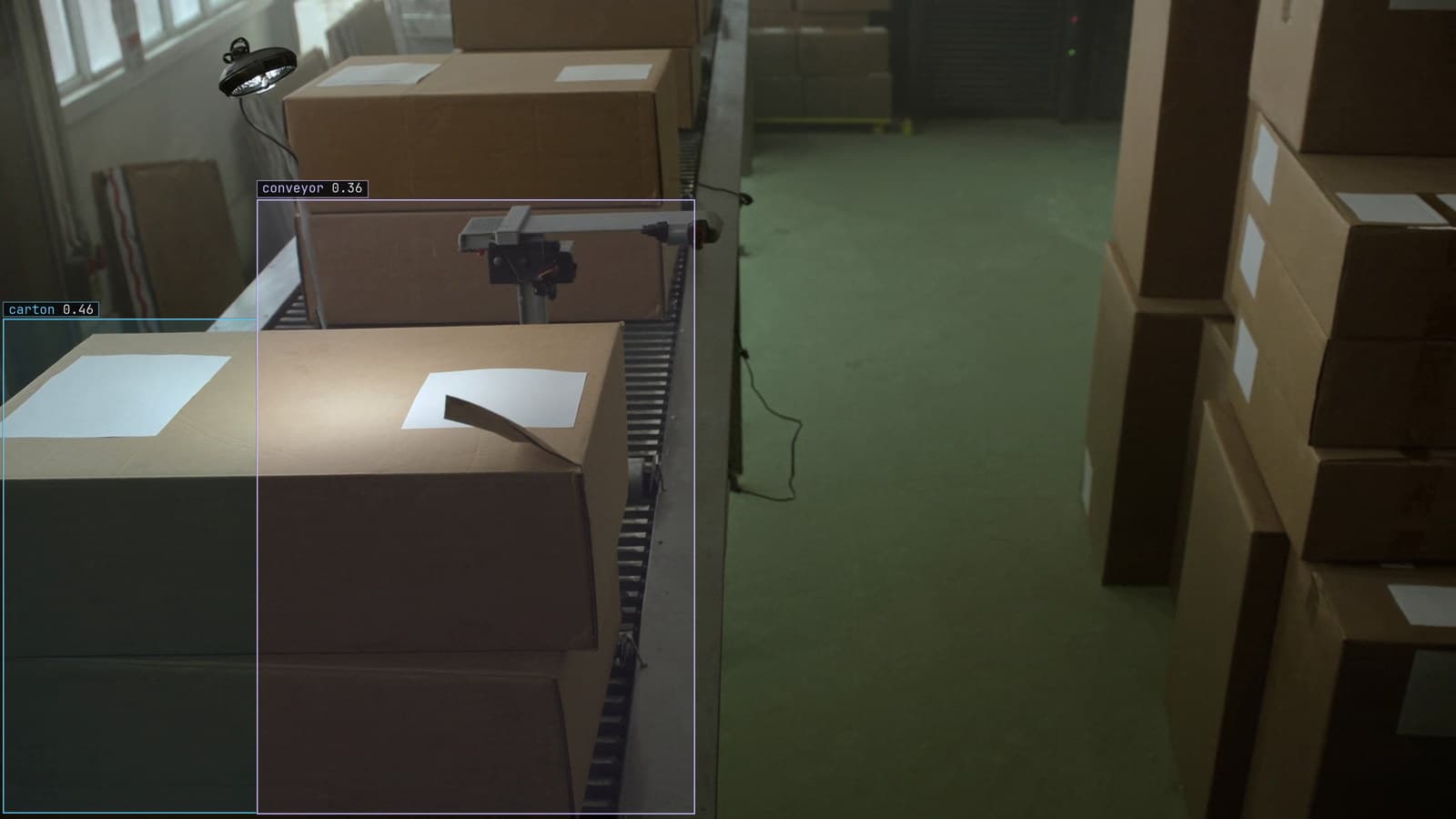
Cloud vs owned GPU inference for computer vision, worked out per camera hour
A plant on three shifts and a retailer with cameras spread across stores get different answers from one sum, and footage leaving the building is a cost too.
Ayman Quadir · Oct 1, 2026
Operations · 7 min read
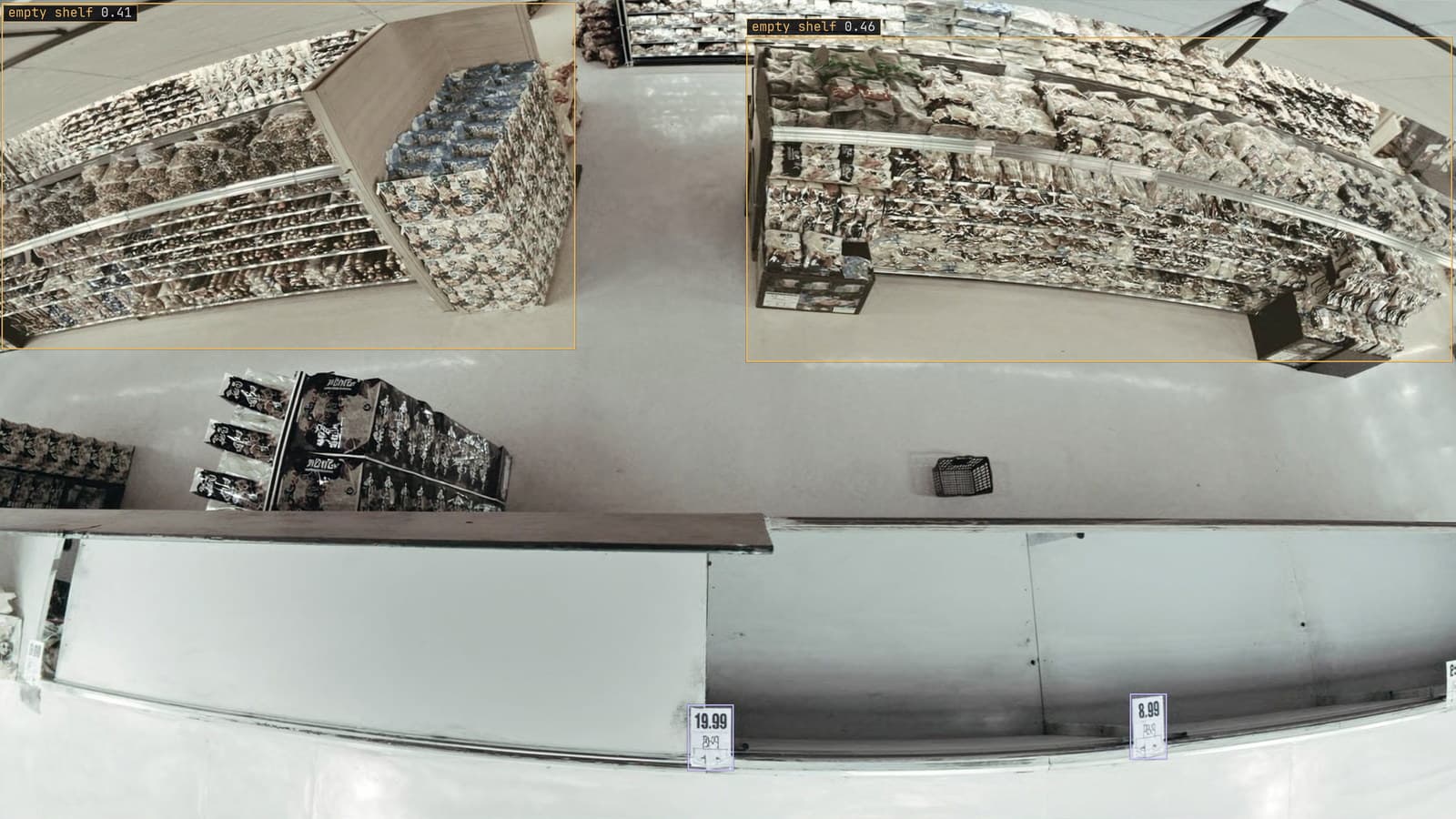
Computer vision heatmaps drawn from the aisle cameras a store already has
Footpoints from every tracked box, aggregated over a day and mapped onto the floor plan, show where footfall goes. A camera nudged in cleaning shifts the map.
Rajiya Sultana · Oct 1, 2026