

Operations · 6 min read
Face blurring for privacy in computer vision, done before the frame is stored
A blur applied after the request arrives is a blur applied to a frame that has already been copied. The step belongs at ingestion, beside the recorder.
Summary
This post explains where face and plate blurring belongs in a camera pipeline, why doing it on request is too late, and what the detector for it has to be good at. It concludes that the blur should run at ingestion, on the runner beside the recorder, so that no stored or reviewed frame ever carried a face, while the frames the operational model needs stay intact. It is for the engineers and privacy leads who own footage from cameras that see people.
Esdras Ntuyenabo · Engineer · Sep 30, 2026
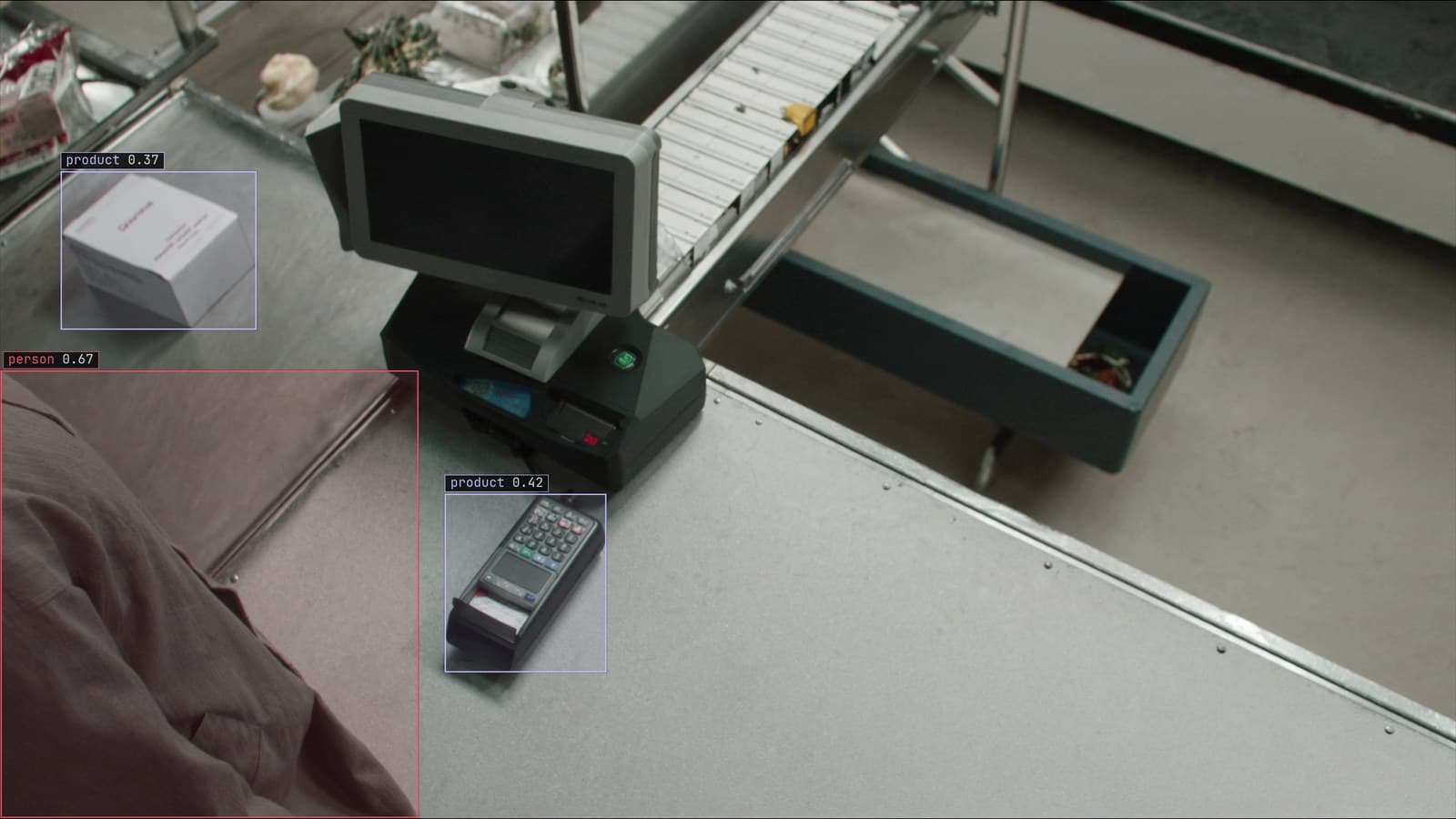
A checkout lane from a ceiling camera, person and products boxed and no face in the frame, generated scene with detections from our model
The camera over dock 3 at the distribution centre was installed to count pallets. It also sees every driver who backs up to the door, and one of them waves at it every morning at 6:40, which is the kind of thing nobody thinks about until a letter arrives asking what the site holds on a named person. The answer, on the day the letter came, was three months of frames in the review queue, a training set exported to a contractor, and a folder of alert screenshots in a shared drive.
The blur could be applied to all of that, on request. Applying it would not un-copy anything.
Blurring after a request is blurring a copy
Every frame a pipeline keeps gets copied. The recorder holds it. The sampled frame goes to the model. The frame the model doubts goes to a reviewer, who sees it on a screen and may screenshot it for a colleague. The corrected frame goes into the training set, which is exported for the next version and lives on whichever machine trained it. The alert frame is sent to Slack with the box drawn on it.
A blur applied when the letter arrives reaches the first copy and perhaps the second. The rest are already elsewhere, and finding them is an audit nobody planned for. So the question is not how to blur a frame, which is easy, but where in the pipeline the blur runs so that every copy downstream of it was made from a frame that never carried a face.
A bounding box on every face and plate is the whole detection job
The detector for anonymisation is a small one. Two classes, face and number plate, a tight bounding box on each, and the region inside the box is blurred before the frame goes anywhere else. It does not need to know who the driver is. It needs to find a head from behind and above at 6:40 in winter light, a plate on a trailer at an angle, and a face reflected in the cab's wing mirror.
The training for it is the same as for any detector. You type the two classes, Lexi proposes the boxes on frames from dock 3, and a person checks them, with the reviewer's attention on the misses: the small head at the far end of the yard, the plate half hidden by a tail lift.
The check is asymmetric. A box around something that was not a face costs a patch of blur on a pallet. A face without a box is a leak, so the detector is set to over-draw. A reviewer who finds a face on a frame that reached them is reporting a defect, and the corrected frame is the one the next version learns the miss from.
The blur runs at ingestion, beside the recorder
The place for that step is the first place a frame exists outside the recorder. On a runner beside the dock 3 recorder, the frame is sampled from the stream, the face and plate detector runs on it, and the boxes are blurred. Only then does the frame go to the pallet model, to the review queue, to the training set, or into an alert. Every copy downstream is a copy of the blurred frame.
The deployment doc describes the boundary the same way: footage is processed where it is captured, and what leaves the site is the answer, a detection, a count, an alert, rather than the video. The security page draws the line at the same place, with the review queue holding the flagged frames and the verdicts and the streams staying on site. The blur step sits inside that line, on the site side of it, so a doubted frame that does leave for review was blurred before it left.
My own view is that the blur should run on frames nobody expects to review, because the day a frame turns out to matter is not the day to discover it was stored clear. The cost is a small detector running on every sampled frame, and a runner sized for the pallet model can carry it.
The pallet model still sees what it needs
A blurred face does not change a pallet. The dock model counts pallets, finds a forklift in the walkway, notices a trailer door open at bay 3 with nobody at it, and none of that is inside a face box. A person's outline, their hi-vis, their position on the dock are all still there for a rule about the walkway. What is gone is the part that identifies them.
Plates are the one case to think about. A rule written as a truck at bay 3 for longer than the window needs a truck, and the truck survives the blur. A rule that needs the plate itself, for a gate that matches trailers to bookings, is a different pipeline with a different justification, and the blurred stream is not the one it should read.
A face missed on one sample is a face stored
Video makes the job harder than a photo. The driver walks from the cab to the dock office across ten sampled frames, and the detector finds the face on nine of them. The tenth is the leak, and it is stored beside the nine as if nothing were wrong.
The fix is the same as for any model that watches a camera. Frames the detector is unsure of come back to a person, the corrections retrain it, and the new version replaces the old one with no downtime. The correction rate on the blur detector at dock 3 is the number the privacy lead should watch, and a rise in it, on one camera, after the winter light changes at the dock, is the signal that the detector needs the December frames.
The driver still waves at the camera every morning. Since the spring, no frame that left the recorder has shown who it was.
See it on your own footage.
Start with your footageMore in Operations
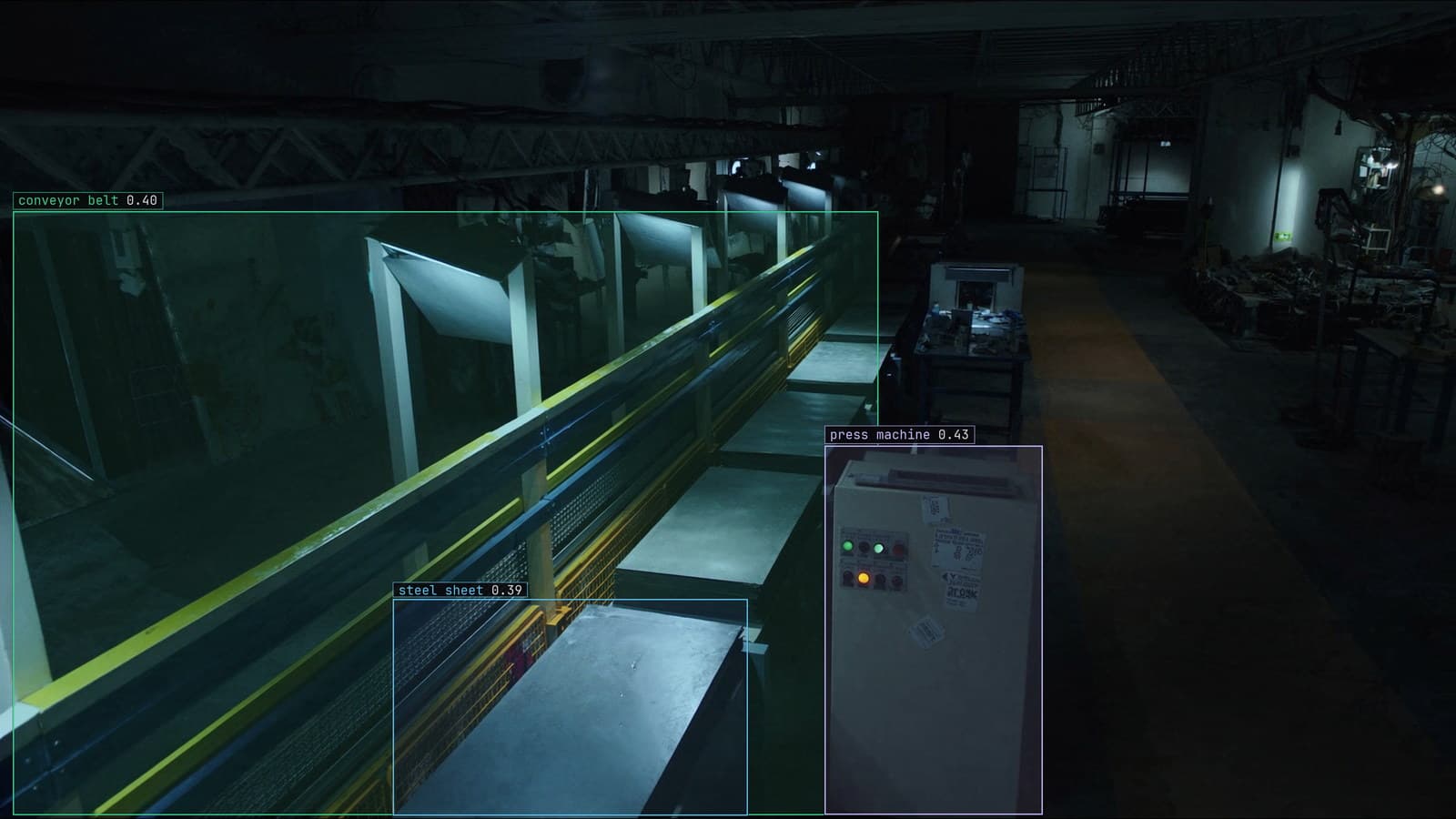
Operations · 6 min read
Camera calibration for computer vision, and why the part at the edge of the frame measures wrong
A straight edge bows at the corner of the frame, so a part that passes in the centre fails at the edge. Calibrate once, and again the day the lens changes.
Stephen Biswas · Sep 30, 2026
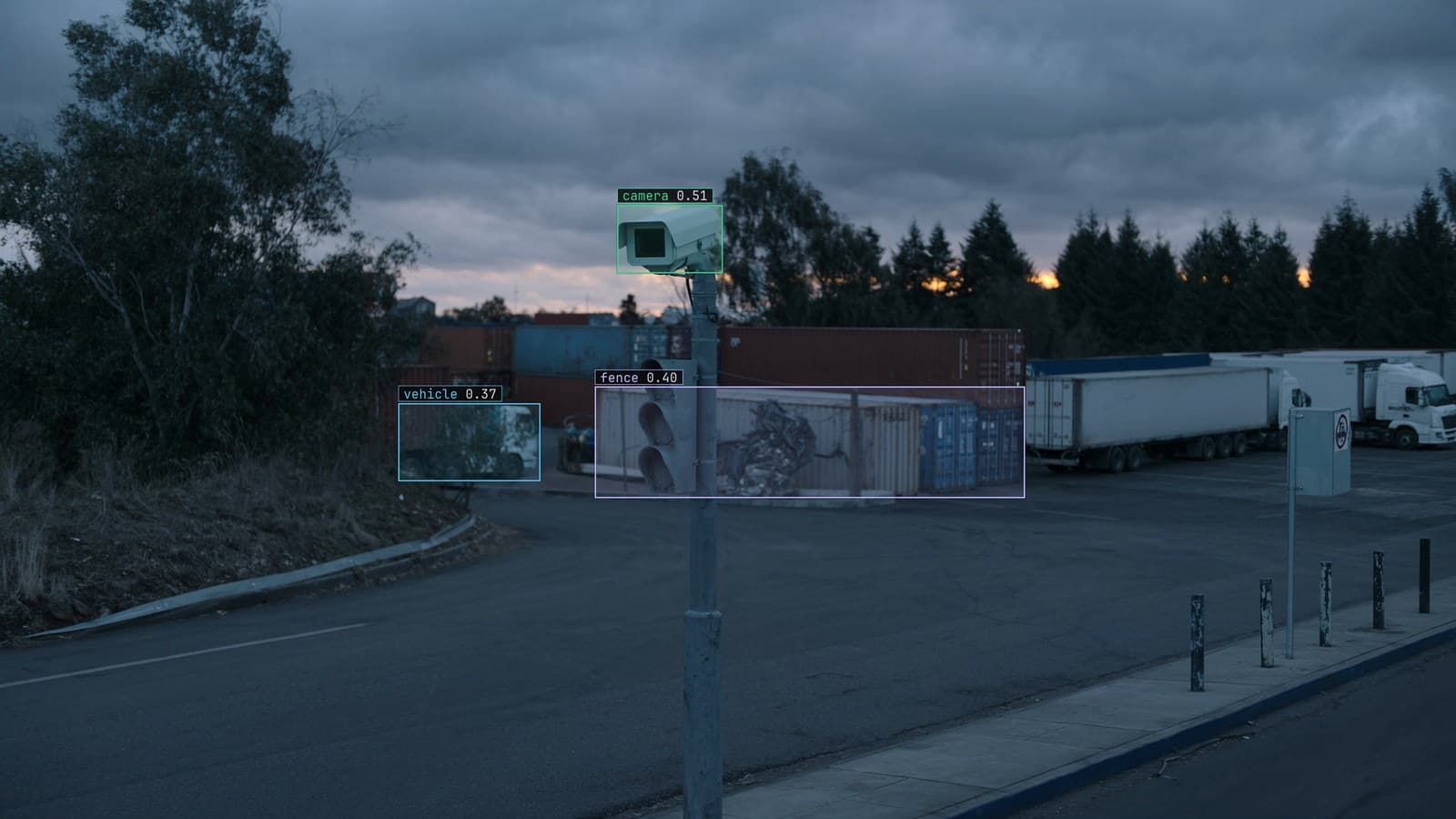
Operations · 6 min read
Evaluating a computer vision platform once the pilot ends
The feature spreadsheet cannot tell you which platform survives the second year. Walk the lifecycle instead, from import to a retrain that keeps the old frames.
Ayman Quadir · Sep 30, 2026
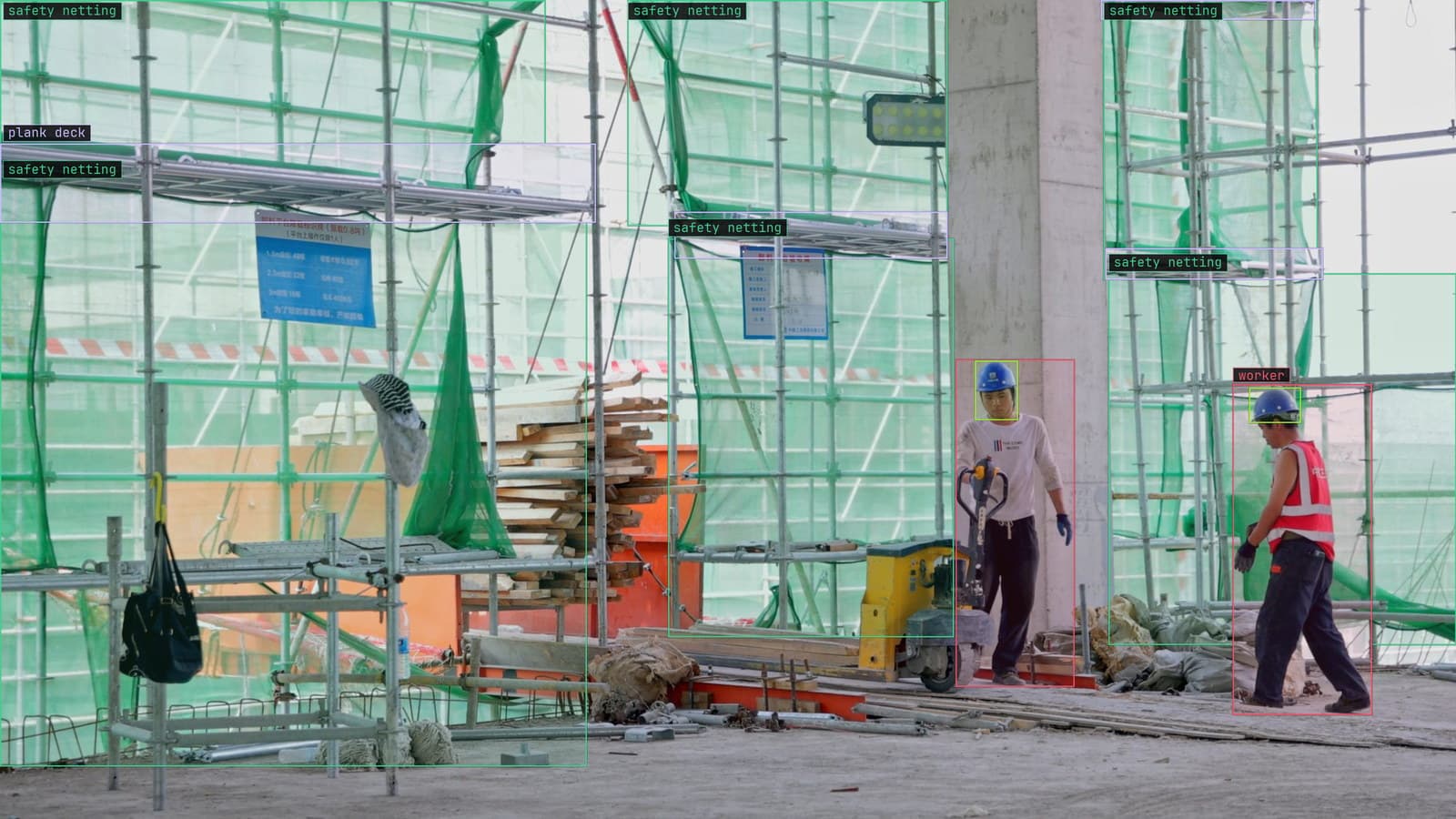
Operations · 6 min read
How to test computer vision model robustness before the weather does it for you
A vest model trained in June daylight meets October rain. Blur, darken, shift and compress the held-out frames first, and read recall per perturbation.
Rob Hickey · Sep 30, 2026