

Labeling · 6 min read
Promptable object detection, type the thing you want and get boxes back
Type forklift and the yard camera's frames come back boxed in seconds. The pallet jack and the distant hard hat are where the prompt stops and labeling starts.
Summary
This post starts with a yard camera and the word forklift typed into a promptable detector, and follows what comes back. It covers how a text prompt becomes boxes without any training, where the prompt fails on the objects the yard actually cares about, and how prompted proposals checked by a person become the set that trains a model to watch the feed. It is for teams wondering whether prompting replaces labeling.
Sheikh Srijon · GTM Lead · Sep 28, 2026
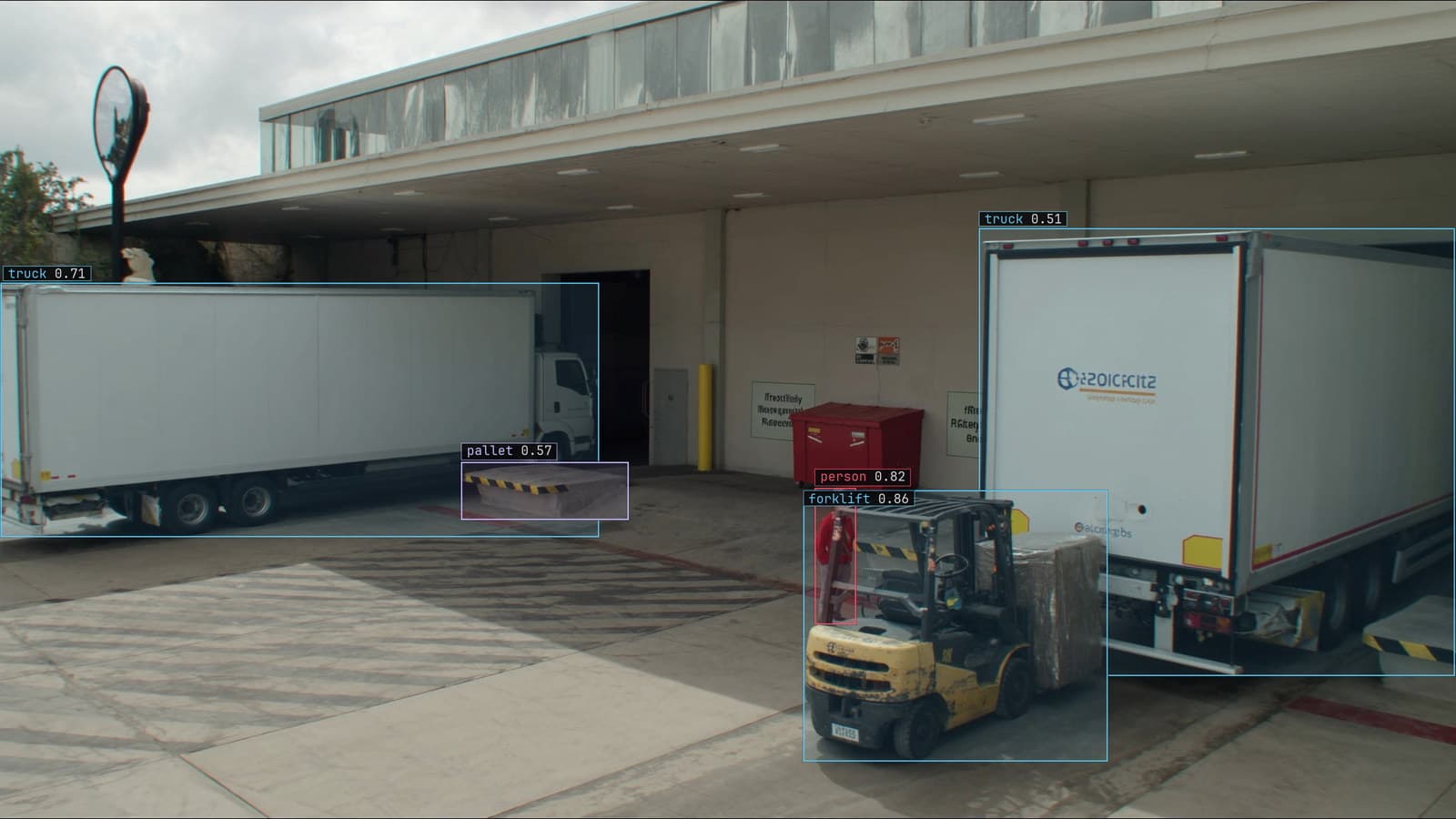
Loading dock from a mounted camera, a forklift with a pallet and trucks at the bays, generated scene with detections from our model
The camera on the pole at the loading dock has been recording for two years and nobody has ever looked at a frame of it on purpose. The logistics lead wants to know how often a forklift crosses the pedestrian lane by bay 3, and the old way to find out was to hire someone to draw boxes on a few thousand frames before a model could be trained to look.
The new way is to type "forklift" and wait a few seconds. Boxes appear on every frame in the sample, most of them on forklifts, and the lead has an answer to a question she could not ask last year. What she does with those boxes next decides whether the answer is worth anything.
Type forklift and the yard camera returns boxes in seconds
A promptable detector takes a sentence and an image and returns boxes for the parts of the image that match the sentence. There is no training step and no class list to define in advance. On the dock camera, "forklift" returns a box on the forklift at bay 3 and another on the one parked by the fence. A third lands on the reach truck in the far corner, which the lead would never have called a forklift.
The output is a proposal on each frame, with a score for how well the region matched the words. The score is a ranking within the frame rather than a probability, and the lead reads it that way: high scores are almost always forklifts, low scores are a mix of forklifts in shadow and things that are not forklifts at all.
The prompt is matched against the image rather than a trained class
Underneath, the model has learned to place words and image regions in the same space, so that the region of a frame containing a forklift lands near the word "forklift" and far from the word "truck". Detection becomes a matching problem: find the regions closest to the prompt, draw a box around each, and report the match.
That is why the prompt wording matters more than people expect. "Forklift" and "lift truck" land in nearby places and return nearly the same boxes. "Vehicle" returns the forklifts, the lorries at the bays and the lead's car. "Forklift carrying a pallet" returns a narrower set that misses the empty forklifts, which is either the question she was asking or a bug, depending on the question.
The labeling doc puts this as writing the prompt like a work order, and on the dock camera that means the words the yard uses. Nobody at bay 3 calls it material handling equipment.
The prompt fails on the pallet jack and the hard hat at distance
The forklifts at bay 3 were easy. The lead's next question is about the manual pallet jacks, and "pallet jack" returns boxes on the forklifts' forks, on a hand truck by the door, and on one actual pallet jack in three hundred frames. The object is small, it is usually behind a pallet, and the words for it are not ones the model has seen beside enough pictures.
Then she tries "hard hat". At the near bays it works. At the far end of the yard a hard hat is a few pixels of colour on a person forty metres away, and the model boxes the person, the person's high-visibility vest, and a yellow bollard. The prompt does not fail loudly. It returns confident boxes on the wrong things, and a person has to look at the frames to know.
Which is the point of the exercise. On the dock camera the prompt is a fast way to find out which objects are easy and which are the real labeling job.
Prompted proposals become labels only after a person checks them
The forklift boxes from the prompt are proposals. A person opens them in LexAnnotate, confirms the ones on forklifts, and deletes the one on the reach truck if the yard counts it separately. She tightens the boxes that took in half a pallet, and draws the pallet jack by hand on the frames where the prompt missed it. Every label that will train anything goes through that check.
That check is where the prompt earns its time back. Confirming a box takes a second. Drawing one takes ten. On a camera where the prompt gets most of the forklifts right, the person's work is mostly confirmation, and the labeling that would have taken a week takes an afternoon, with the difficult classes drawn by hand in the same session.
An aside from the same yard: the forklift by the fence has a name painted on its counterweight, and the drivers call it by the name. The class in the schema is still "forklift".
A trained object detection model watches the feed, the prompt does not
Prompting works on a sample of frames. It is slow per frame, it needs a large model, and its answers move with the wording. The dock camera needs something that looks at every frame, every couple of seconds, on hardware in the cabinet by the recorder, and gives the same answer to the same frame on Tuesday that it gave on Monday. That is a trained detector, and the reviewed proposals are its training set.
LexData takes that model through its whole life. You type what to look for, Lexi puts a box on every frame, and a person checks each label before anything trains on it. The model then watches the cameras you already have, in the cloud, on your servers, or on a runner beside the recorder. Frames it is unsure of come back to a person, the corrections retrain it, and the new version replaces the old one with no downtime. The accuracy you launched with is the accuracy you keep.
My own view is that the prompt is best understood as a labeling tool that happens to look like a detector. Teams that put the prompted model on the live feed find out on the first rainy day that the boxes drift with the light, and they have no corrections to retrain with because nobody checked anything.
What the prompting stage leaves behind
By the end of the afternoon the lead has a labeled set from the dock camera with forklifts, pallet jacks, people and hard hats, drawn or confirmed by a person, and a note of which classes the prompt handled and which it did not. The note is worth keeping. When the second yard comes online next spring, it says where to spend the labeling time before anyone types a word.
The trained model goes onto the feed, and the question about the pedestrian lane by bay 3 gets an answer with the frames behind it. The platform page describes the rest of that path, from the first prompt to the alert that arrives while a forklift is still in the lane.
See it on your own footage.
Start with your footageMore in Labeling
Labeling · 6 min read
AI labeled vs human labeled data, how much a model can do before a person has to look
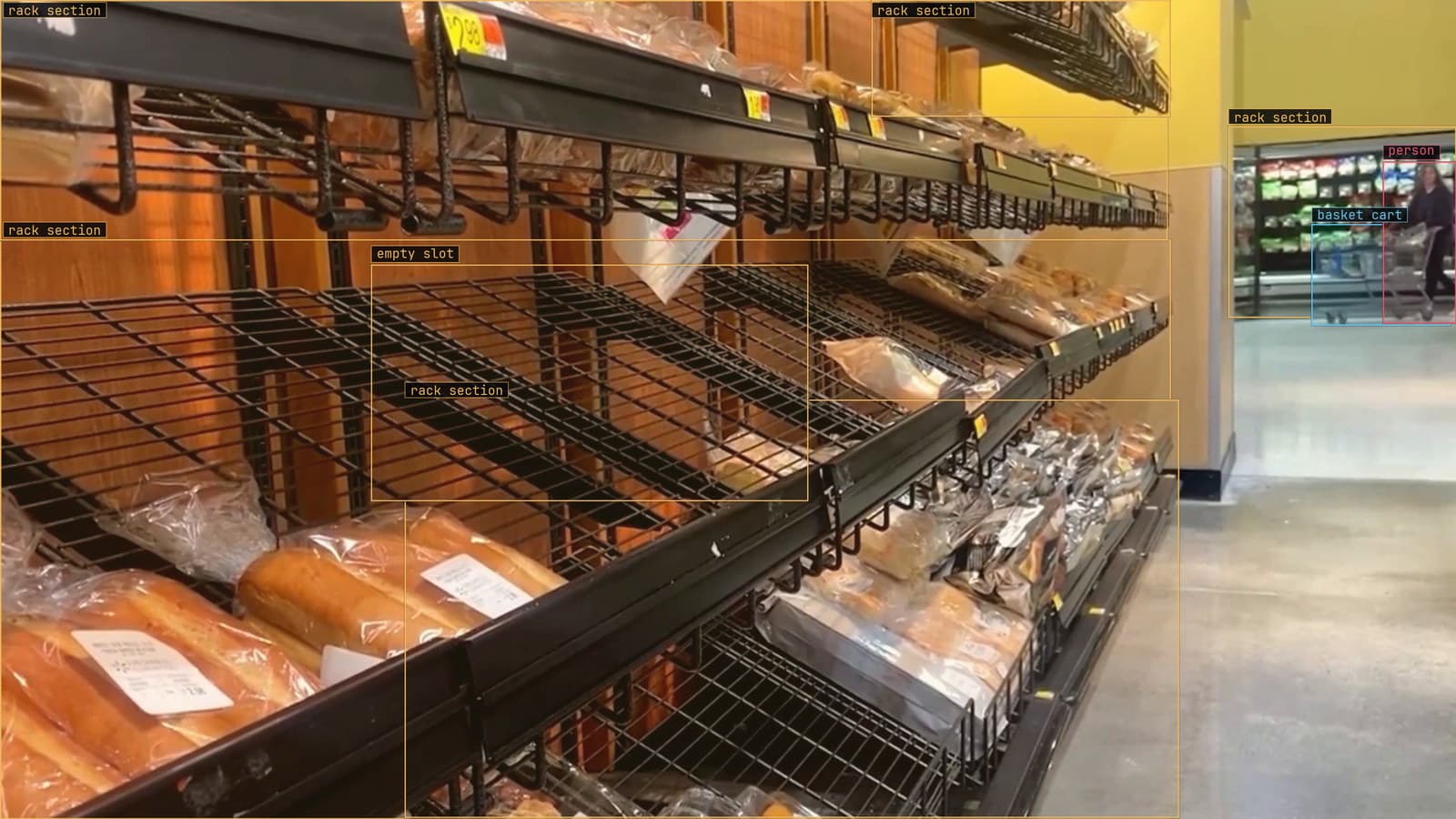
On a shelf dataset the model's proposals are mostly right. On safety cones in a yard they are mostly wrong. Measure the gap, then keep a person on every label.
Finn Ellingwood · Sep 28, 2026
Labeling · 6 min read
Bounding boxes in computer vision, what a box teaches and what it reports
The same rectangle on a forklift is the lesson at training time and the answer at run time. Corner and centre formats, the shifted-box bug, floor in the box.
Esdras Ntuyenabo · Sep 28, 2026
Labeling · 6 min read
Which words find the forklift, measured instead of guessed
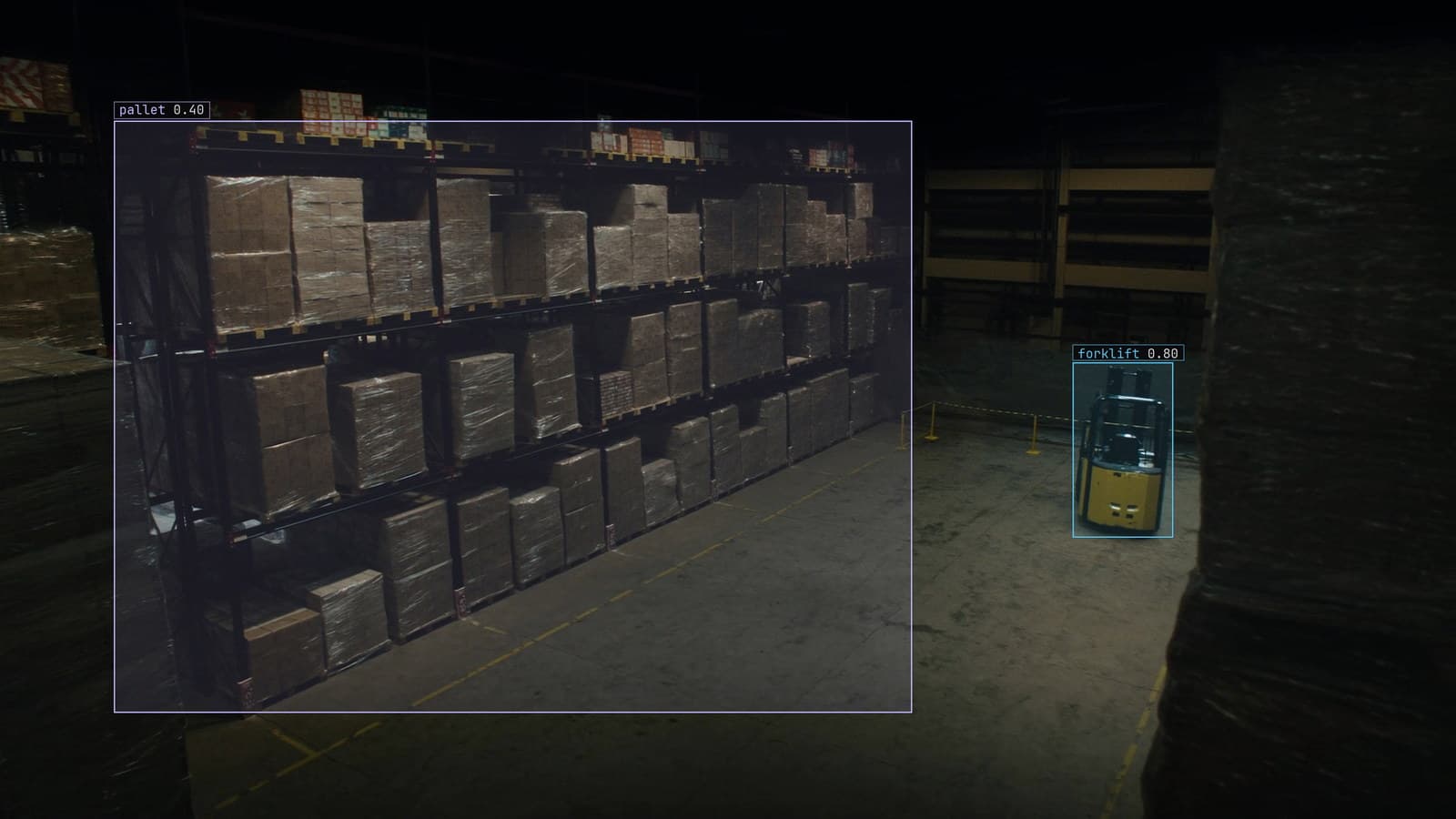
Five ways to say forklift, five sets of boxes on aisle 6. Score each phrase on a small labeled set before Lexi labels the whole archive with the winner.
Sheikh Srijon · Sep 28, 2026