

Operations · 7 min read
Cloud vs owned GPU inference for computer vision, worked out per camera hour
A plant on three shifts and a retailer with cameras spread across stores get different answers from one sum, and footage leaving the building is a cost too.
Summary
This post works the rent-or-own question for inference hardware in the only unit that makes the plant and the retailer comparable, the camera hour, and shows why a plant running three shifts fills an owned GPU while a retailer's cameras, spread thin across stores, fit rented hours. It concludes that the footage leaving the building is a cost the invoice never shows, and that the three places a model can run are one decision per site. It is for the person who has to sign the order.
Ayman Quadir · Head of Product · Oct 1, 2026
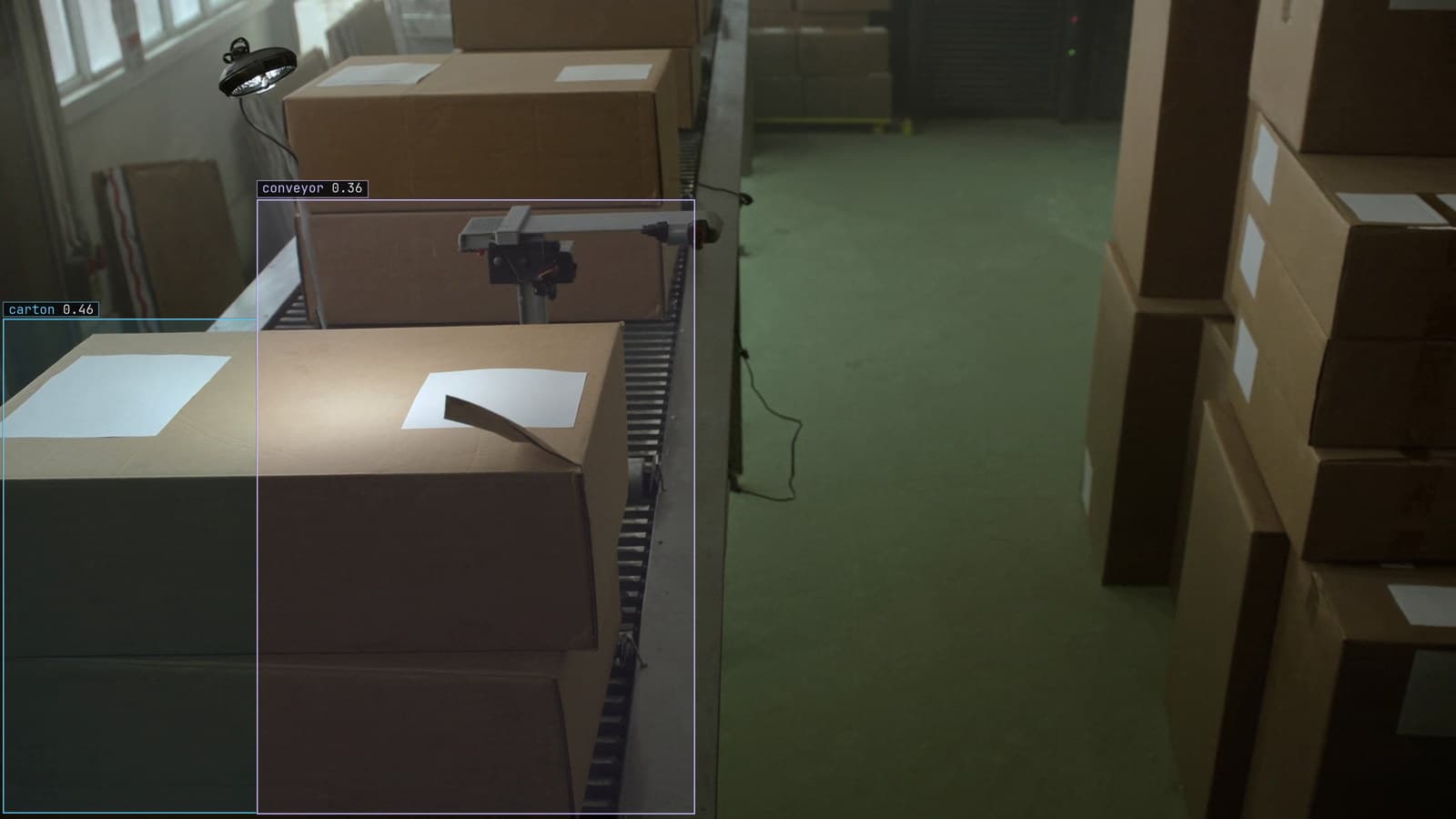
Packaging line with cartons on the conveyor boxed, generated scene with detections from our model
The plant runs three shifts. Its line cameras are on from the Monday start-up to the Saturday shutdown, and the defect model behind them is working almost every hour of the week. The retailer has more cameras in total, spread across its stores, and each one matters for a few hours a day: the doors at opening, the aisles at the lunch rush, the tills before close. The two finance teams are asking the same question this quarter, whether to buy inference hardware or rent it, and they will get different answers from the same arithmetic.
The arithmetic is worth doing once, properly, in a unit both of them can use.
Work the cost out per camera hour and nothing else
A camera hour is one camera watched by the model for one hour, on line 3 or over the tills at the Leeds store. It is the unit the work comes in, whatever the hardware. An owned GPU server has a fixed cost per month, the purchase spread over its life plus power and the rack it sits in, and it can serve a fixed number of camera hours in that month before it is full. Rented capacity has a cost per hour of use and no ceiling except the budget.
Divide the owned server's monthly cost by the camera hours the site will actually use and the result is its cost per camera hour, which falls as the server gets busier. Rented capacity's cost per camera hour is flat. Where the falling line crosses the flat one is the break-even, and the question for each site is which side of that crossing its real usage lands on.
Everything else in the decision, the accounting treatment, the procurement cycle, the argument about who owns the rack, sits on top of that crossing. My own view is that most of those arguments are had before anyone has counted the camera hours, and are settled the moment somebody does.
A plant on three shifts fills an owned GPU
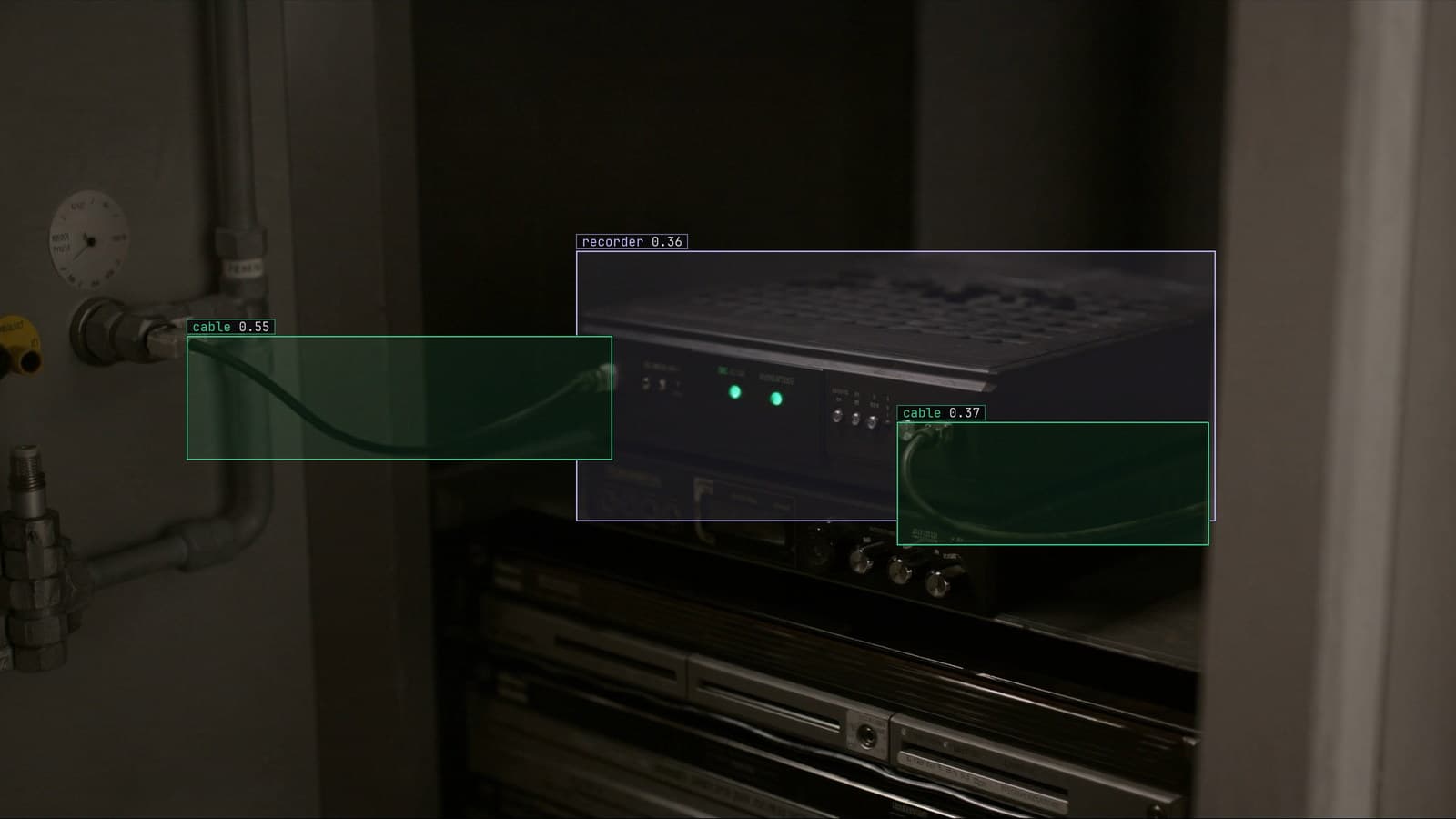
The plant's cameras produce camera hours around the clock. A model sampling each line camera about every two seconds, on every line, on every shift, keeps a server busy in a way that pushes its cost per camera hour down toward the floor. An owned box beside the plant's recorder lands well past the break-even. The deployment guide describes that box, the runner on your own hardware, and what it reports about itself.
There is a second reason the plant lands there, and it is the one the finance team does not see. A line that has to stop on a bad part cannot wait for a round trip to somewhere else. The model has to be in the building for the alert to fire locally first, so the plant would put a box beside the recorder even if the sum came out the other way.
The plant's maintenance manager keeps the old vision system's industrial PC on a shelf in the workshop as a spare, on the reasoning that the new one will fail in the same way one day.
A retailer's cameras are spread thin and rented hours fit
The retailer's arithmetic goes the other way. Each store's cameras matter for a few hours a day, and the hours differ by store and by day of the week, Saturday most of all. A server bought for the busiest hour of the busiest store sits idle most of the time, and its cost per camera hour, divided over the hours it is really used, stays above the rented line. For a chain like that the rented side is where the sum lands, at least until the cameras are watched for enough of the day to change it.
The pattern the retailer usually ends up with is mixed. The queue camera at the tills, which matters every day at every store, might justify a small box on site; the seasonal cameras, the ones watched during a promotion and idle the rest of the year, are rented hours. A camera-hour count per store, rather than a count of cameras, is what tells them which is which.
The pricing page describes the plans by band, and the band a site sits in is scoped with our team on the basis of exactly this count.
Footage leaving the building has a cost the invoice does not show
Rented inference means the frames go somewhere else to be looked at, and for the plant on its Monday start-up that is a lot of frames. For the plant that is every sampled frame from every line, every shift, over a link that was sized for email, and the bandwidth alone can decide the question before the GPU cost does. It is also a policy question, since the footage shows the plant's process and the plant's people, and some sites will not let it leave.
A runner beside the recorder changes the shape of that. The model runs on site, the footage stays where it was recorded, and only the frames the model was unsure of leave the building for a person to review. What crosses the link is a small fraction of the day, and it is the useful fraction.
The retailer has the same question with a different answer. Aisle footage leaving a store is less sensitive than line footage leaving a plant, and the retailer's link is usually better than the plant's, so the cost of frames leaving weighs less. It still belongs in the sum.
Pose estimation on every frame is the expensive end
The task decides how many camera hours a server can serve. A detector that puts a box on each carton passing the packaging line's scanner is cheap per frame, and one server carries many cameras of it. Pose estimation, keypoints on every person in every frame, costs several times as much per frame, and the same server carries far fewer cameras. Segmentation sits between them.
So the camera-hour sum is not one number per site. It is one number per task, and a plant that wants posture checks on its packing stations and box detection on its lines is buying two kinds of capacity. The cheapest change in the whole decision is often to ask whether the posture check needs keypoints at all, or whether a box and a rule would answer it.
LexData takes the plant's model through its whole life. You type what to look for, Lexi puts a box on every carton and every person in every frame, and a person checks each label before anything trains on it. The model then watches the line cameras the plant already has, in the cloud, on your servers, or on a runner beside the recorder. Frames it is unsure of come back to a person, the corrections retrain it, and the new version replaces the old one with no downtime. The retraining happens in the same place regardless of where the model runs, which is why the hardware decision can be made per site without changing how the model is kept right.
The three places the model can run are one decision per site
The cloud, a server the customer owns, and a runner beside the recorder are three positions on the same sum, and a company with a plant and a chain of stores will use more than one of them. The plant's lines are on the runner. The retailer's queue cameras are on a small box in each store's back office. The retailer's promotion cameras are watched from the cloud for the six weeks before Christmas that they matter, and turned off after.
The one thing the finance teams should not do is pick a position for the whole company. Camera hours are counted per site, and the crossing lands differently at each one.
See it on your own footage.
Start with your footageMore in Operations
Operations · 7 min read
AGPL-3.0 licensing risk for computer vision teams serving a model
A camera streaming to a served detector is the network interaction the licence was written for. What a legal review will ask, and why to pick the weights first.
Ayman Quadir · Oct 1, 2026
Operations · 7 min read
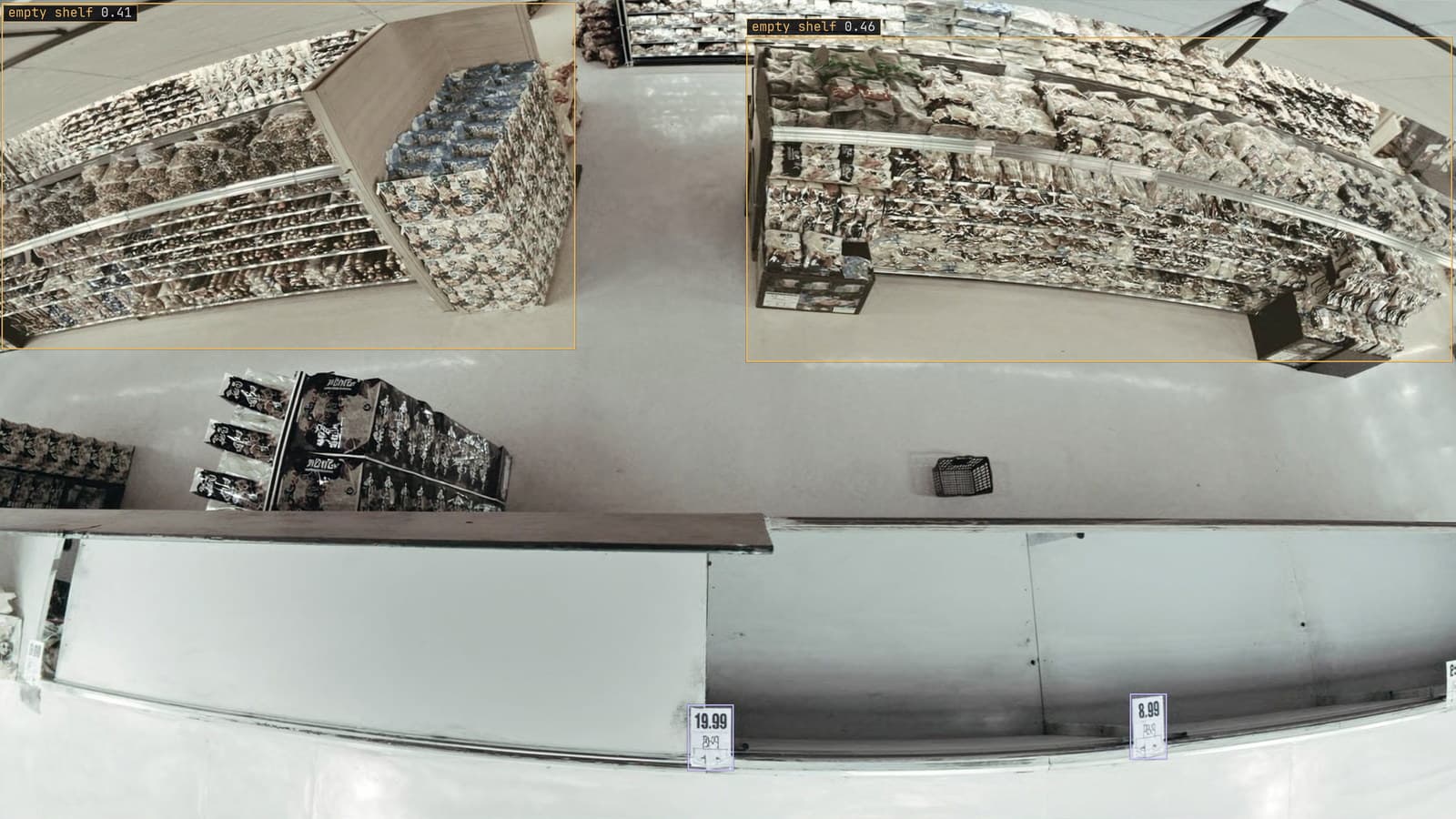
Computer vision heatmaps drawn from the aisle cameras a store already has
Footpoints from every tracked box, aggregated over a day and mapped onto the floor plan, show where footfall goes. A camera nudged in cleaning shifts the map.
Rajiya Sultana · Oct 1, 2026
Operations · 7 min read
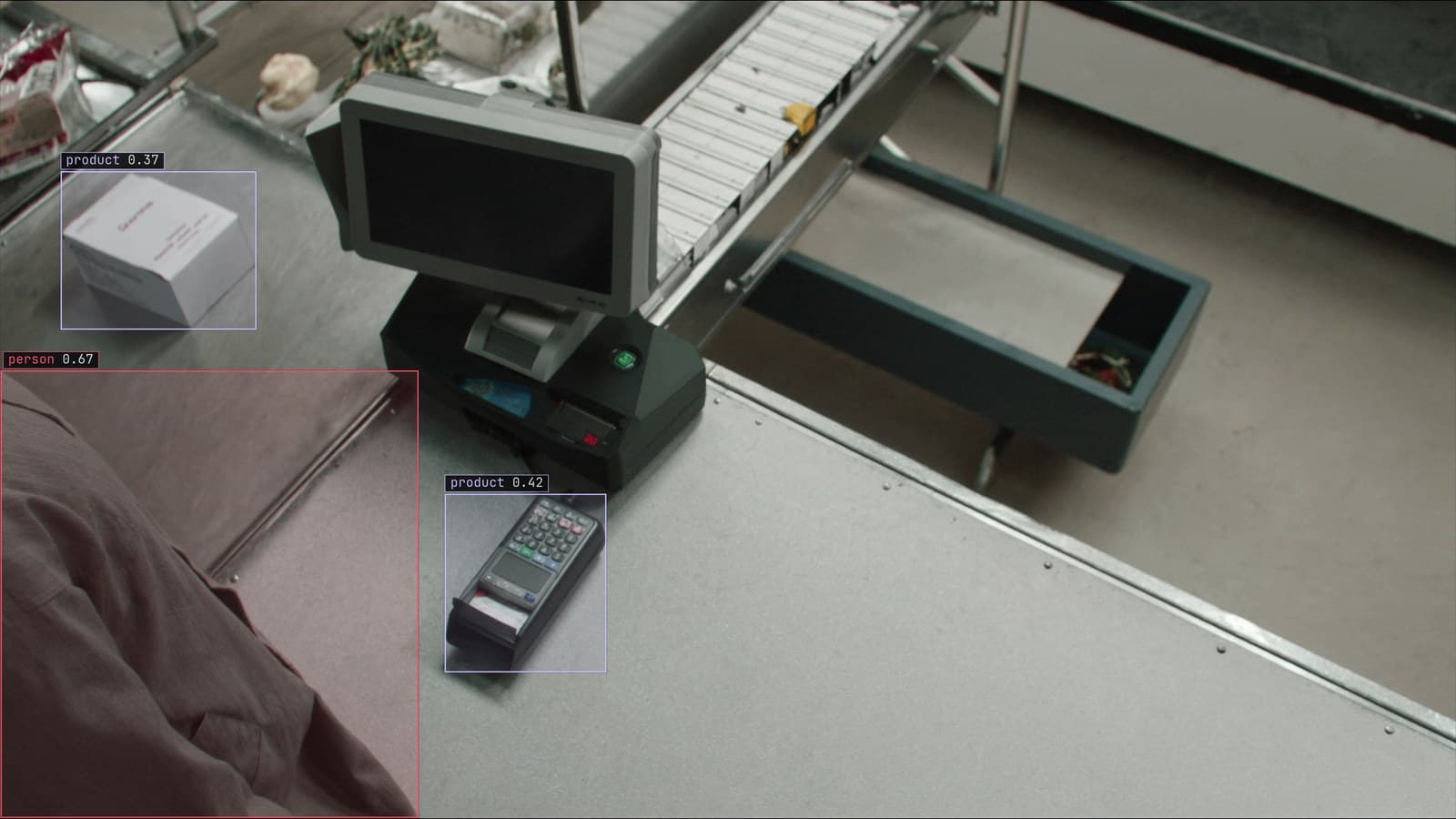
Computer vision in data analytics, the camera as a table analysts can join
Aisle cameras become rows with timestamps: counts, dwell times, zone events. Join them to the till and a promotion shows in the aisle before the sales.
Sheikh Srijon · Oct 1, 2026