

Operations · 7 min read
Migrating computer vision datasets between platforms without losing a box
Export as COCO, YOLO or CVAT XML, check where each format puts the corner and the class, import with nothing re-encoded, compare boxes before training.
Summary
This post moves a labeled aerial survey set from one platform to another and shows where boxes go missing on the way: the coordinate convention each format uses, the class order that shifts by one, the frame that was resized on export. It concludes that a sample of boxes compared side by side on both platforms is the only check that catches all three, and that the old model's versions should come along too. It is for teams with a dataset they cannot afford to relabel.
Sheikh Srijon · GTM Lead · Oct 1, 2026
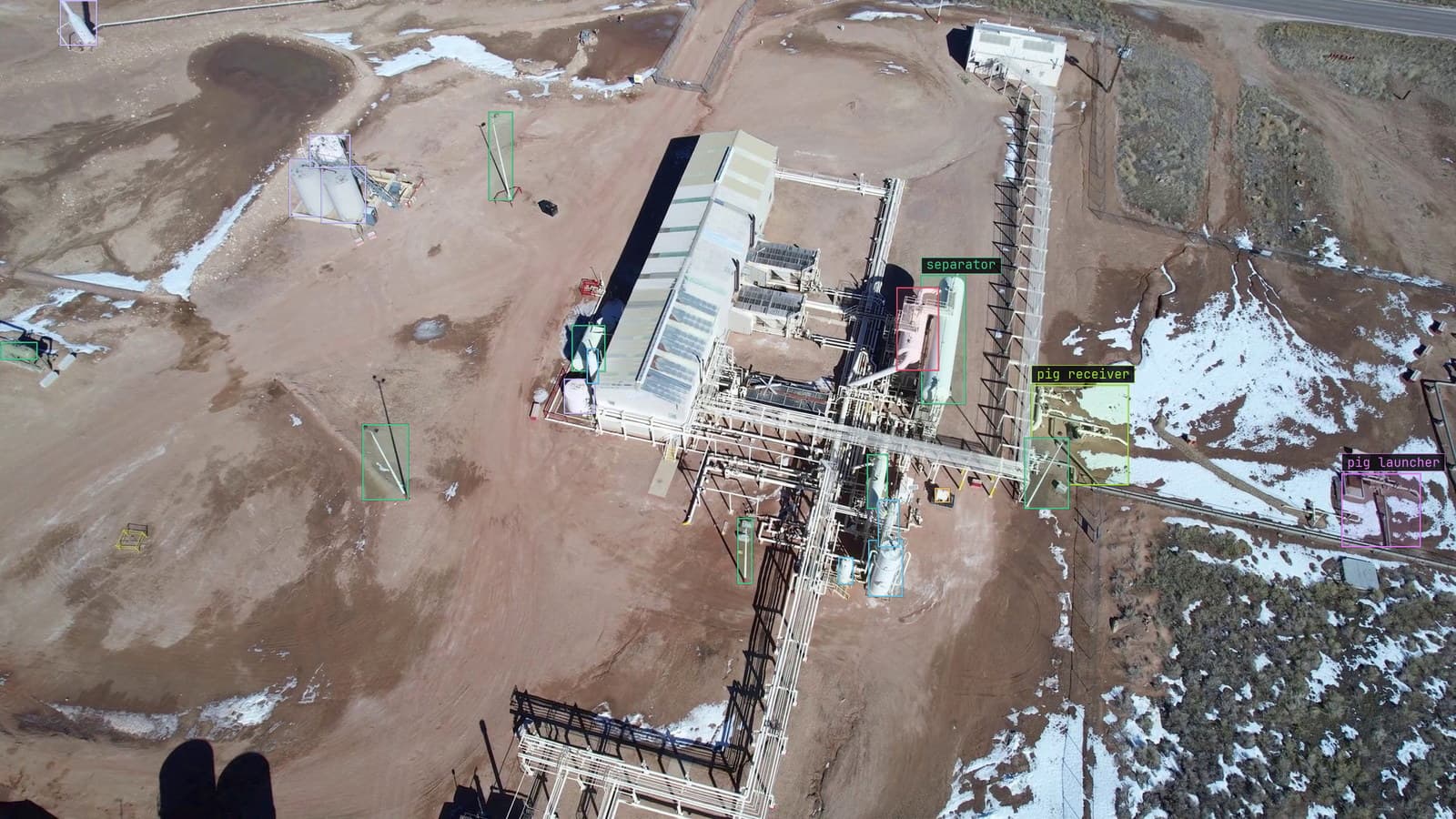
Well pad with heaters, separators and tanks boxed, from a customer aerial survey, the kind of label set that has to survive a move
The survey team has two seasons of aerial frames over well pads, every heater, separator and tank battery boxed and checked by hand, and a contract with the platform they labeled it on that ends in November. The export completes without a warning. The import on the new platform completes without a warning. The first model trained on the moved set finds tanks a few metres from where the tanks are, and finds heaters where the frames show scrubbers.
Nothing was lost in the sense of a file going missing. What was lost was meaning: a corner that became a centre, a class index that shifted by one, a frame that came out at a different size from the one the boxes were drawn on. Each of those is a quiet failure, and each has a check.
Export in a format you can read, and know which one you hold
Three formats carry almost every migration. COCO JSON is one file for the whole set, with an image list, a category list and an annotation list that refer to each other by id. YOLO TXT is one text file per image, one line per box, with the class as a number. CVAT XML is one file with the boxes nested under each image, with the class as a name.
The first check is simply which one the export produced and whether the destination reads it. Our import takes all three, and the quickstart covers the upload from a drive, from Google Drive or from S3. The survey team's export was YOLO TXT, chosen because the files are small, which is also the format that carries the least information about itself.
Open one file from the export in a text editor before doing anything else. If it is COCO, the category list is at the bottom and says what each id means. If it is YOLO, there is a separate names file somewhere, and if there is not, the class numbers mean nothing.
The bounding box means something different in each format
A bounding box is four numbers, and the three formats disagree about which four. COCO stores the top-left corner and the width and height, in pixels. YOLO stores the centre and the width and height, as fractions of the image size. CVAT XML stores the top-left and bottom-right corners, in pixels. A converter that treats a centre as a corner shifts every box by half its own size, which on an aerial frame of a well pad moves the tank battery box onto the road beside it.
The fractions are the other trap. A YOLO box is only meaningful together with the size of the image it was drawn on. If the export resized the frames, or the import does, the fractions still look valid and now describe boxes on a different image. The survey team's frames had been stored at full resolution and exported at a smaller one, and the boxes came out drawn for the large version.
The labeling guide describes how a box is drawn and checked on our side. On the way in, the check is the same in reverse: does the box on the imported frame sit on the heater the way it did on the old platform.
Class order shifts by one and every label is wrong together
YOLO's class is a number, and the number is an index into a list. If the old platform's list started at zero and the converter assumed it started at one, every box is labeled as the class after its real one, and the mistake is invisible in any single file because the numbers are all valid. The survey team's scrubbers became heaters this way, and the heaters became flares.
COCO carries names with the ids, so the check is to read the category list and confirm the names match the destination's classes in the same order. CVAT XML carries names on every box, which is the safest of the three for exactly this reason, and the largest file.
Whichever format, list the classes on both platforms side by side and count the boxes per class before and after. A class that had a few hundred boxes and now has none, next to a class that gained a few hundred, is the shift showing itself.
Import the frames as they are, with nothing re-encoded
The boxes are half the migration. The frames are the other half, and they have to arrive at the size and in the order the boxes expect. Our import takes the folder from S3, Google Drive or an upload and re-encodes nothing, so a frame that was a particular size on the old platform is that size here, and the fractions in a YOLO file mean what they meant.
Filenames are the join. COCO refers to images by name and id, YOLO by matching the text file's name to the image's, and a renamed frame is a frame whose boxes are orphaned. The survey team's export had prefixed every image with the season, and the label files had not been prefixed, so the join failed silently for the whole second season until someone counted.
My own view is that a dataset should be migrated in the format that carries the most about itself, which is usually COCO, even when the destination would accept something smaller. The small format is where the meaning falls out.
Compare a sample of boxes on both platforms before training
None of the checks above is complete on its own. The one that is complete is dull: pick a sample of frames, open each on the old platform and the new one side by side, and look at the boxes. A tank battery box in the same place on both, with the same class, means the coordinates, the sizes and the class order all survived. A box that has slid, shrunk or changed name points at which of the three failed.
Pick the sample deliberately. A few frames from each season, a few from each camera or survey run, and the frames with the most boxes, because a crowded well pad is where a coordinate error is easiest to see. The survey team's first sample of a dozen frames found the resize and the class shift on a Wednesday afternoon, before any training had run.
The survey team's lead labeler keeps a printed contact sheet of the ten frames she considers the hardest in the set, and checks those ten first after any change to the pipeline.
Bring the old versions along, or the new model starts from nothing
A migrated dataset is more than the boxes. On the old platform the model had versions, each trained on a known set of frames, and the corrections that produced each version. Those are what let a team retrain without starting over, and the learn section explains why every correction is a deposit toward the next version. If only the final labels move, the history that made them is gone, and the first version on the new platform is the first version again.
LexData takes the survey model through its whole life from that point. You type what to look for, Lexi puts a box on every heater and tank in every frame, and a person checks each label before anything trains on it. The model then watches the footage the survey team already has, in the cloud, on your servers, or on a runner beside the recorder. Frames it is unsure of come back to a person, the corrections retrain it, and the new version replaces the old one with no downtime. Versions keep what they were trained on, which is the property the migration was trying to preserve.
See it on your own footage.
Start with your footageMore in Operations
Operations · 7 min read
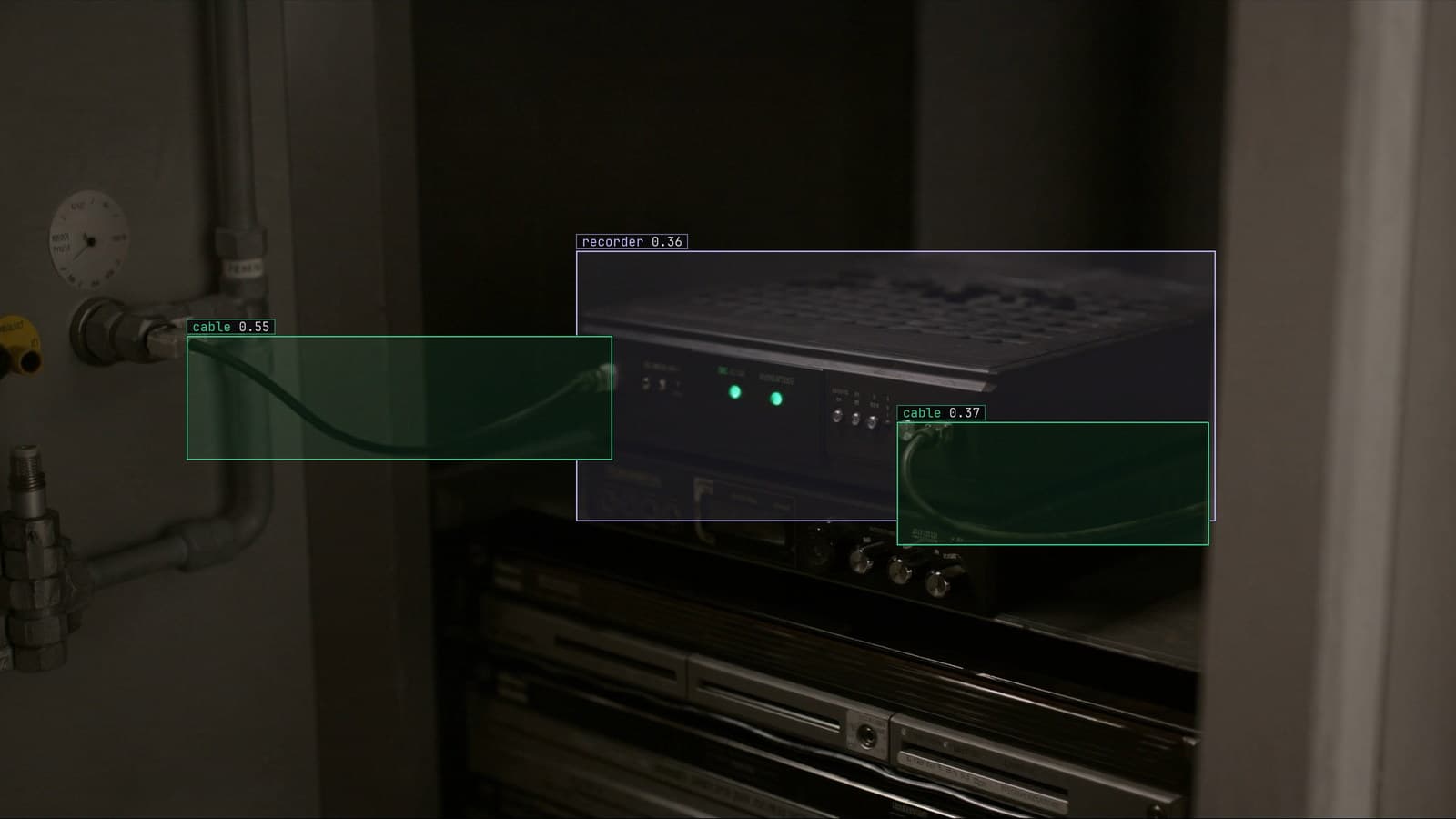
AGPL-3.0 licensing risk for computer vision teams serving a model
A camera streaming to a served detector is the network interaction the licence was written for. What a legal review will ask, and why to pick the weights first.
Ayman Quadir · Oct 1, 2026
Operations · 7 min read
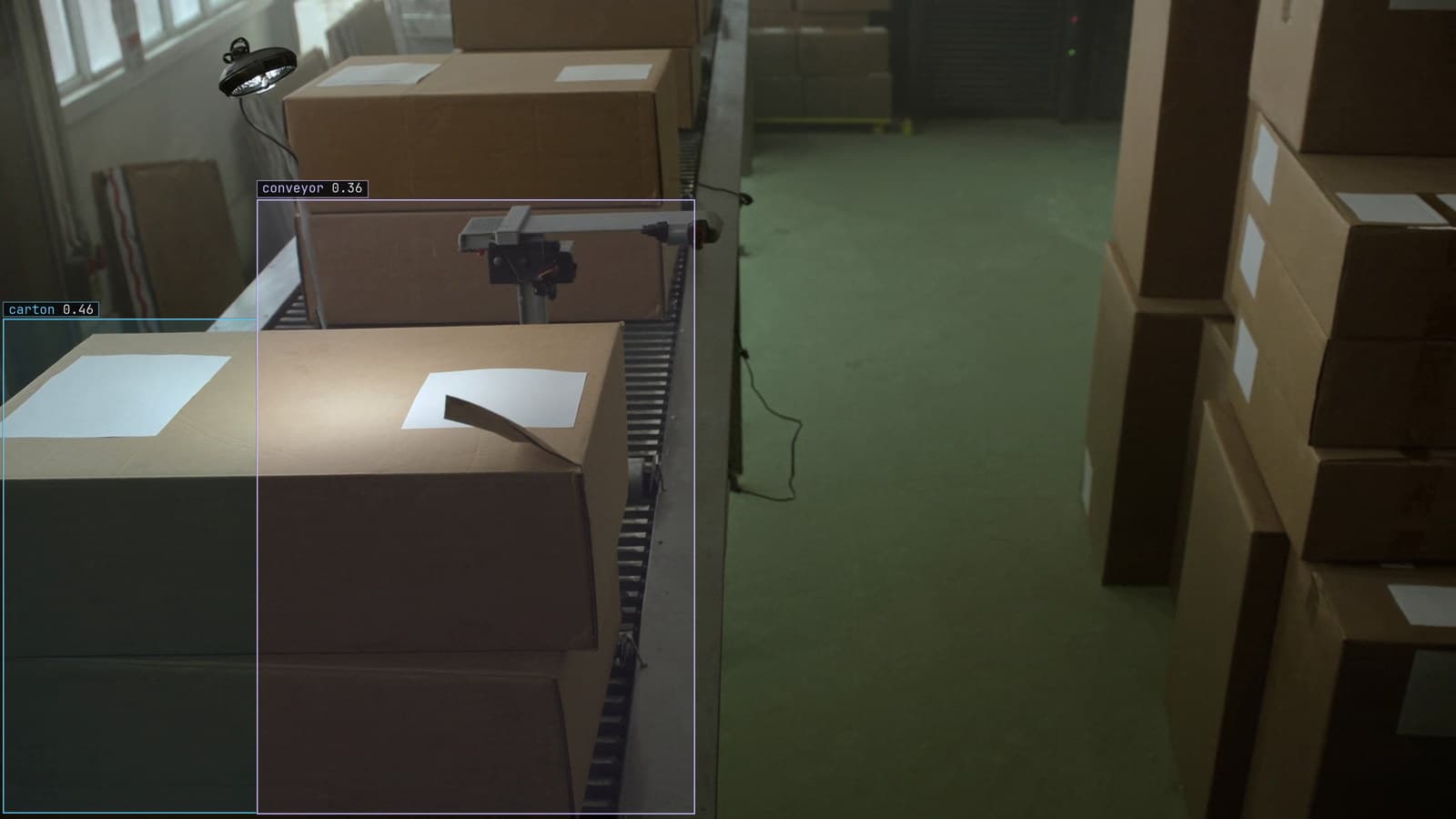
Cloud vs owned GPU inference for computer vision, worked out per camera hour
A plant on three shifts and a retailer with cameras spread across stores get different answers from one sum, and footage leaving the building is a cost too.
Ayman Quadir · Oct 1, 2026
Operations · 7 min read
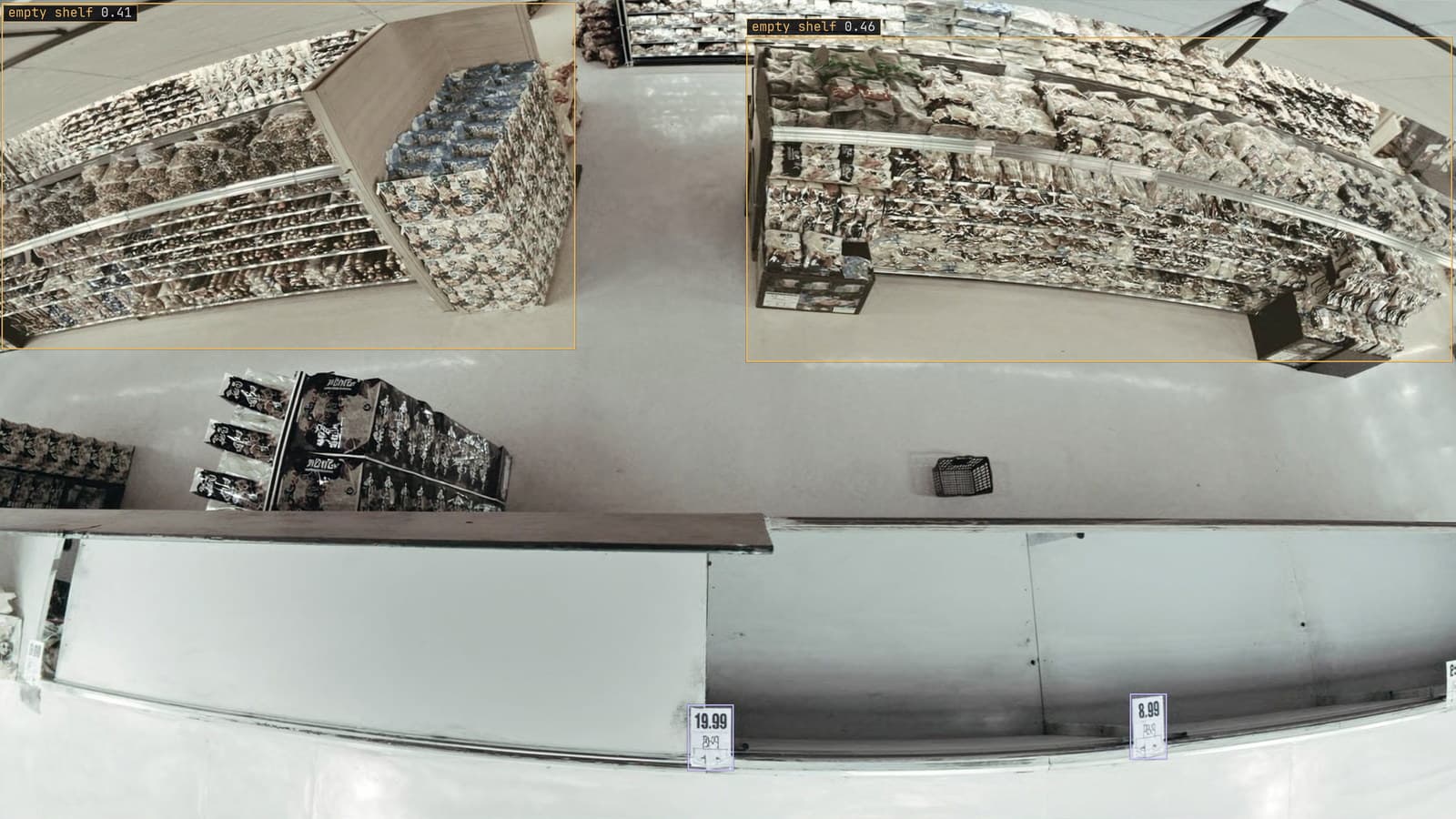
Computer vision heatmaps drawn from the aisle cameras a store already has
Footpoints from every tracked box, aggregated over a day and mapped onto the floor plan, show where footfall goes. A camera nudged in cleaning shifts the map.
Rajiya Sultana · Oct 1, 2026