

Operations · 6 min read
Extracting frames from footage for labeling, and why a fixed interval wastes the budget on duplicates
Sampling every two seconds fills a labeling queue with near duplicates. Scene detection with a minimum gap between frames picks the moments worth labeling.
Summary
This post turns an hour of footage into a labeling set rather than a video file, and tests three ways to choose which frames come out: a fixed interval, ffmpeg's scene-change filter, and keyframes alone. A fixed interval samples time and fills the queue with near duplicates from a quiet aisle; the scene filter catches a real cut but stays silent on gradual motion, and a formula copied from a generic guide failed outright on exactly that kind of footage until a guard clause was added. It closes with the naming mistake that puts a folder of frames back in the wrong order.
Rob Hickey · Chief AI Officer ·
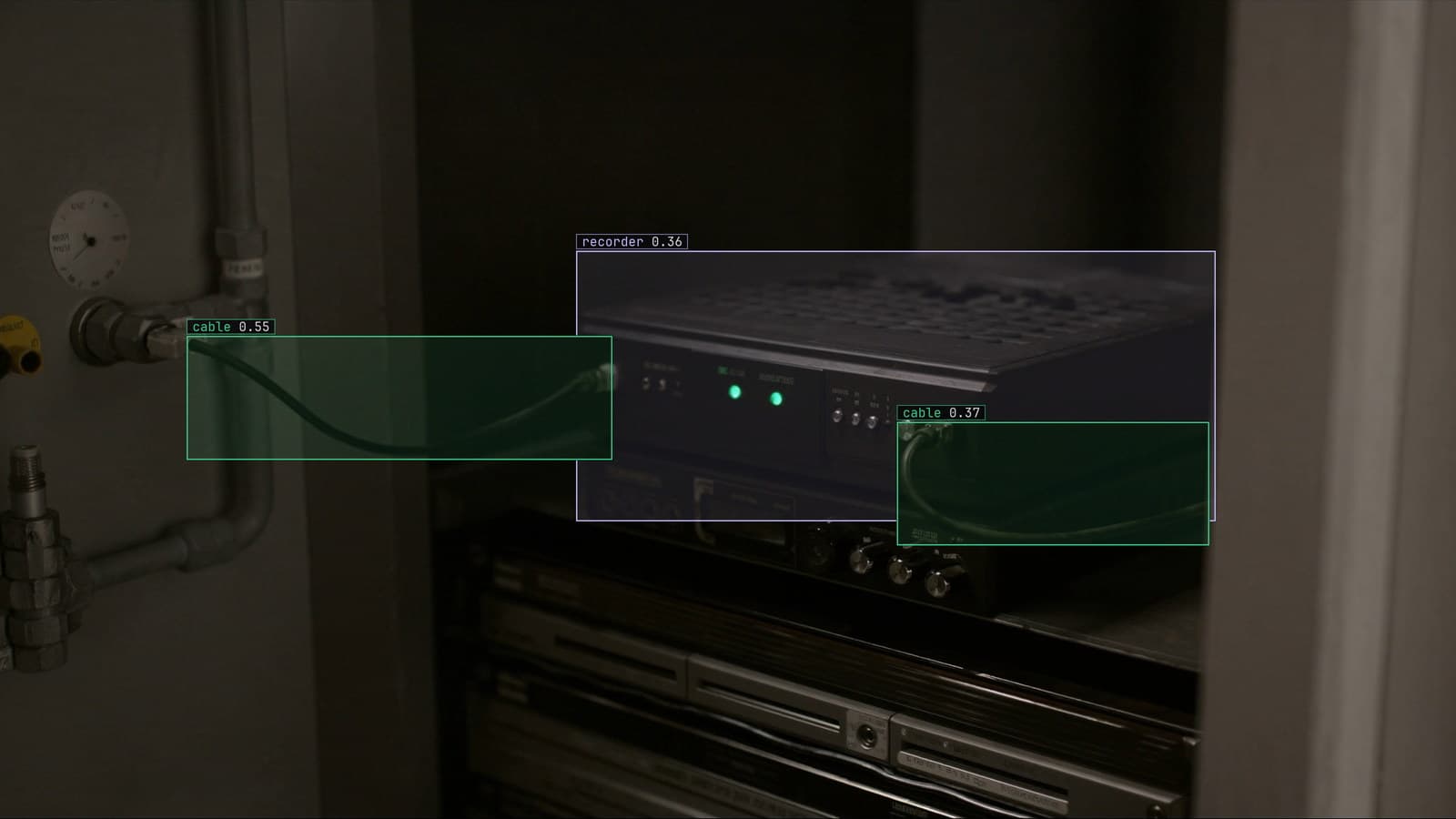
Compute box beside the recorder in a plant cabinet, generated scene with detections from our model
The aisle camera's footage is already an mp4 converted out of the recorder's own export, or a live RTSP source already proven with ffprobe. Either way, an hour of it needs to become a folder of frames a person can label. The easy command is one frame every couple of seconds, and it is the wrong default more often than not.
A fixed interval samples time, not change
ffmpeg -i aisle.mp4 -vf "fps=1/2" frame_%06d.jpg
This pulls a frame every two seconds, tested here against a short clip and confirmed against ffprobe's own frame count on the way in. It is the command in nearly every generic guide to extracting frames, and it does exactly what it says: it samples the clock, not the footage. An aisle that sits empty for most of an hour produces a long run of frames that differ from each other only in grain and lighting, while the one person who actually walks through gets however many frames land inside the two-second windows nearest them, which might be two, might be one, might be none if the walk is quick.
The labeler's time is the scarce resource here, not disk space. A folder where almost every frame looks like the one before it is not a cheap mistake to fix later; it is the hour a person spends clicking past duplicates before they reach the frame that was worth their attention.
The scene filter catches a change, not a clock
ffmpeg's own select filter can choose frames by how different they are from the one before, rather than by when they were taken (ffmpeg filters documentation):
ffmpeg -i aisle.mp4 -vf "select='gt(scene,0.3)'" -vsync vfr change_%06d.jpg
-vsync vfr has to sit on its own as an output flag, not written inside the filter string; put there, ffmpeg rejects the whole command with a parse error. Tested against two clips joined at a hard cut, this picked out the single frame nearest the join and nothing else either side of it. Tested against a clip with no cut at all, just continuous motion from one end to the other, it picked out nothing, at the same threshold that caught the cut cleanly.
That is the filter working as designed rather than failing. It measures a sharp break between consecutive frames, the kind an edit makes, and a fixed camera watching an aisle rarely produces one. A person walking into frame is a much smaller pixel-level jump than a cut between two different shots, so a threshold tuned for edited video stays silent through the exact moment a labeling set needs.
A minimum gap keeps the quiet periods in the set anyway
The fix is to pick a frame on a scene change or after a set number of seconds has passed since the last one, whichever comes first, so a quiet period still contributes occasional frames instead of none. The formula for this, combining scene with prev_selected_t, turns up in several general ffmpeg guides. Tested here exactly as written in one of them, against the same continuous clip from the section above, it did not produce a quiet trickle of frames. It failed outright, with ffmpeg reporting an encoder error and writing nothing at all.
The cause is prev_selected_t, which starts undefined before any frame has been selected. On a clip where the scene condition never fires early, the time-since-last-selection comparison is being made against a value that is not a number, and on this ffmpeg build that broke the whole run rather than degrading gracefully. Adding a guard that forces the very first frame to count as selected fixed it:
ffmpeg -i aisle.mp4 -vf "select='gt(scene,0.3)+isnan(prev_selected_t)+gte(t-prev_selected_t,10)'" -vsync vfr change_%06d.jpg
With the guard in place, this ran cleanly on both the continuous clip and the cut clip: a frame on the hard cut where there was one, and otherwise a frame roughly every ten seconds through the quiet stretch, which is the behaviour the formula was supposed to have all along. A command copied from a guide and never run against real footage is a command that has not actually been tested.
Keyframes are free, but not aligned to what is in them
A cheaper first pass pulls only the frames the encoder already stored in full, without decoding everything in between:
ffmpeg -skip_frame nokey -i aisle.mp4 -vsync vfr key_%06d.jpg
-skip_frame nokey is an input option and has to come before -i; placed after it, ffmpeg rejects it as not a valid option for the encoder rather than the decoder. Keyframes are spaced by the encoder's own interval, usually every few seconds regardless of content, so they are fast and free but no more aligned to a real event than the fixed interval in the first section. They are worth it only as a quick first look at a long file, not as the final set.
A time range, once there is a reason to look at one
A specific stretch, rather than the whole file, takes a start point before the input and a length after it:
ffmpeg -ss 00:05:00 -i aisle.mp4 -t 00:00:30 -vf "fps=2" moment_%06d.jpg
Placing -ss before -i seeks straight to that point rather than decoding everything up to it, which matters once the file runs past a few minutes.
Pad the filenames for the count you actually have
The six-digit counter in every command above is not decoration. Tested with a narrower two-digit counter against a run of more than a hundred frames, ffmpeg never overwrote anything or silently dropped a frame; every file was written. What broke was the order a plain alphabetical listing put them in, because frame_100.jpg sorts before frame_99.jpg once the digit count stops matching. A folder meant to be read in the order the camera saw it should pad wider than the highest count it will ever hold.
Into the labeling project from here
The frames go into the project the same way the footage would, from a drive, from Google Drive or from S3, and since they are already images there is no re-encoding step to worry about at all. From there, the quickstart covers the import and the first labels.
LexData takes the aisle model through its whole life from that folder: you type what to look for, Lexi puts a box on every frame, and a person checks each label before anything trains on it. The model then watches the aisle camera the site already has, on a runner beside the recorder if that is where it needs to sit, which the deployment guide covers. The set it learned from is the one built to spend a person's time on frames that were actually different from each other.
None of the commands above should be trusted on a real recorder's footage before they are run once on a short clip first, the way they were tested here. A formula that works in a guide and fails on the footage in front of you is a formula that was never run against footage like it.
See it on your own footage.
Start with your footageRelated posts
Operations · 10 min read
Convert DAV to MP4 with ffmpeg, without re-encoding
DAV is a recorder's wrapper round an ordinary H.264 stream. One ffmpeg command copies it into an MP4 untouched. The rest is for the files that refuse.
Esdras Ntuyenabo · Oct 1, 2026
Operations · 7 min read
OCR on video, reading a container number from a moving truck
A yard camera tracks each container as it passes, reads the ID panel on the sampled frames, and takes a vote. One blurry frame never becomes a wrong record.
Rajiya Sultana · Oct 1, 2026
Operations · 7 min read
QR code detection with computer vision when the code on the bin will not read
Finder patterns and the quiet zone for whoever is debugging a failed read, a detector that crops the code from a wide frame, and the result logged per tote.
Finn Ellingwood · Oct 1, 2026