

Edge · 7 min read
What keeps an RTSP consumer alive when the camera drops off the network
The reconnect flags from most ffmpeg guides are rejected outright on RTSP. Tested against a dropped camera, the timeout flag and a restart loop recover it.
Summary
This post tests what actually happens to an RTSP consumer when a camera drops, rather than assuming the flags copied from a generic ffmpeg guide apply. The reconnect options in nearly every tutorial are an HTTP-only mechanism that ffmpeg refuses outright on an rtsp address; the timeout flag that does apply changed its own name years ago and still shows up under its old one; and against a true silent stall, built and measured here with a frozen test publisher, the timeout fired well past its configured window rather than on it. It closes with the restart loop that recovers a dropped camera regardless of which way it drops.
Andreas Ohrvall · CTO ·
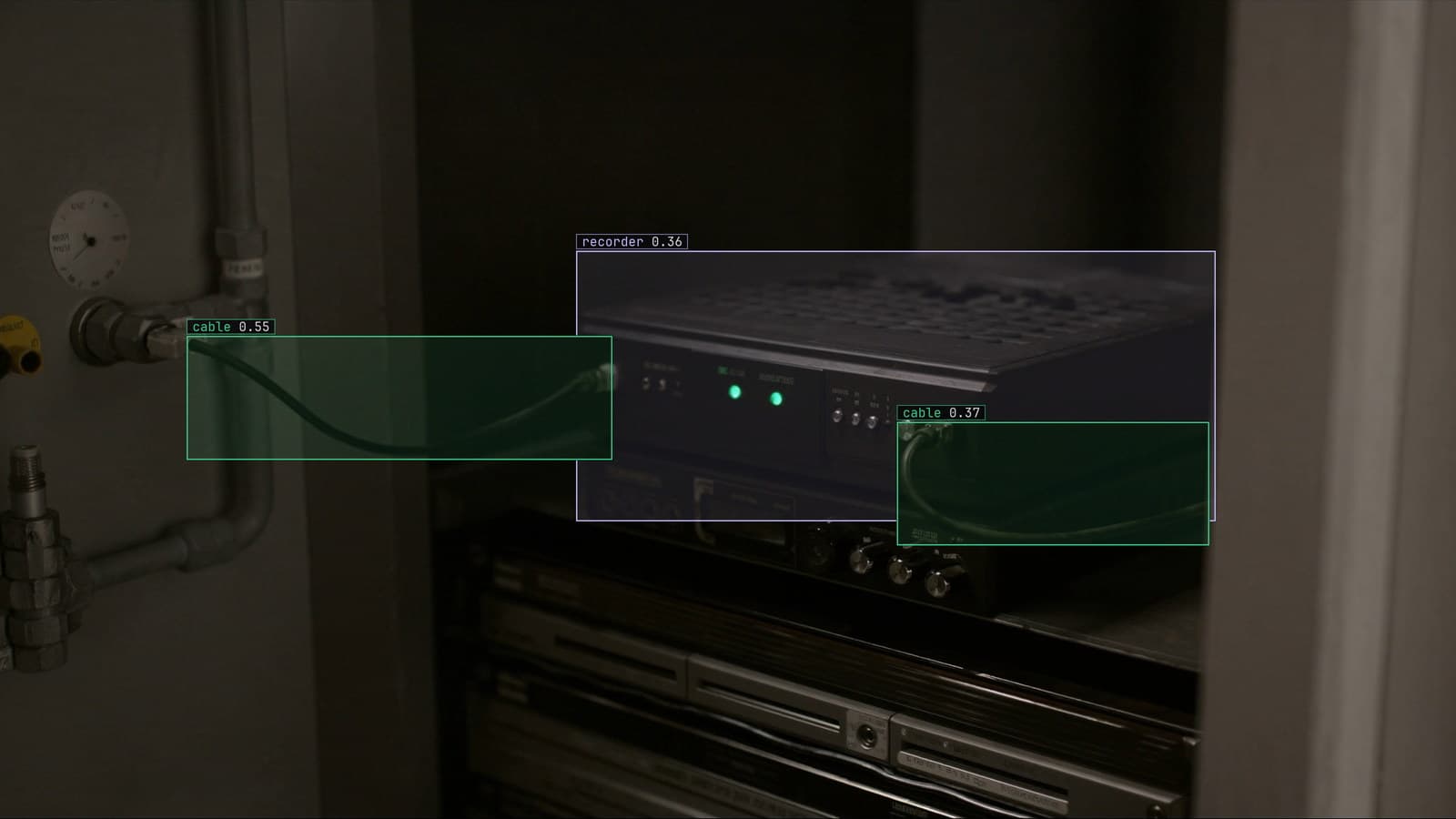
Compute box beside the recorder in a plant cabinet, generated scene with detections from our model
The consumer for the loading-dock camera was built the way most are: a proven RTSP address wired into an ffmpeg command, and the reconnect flags pasted in from whichever guide came up first, because every guide to a resilient video pipeline shows the same three flags. It ran for a week. Then the recorder took a firmware update overnight, the dock camera's stream dropped for forty seconds while it restarted, and the consumer never came back. The flags had done nothing, and nobody had tested whether they were supposed to.
The reconnect flags belong to ffmpeg's HTTP handler, not its RTSP one
The three flags in question, shown below exactly as a generic guide gives them, are real, documented ffmpeg options. Pointed at an rtsp:// address rather than the http:// or https:// one they were built for, the result is not a quiet no-op:
-reconnect 1 -reconnect_streamed 1 -reconnect_delay_max 5
ffmpeg -rtsp_transport tcp -reconnect 1 -reconnect_streamed 1 -i rtsp://camera-address:554/stream -f null -

Option reconnect not found.
Error opening input file rtsp://camera-address:554/stream.
Error opening input files: Option not found
Tested against a live local stream rather than assumed from the documentation, this is the whole command's result: ffmpeg refuses to open the input at all. The reconnect family lives on ffmpeg's HTTP protocol handler, the code that reopens a socket when a plain file download stalls.
RTSP is not a socket that reopens. It is a session, negotiated through its own exchange of OPTIONS, DESCRIBE, SETUP and PLAY messages before a single frame arrives, and the HTTP handler's reconnect logic has no hook into any of that. A guide that shows these three flags on an RTSP example either never ran the command, or ran it against a build old enough to ignore the unknown option instead of rejecting it outright.
The flag that does apply changed its name, and the old one still fills search results
The option that actually sets a socket timeout for RTSP is real, just not under the name most guides give it. -stimeout, the RTSP-specific timeout flag from older ffmpeg releases, is gone from the current build tested here:
ffprobe -rtsp_transport tcp -stimeout 5000000 rtsp://camera-address:554/stream

Failed to set value '5000000' for option 'stimeout': Option not found
ffmpeg -h demuxer=rtsp lists what replaced it: a plain -timeout, still in microseconds, still placed before -i as an input option, now shared with every other demuxer ffmpeg supports rather than kept as RTSP's own name for the same idea.
ffprobe -rtsp_transport tcp -timeout 5000000 -show_entries stream=codec_name,width,height \
  -of default=noprint_wrappers=1 rtsp://camera-address:554/stream

codec_name=h264
width=640
height=480
A flag placed after -i instead of before it is silently ignored on both names, the input-option trap this blog's own frame-extraction post already found on a different flag entirely. Checking where an option goes is worth the extra few seconds every time, because ffmpeg does not always tell you when it ignores one.
A closed connection and a silent one are not the same failure
Built against a local test stream and a publisher that can be stopped on command rather than guessed at, two different kinds of drop behave differently, and only one of them needs the timeout at all. Ending the publisher process outright, the kind of drop a camera reboot or a power cycle causes, is a clean teardown the server passes straight through: the consumer's demuxer sees the connection actually close and exits in well under a second, with no timeout required to notice it.
A true silent stall is a different animal, and the one worth building on purpose rather than trusting a guide about. Freezing the publisher process without closing anything, so the socket stays open and nothing arrives, is the closest a desk test gets to a cable that is still plugged in but has stopped carrying a signal. Against a four-second -timeout, the frozen stream was not caught in four seconds. It ran past ten before ffmpeg gave up and exited.
That is not the flag failing. It is the flag doing a narrower job than its name suggests: -timeout bounds how long a single read can block, not how long the whole session is allowed to produce nothing, and the gap between a socket-level read timeout and a human's idea of "it has been quiet too long" is exactly the kind of gap that only shows up once something is actually timed rather than assumed. Treat the configured value as a floor a stall can run past, not a deadline it respects.
What the floor is actually for
None of this makes -timeout pointless. Without it, a consumer waiting on a stalled read waits on the operating system's own TCP timeout instead, which runs to minutes rather than seconds on most defaults, and a camera feed that is dark for that long on a dock door is dark long enough to matter. -timeout cuts that wait down to something a pipeline can plan around, even if the number in the flag is read as roughly what to expect rather than exactly what will happen.
What actually recovers either kind of drop is the same thing the RTSP streams post already names in passing: a consumer that is allowed to exit and gets restarted by something watching it, rather than one built to run forever on its own. A shell loop around the command, or the equivalent supervisor in whatever language the consumer is written in, catches both cases the flags cannot fix on their own: the clean exit from a closed connection, and the late exit -timeout eventually forces on a silent one.
while true; do
  ffmpeg -rtsp_transport tcp -timeout 5000000 -i "$RTSP_URL" -f null -
  echo "stream ended, retrying in 2 seconds"
  sleep 2
done
A Python consumer built on OpenCV's cv2.VideoCapture carries its own version of the same timeout, CAP_PROP_OPEN_TIMEOUT_MSEC and CAP_PROP_READ_TIMEOUT_MSEC, added in a release from the past few years rather than present from the start. OpenCV's RTSP pull defaults to UDP transport underneath, the same transport this blog's RTSP URL post already prefers TCP for on any network with a firewall or a managed switch in the path, and cv2.VideoCapture has no property for the transport itself. The documented way in is an environment variable read by OpenCV's own ffmpeg backend before the capture opens, OPENCV_FFMPEG_CAPTURE_OPTIONS, set to the same rtsp_transport;tcp pair the command line takes as two separate flags.
My own habit, after the firmware-update morning, is to assume every camera drops eventually and build the restart loop before the pipeline ever goes near a line. A flag that reconnects on its own is a nice idea for the one protocol it was built for; RTSP was never going to be that protocol, and testing the command once, before it is trusted, is what would have caught that a week earlier.
From a restart loop that actually recovers, the stream feeds the same model as any other source. You type what to look for, Lexi puts a box on every frame, and a person checks each label before anything trains on it. The model then watches the camera the dock already has, in the cloud, on your servers, or on a runner beside the recorder.
A consumer that comes back on its own after every drop is what keeps that watching continuous, rather than a string of outages nobody notices until someone asks why the alert went quiet. The quiet case is worth a rule of its own: a camera with no sampled frame for longer than the restart loop should ever take belongs on the maintenance channel, the same way any other stalled sensor would.
See it on your own footage.
Start with your footageRelated posts
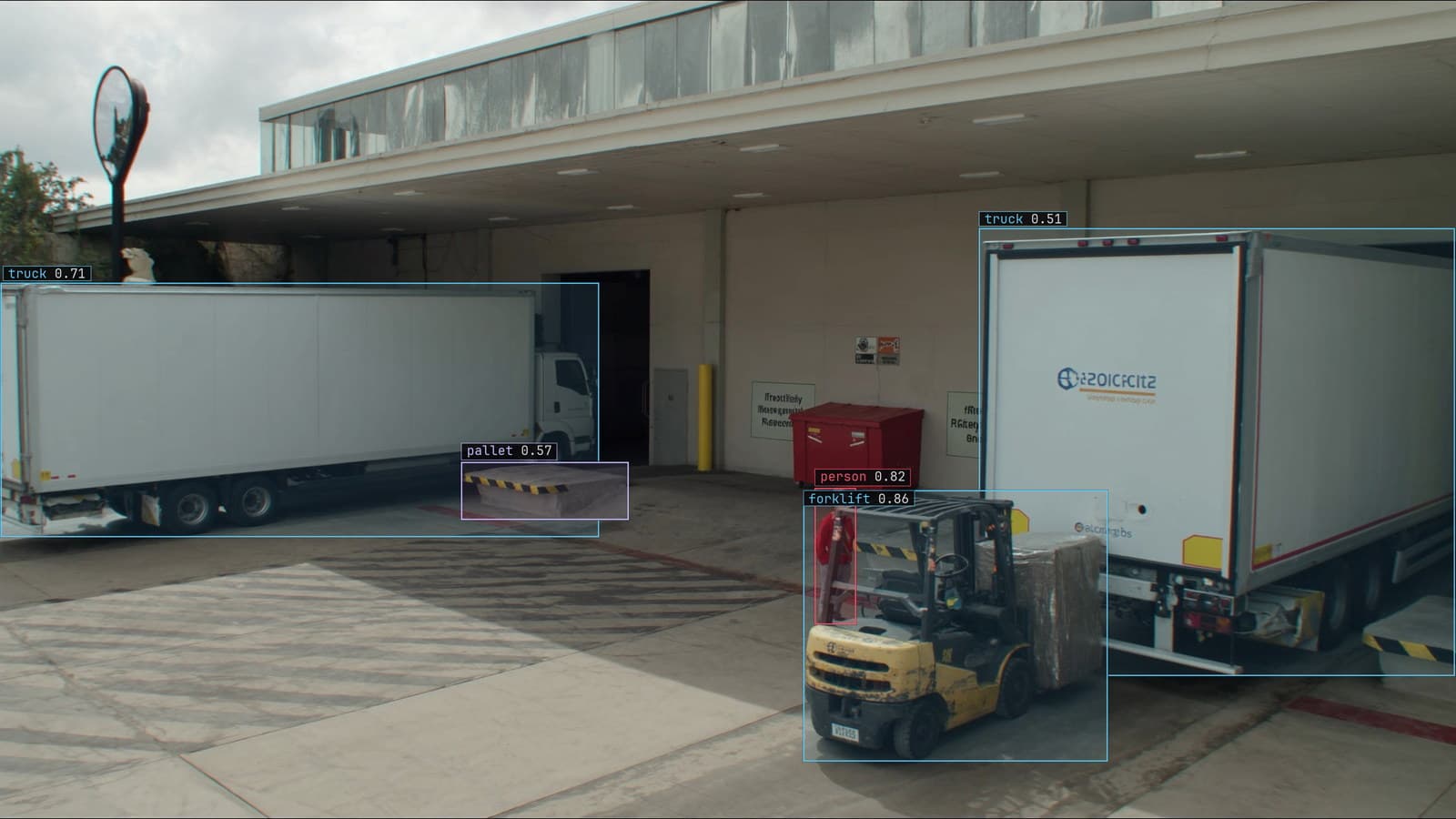
Edge · 8 min read
AI cameras vs IP cameras, and what changes when the model moves to the edge
The dock camera has streamed to a recorder for six years. A model can watch that stream in the cloud, on your servers or beside the recorder. No new camera.
Andreas Ohrvall · Sep 27, 2026
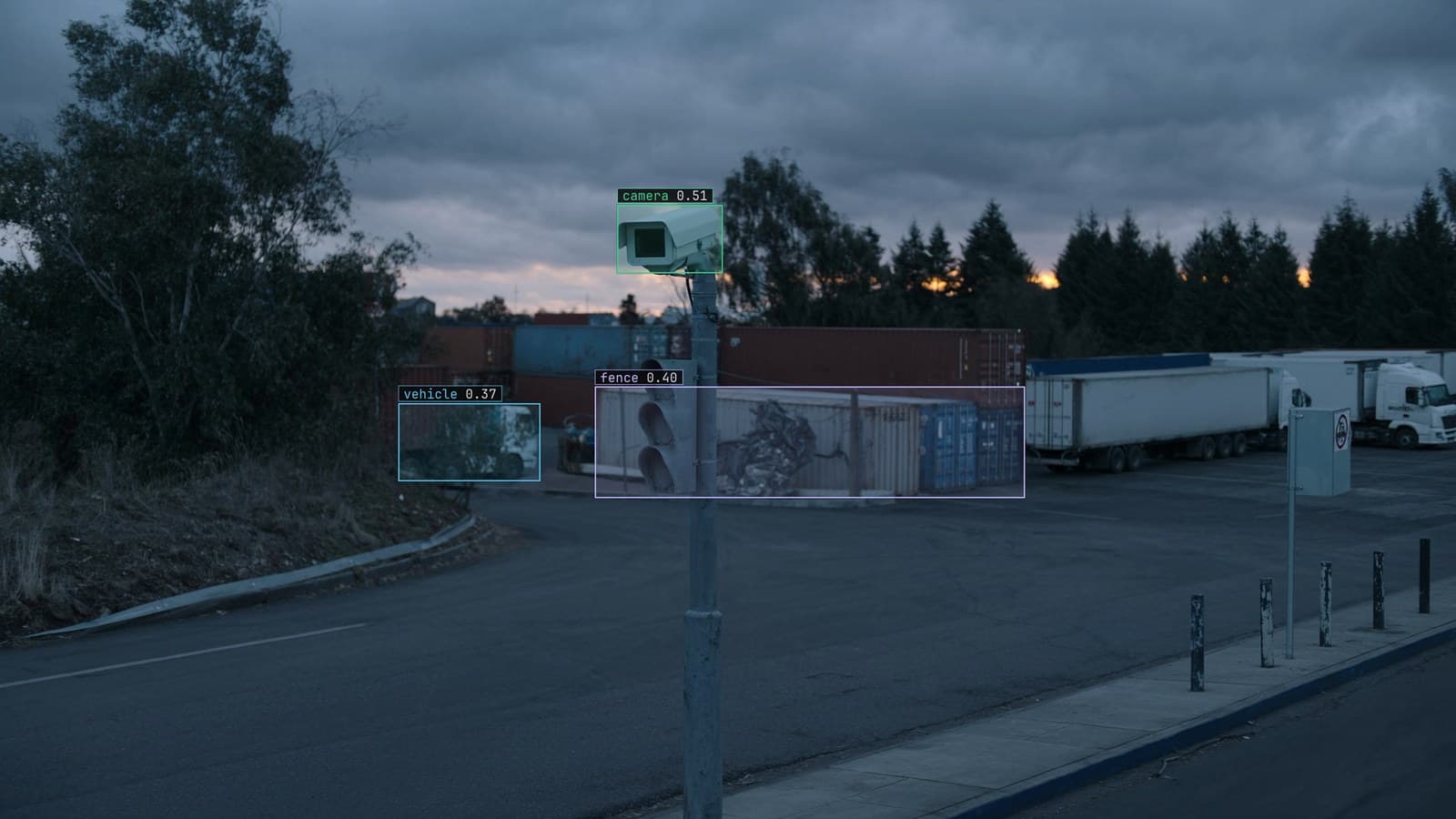
Edge · 5 min read
Finding a camera's RTSP URL when nothing wrote it down
A camera's stream address is rarely on the box. The vendor's own path is usually fixed, and ffprobe proves the URL before anything depends on it.
Esdras Ntuyenabo · Nov 22, 2026
Edge · 7 min read
Running computer vision on RTSP camera streams from the recorder you already have
A dozen IP cameras and one NVR. One consumer per stream, a frame about every two seconds, TCP when the switch is busy, and a bitrate change ruled out first.
Finn Ellingwood · Sep 27, 2026